
Odoo for restaurants and hospitality
Orders flying to the kitchen, rotating tables, accurate costings and invoicing compliant with VeriFactu. We implement Odoo 19 in 30 days. We are Nextdoo, an Official Odoo Partner specialising in retail and hospitality.
What gets complicated in every service
If you run a restaurant or a bar, this will sound familiar. Odoo brings order to the dining area, the kitchen and the till.
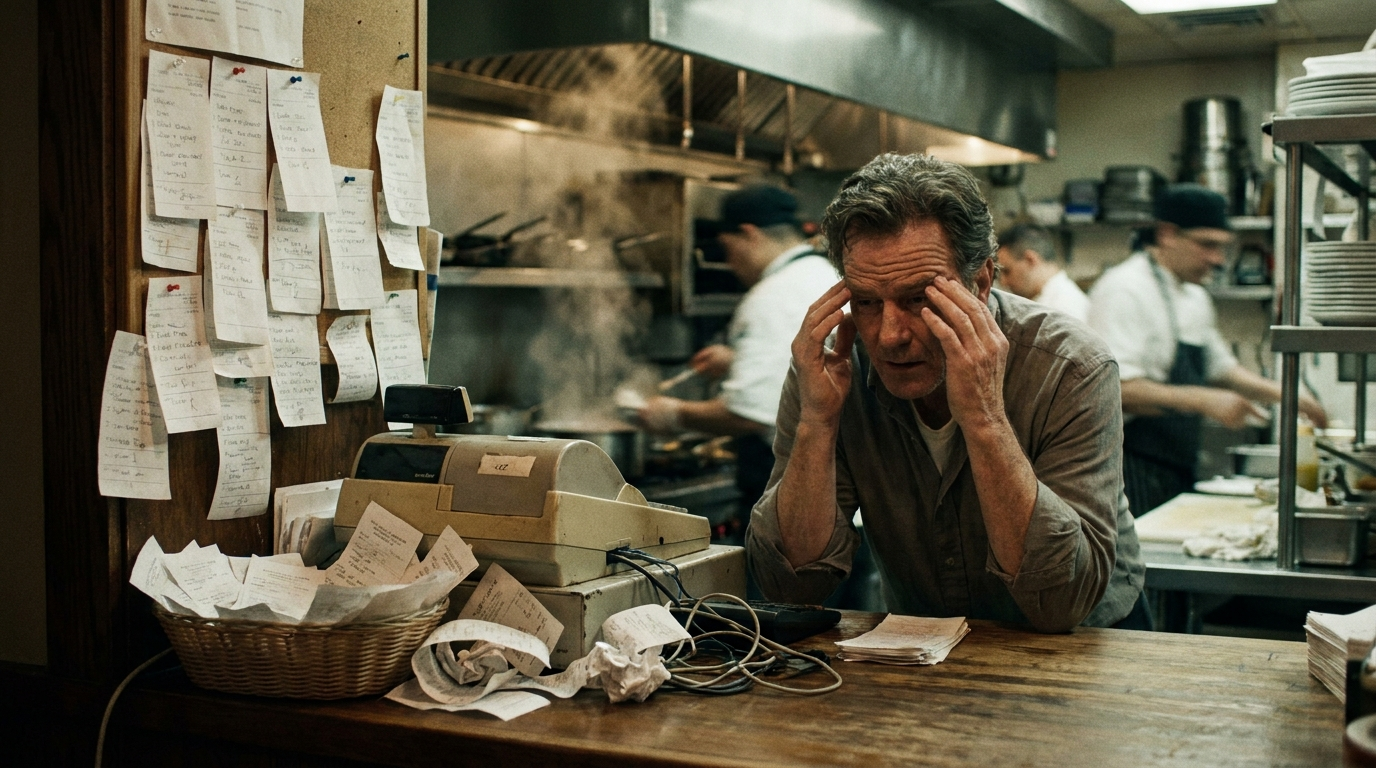
Uncoordinated orders and kitchen
The waiter takes the order, the kitchen isn't informed and the customer waits. Without a system, every service is a race.
You don't know what gives you a margin
Without costings or cost per dish, you sell a lot and earn little. The margin is lost in wastage.
Dining area, bar and delivery all at once
Dining room, bar and online orders coexist. If they're not connected, the bill and stock get mixed up.
Manual till closures and shifts
Till closures, invoices and team shifts manually. Every end of the month, a headache.
Every order, under control from start to finish
The waiter takes the order on the POS, the kitchen receives it instantly, it's served and paid for. All connected, without shouting or lost tickets.
Your entire restaurant, in a single system
Everything you need to sell more and work less, in a single platform.
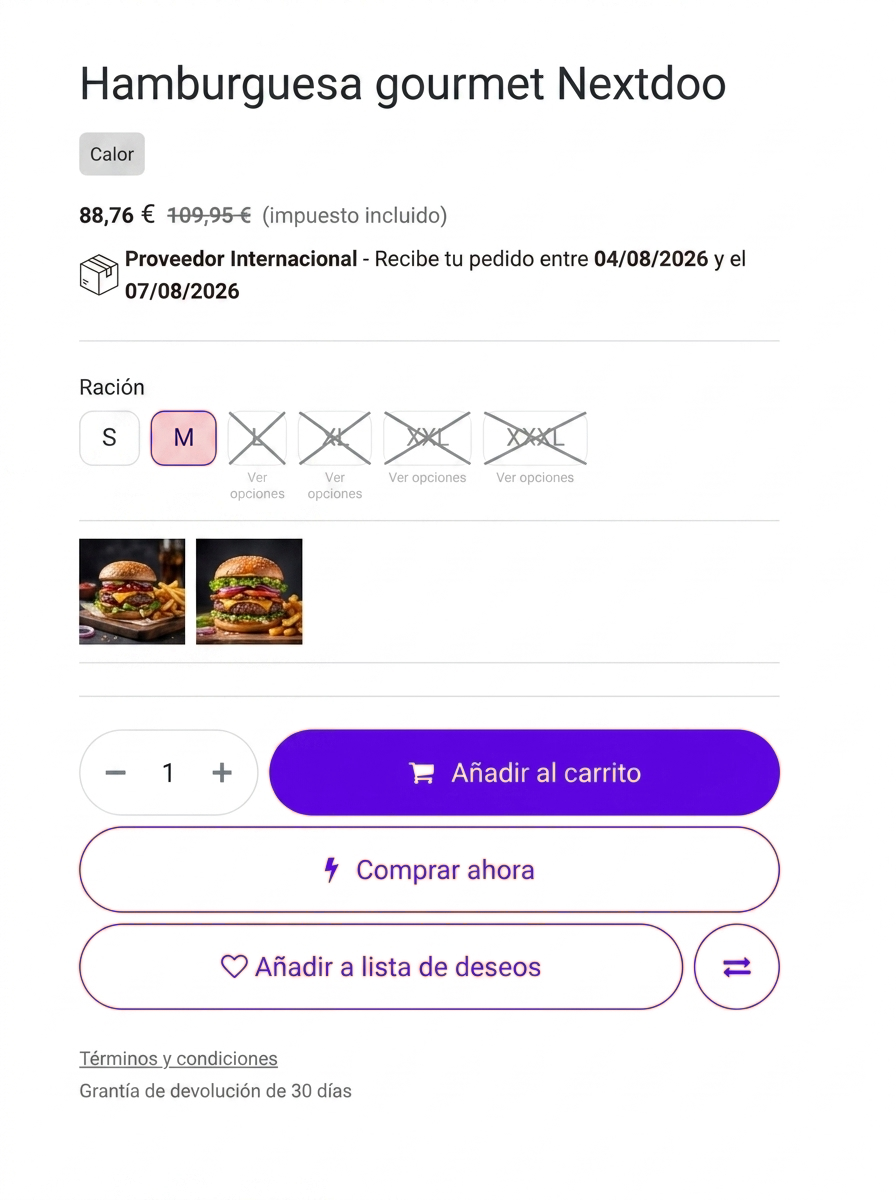
Your online catalogue, with details that make a difference
It's not a generic Odoo. Smart option selector, estimated delivery date and brand and category filters: modules that Nextdoo develops on Odoo so that your store sells better.
- Variant and option selector
- Automatic delivery date
- Filters by brand and category
Control stock and wastage
Ingredients, drinks and consumption under control. You know what you spend, what's missing and where your margin is going, in real time.
Order from suppliers without running short
Odoo tells you what to restock and automates orders. No stockouts during service nor excess that expires.
Invoices and tickets compliant with VeriFactu
Till closures, invoices and accounting connected and in order with the Tax Agency. No loose papers or surprises.
Make them come back
Campaigns and promotions for your customers from the same system. Bookings, birthdays and offers that fill tables.
Your restaurant with Odoo in 30 days
A clear process, accompanied by Nextdoo from start to finish.
We analyse your business
Products, stores, website and how you work at the counter.
We set up Odoo
POS, stock, online store and invoicing with VeriFactu.
We migrate your data
Products, customers and stock from your current system, without losing anything.
We train your team
So you can work confidently from day one. And we stay by your side.
Shall we discuss it for your business?
Half an hour with Nextdoo to see how Odoo would fit in restaurants and hospitality. No commitment.
Typical questions from a restaurant
Does it work for bar, dining room and terrace?
Yes. Odoo manages bar sales, dining room and terrace tables in the same system, with the status of each table and zone allocation.
Does it connect with home delivery orders?
Yes. You can integrate online and delivery orders so they deduct stock and enter the same till, without duplicating effort.
Can I manage costings and cost per dish?
Yes. You define the recipe for each dish and Odoo calculates the real cost and margin, so you know which dishes make you money.
Is it compliant with VeriFactu?
Yes. Odoo's invoicing complies with VeriFactu and Spanish regulations. Nextdoo leaves it configured and ready.
How long does the implementation take?
Our goal is to have Odoo up and running for you in about 30 days, with POS, stock, kitchen and invoicing, and training for your team.
Odoo for every retail sector
We are an Official Odoo Partner specialising in retail. See how we apply it in other sectors and with which modules we set up your business.