

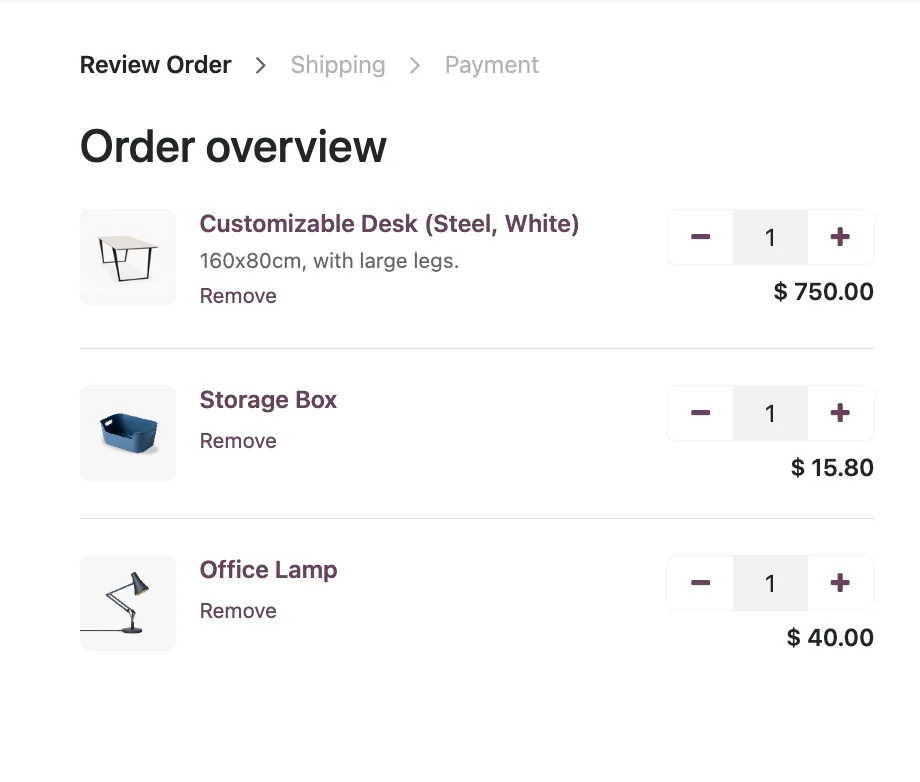
Odoo POS sales screen with order and products · Nextdoo, Official Odoo Partner
Three pains that disappear
The problem
Old POS not synchronised with the website
How we solve it
Unified stock: you sell in store → it's automatically deducted from e-commerce.
The problem
Expensive, proprietary hardware
How we solve it
Works with Android/iPad tablet, generic thermal printer and standard cash drawer.
The problem
Manual Z reports
How we solve it
Automatic Z report, guided cash count and reconciliation with the daily cash balance.
Real Odoo POS Retail
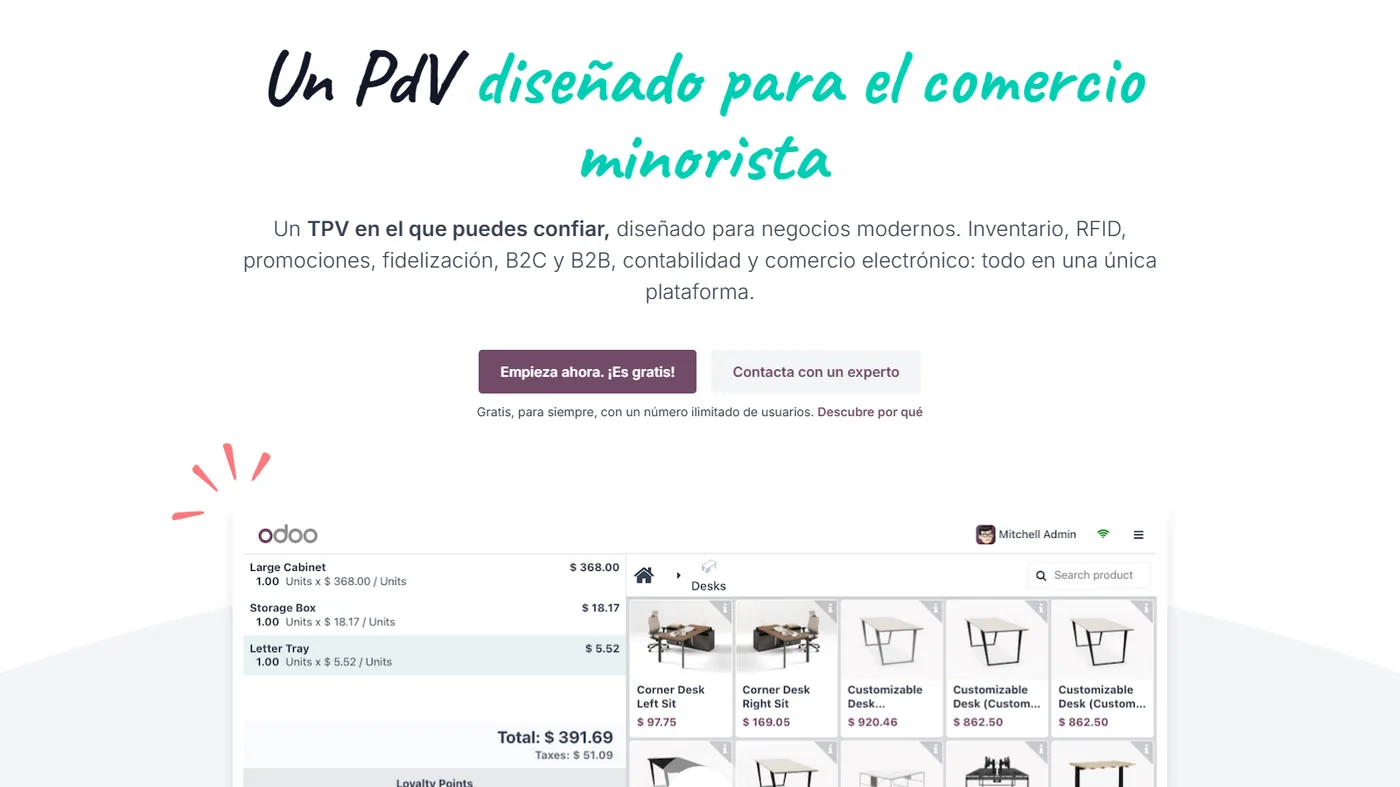
Real Odoo screenshot. This is what your team will see every day.
How businesses like yours use it
Real case
Chain of shops with central stock
Multiple points of sale with unified stock. You sell in shop A and it's deducted from stock; automatic replenishment from the central warehouse. No broken synchronisations.
Real case
Hospitality with floor plan
Restaurant with shifts, floor plans, split bills, orders sent to the kitchen. Order from the waiter's tablet, the order is printed in the kitchen instantly.
Real case
Offline pop-up store
Temporary shop without reliable internet. The POS works offline on a tablet and synchronises when there's a connection. Z-report printed at the end of the day.
What's included
Offline on tablet
The POS works without internet. It synchronises when the connection is re-established.
Standard Hardware
Epson TM-T20 printer, cash drawer, scales, barcode scanner, customer display.
Multiple cashiers
PIN access, individual commissions, user reports.
Hospitality
Floor plan, shifts, separate bills, kitchen orders, remote orders.
eCommerce synchronisation
Unified real-time stock between the POS, the website and the catalogue.
Reports and cash reconciliation
Automatic Z-report, guided cash reconciliation and daily cash balancing.
Four phases. Zero surprises.
We understand your current operations, the systems you use, the teams involved and your priorities. Result: a written, fixed scope and a milestone plan.
We configure the module in your Odoo: fields, views, automations and integrations with neighbouring modules. We iterate with you within a week.
If you're coming from another system, we migrate your data in a test environment. We validate balances, reconciliations and records point by point before go-live.
Your team learns in practical sessions with your real data. After implementation, you receive monthly support with an SLA and hours for improvements.
Questions frequently asked questions about Odoo POS Retail
Does it work with standard thermal printers?
Yes. Epson TM-T20/T88, Star TSP100, Brother QL. Any ESC/POS compatible printer.
Do I need the Odoo IoT Box hardware?
Optional. The IoT Box connects the hardware via the local network. You can also connect directly from the browser (with Web USB / Web Bluetooth).
Does it support kitchen orders (hospitality)?
Yes. Configure printers by product category. Drinks → bar. Dishes → kitchen. Desserts → pastry. Automatic.
Partial return of a ticket?
Yes. You select the lines to be returned, the amount is calculated automatically, the items return to stock and the customer receives a refund or a store voucher.
Integrates with the rest of your Odoo
No duplicate data. No broken synchronisations.
Complementary modules
Slide to see more → or click on any




Why use Odoo's POS in your store
Odoo's POS works in the physical store and continues operating even if the internet goes down, synchronising sales when the connection returns. Each ticket deducts stock and enters accounting instantly.
By sharing the same inventory and customers as the rest of Odoo, the physical store and the online store work with a single set of data: same stock, same prices, same customer record.
It's the basis of well-organised omnichannel retail. At Nextdoo, we configure it with your payment methods, your prices, and your tills.
Related resources and links
Official information: Official Odoo documentation.
One Odoo, all modules connected
Each module fits with the rest. Explore the other parts of Odoo and the sectors where we implement them.