
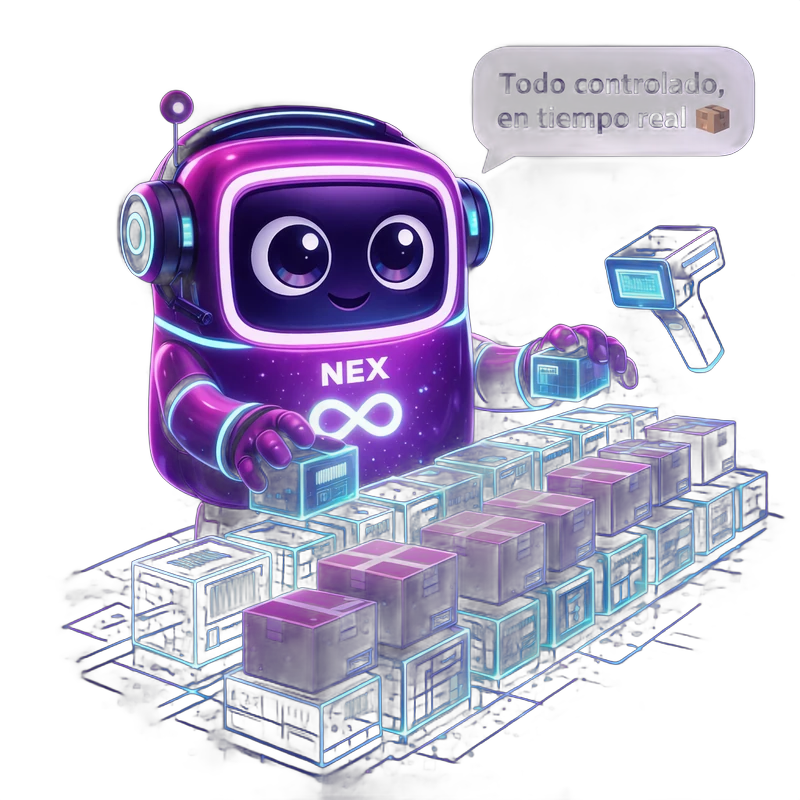

Three pain points that disappear
The problem
Picking errors due to incorrect typing
How we solve it
The scanner validates each product. Zero manual errors. 3 times faster.
The problem
Expensive Zebra scanner guns
How we solve it
Works with a mobile phone and its camera. Save on expensive hardware. Optional standard BT scanner guns.
The problem
Annual inventory paralyses the warehouse
How we solve it
Continuous cycle counting with barcodes. Without stopping operations.
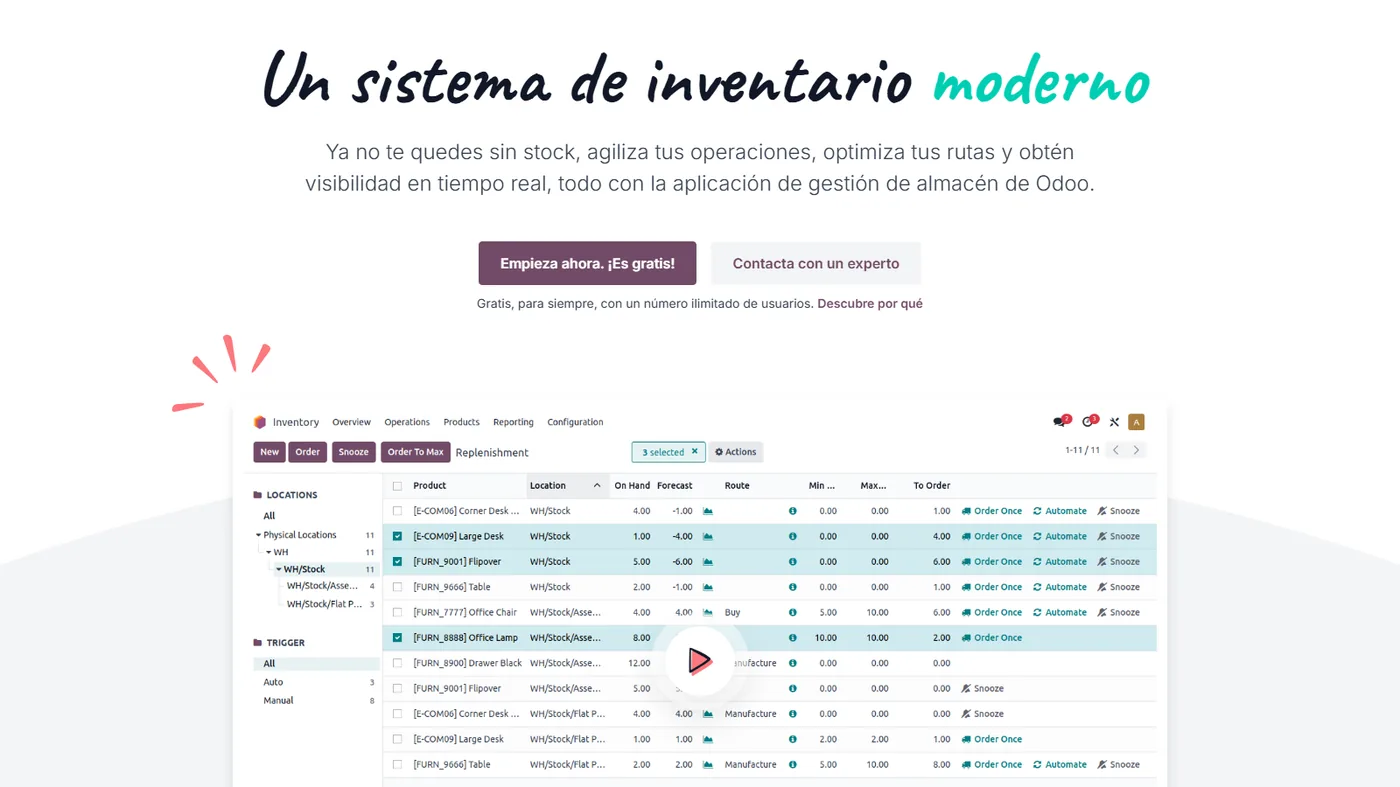
Real Odoo Barcodes
Real Odoo screenshot. This is what your team will see every day.
How businesses like yours use it
Real case
Warehouse picking
The operator takes a tablet, scans the location and the app tells them which products to pick and how many. Validation by scanning each product. Zero quantity errors.
Real case
Goods receiving
A lorry arrives with a delivery note. The operator scans the delivery note → the app opens the purchase order. Scans each box → the received quantity is added up. Discrepancies are detected instantly.
Real case
Continuous cycle counting
Instead of an annual inventory that paralyses everything, you count zone by zone continuously. The app on the tablet guides you through the zone for the day. Discrepancies are adjusted instantly.
What's included
Mobile phone as a scanner
The Android/iOS app scans with the camera. No additional hardware.
Bluetooth scanner guns
Zebra, Honeywell or Datalogic generic via Bluetooth. Plug-and-play connection.
Guided picking
Optimised route through the warehouse. Quantity validation by scanning.
Fast receiving
Scans the delivery note → receives the products. Verification against the purchase order.
Cycle counting
Counts zone by zone continuously. Detects discrepancies without stopping operations.
Multi-warehouse
Works in any location. Transfers between warehouses by scanning.
Four phases. Zero surprises.
We understand your current operations, the systems you use, the teams involved and your priorities. Result: a written fixed scope and a milestone plan.
We configure the module in your Odoo: fields, views, automations and integrations with neighbouring modules. We iterate with you within a week.
If you come from another system, we migrate your data in a testing environment. We validate balances, reconciliations, and records point by point before go-live.
Your team learns in practical sessions with your real data. After go-live, you move to monthly support with an SLA and hours for improvements.
Frequently Asked Questions about Odoo Barcodes
Do I need to buy expensive Zebra barcode scanners?
No. The application works with your mobile or tablet's camera (Android/iOS). If you want a dedicated scanner gun, any generic Bluetooth one will do.
Does it support QR codes as well as 1D barcodes?
Yes. Traditional barcodes (EAN, UPC, Code128) and QR. Ideal for small products where a barcode doesn't fit.
Does it work offline?
Yes. The tablet app continues to work offline and synchronises as soon as Wi-Fi returns. Useful in warehouses with poor coverage.
Can it print labels from Odoo?
Yes. Label templates with barcode, price, and description. Print from the product record on a connected thermal printer.
Integrates with the rest of your Odoo
No duplicate data. No broken synchronisations.
Complementary modules
Swipe to see more → or click on any



Why use barcodes with Odoo
Odoo's barcode application streamlines warehouse operations: receiving, inventories, and order picking are done by scanning, with fewer errors than by hand.
By updating inventory in real-time, the stock seen by sales and e-commerce is always up-to-date.
For commerce with a warehouse, it is a direct improvement in accuracy and speed. We configure it with your catalogue and your locations.
Get started in your warehouse
Starting with barcodes in Odoo does not force an abrupt change in the way you work. The usual approach is to begin with the operations that generate the most errors (receiving and order picking) and then extend it to the complete inventory. At Nextdoo, we review your catalogue, define the locations, and get the application ready on your team's devices, with brief training so that the warehouse gains precision from day one without slowing down activity.
Related resources and links
Official information: Official Odoo documentation.
A single Odoo, all modules connected
Each module fits with the rest. Explore the other parts of Odoo and the sectors where we implement them.