
Odoo for DIY shops
Thousands of references controlled, stock that matches between store and warehouse, fast POS and supplier orders without running short. We implement Odoo 19 in 30 days. We are Nextdoo, an Official Odoo Partner specialising in retail.
What gets complicated with so much assortment
Hundreds of references, formats and suppliers. Odoo organises the warehouse, the counter and purchases.
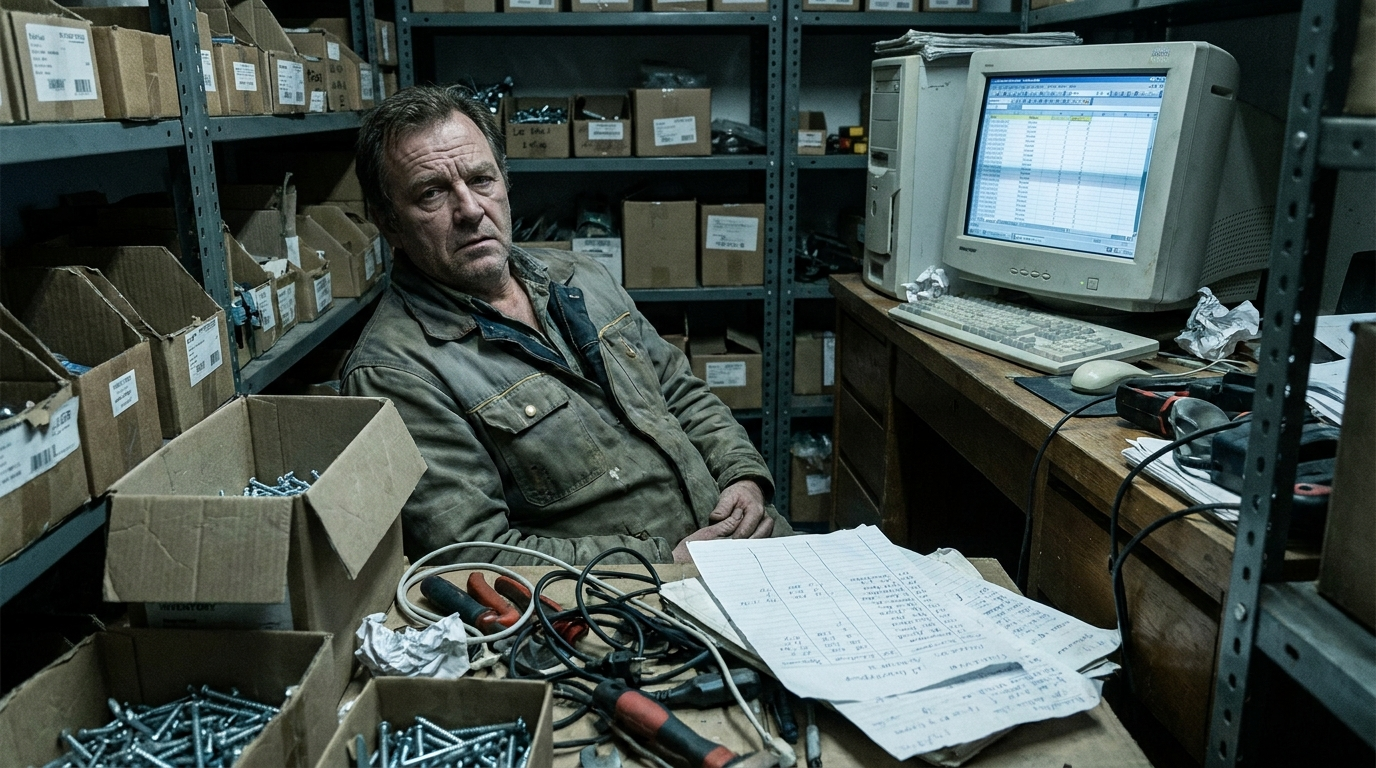
Thousands of references
Screws, paints, tools, garden... controlling such an assortment manually is impossible.
Store and warehouse out of sync
What's on the shelf doesn't match the system. You sell what you don't have or order too much.
Purchases from many suppliers
Dozens of suppliers and rates. Without control, you run short or accumulate tied-up capital.
Prices and offers by hand
Price changes, offers and packs without a system that applies them only at the till.
Every reference, under control from start to finish
The order comes in, arrives at the warehouse, is placed, and sold. Odoo links purchase, stock and POS so you never run out of your fastest-moving items.
Your entire DIY shop, in one system
Everything you need to sell more and work less, on a single platform.
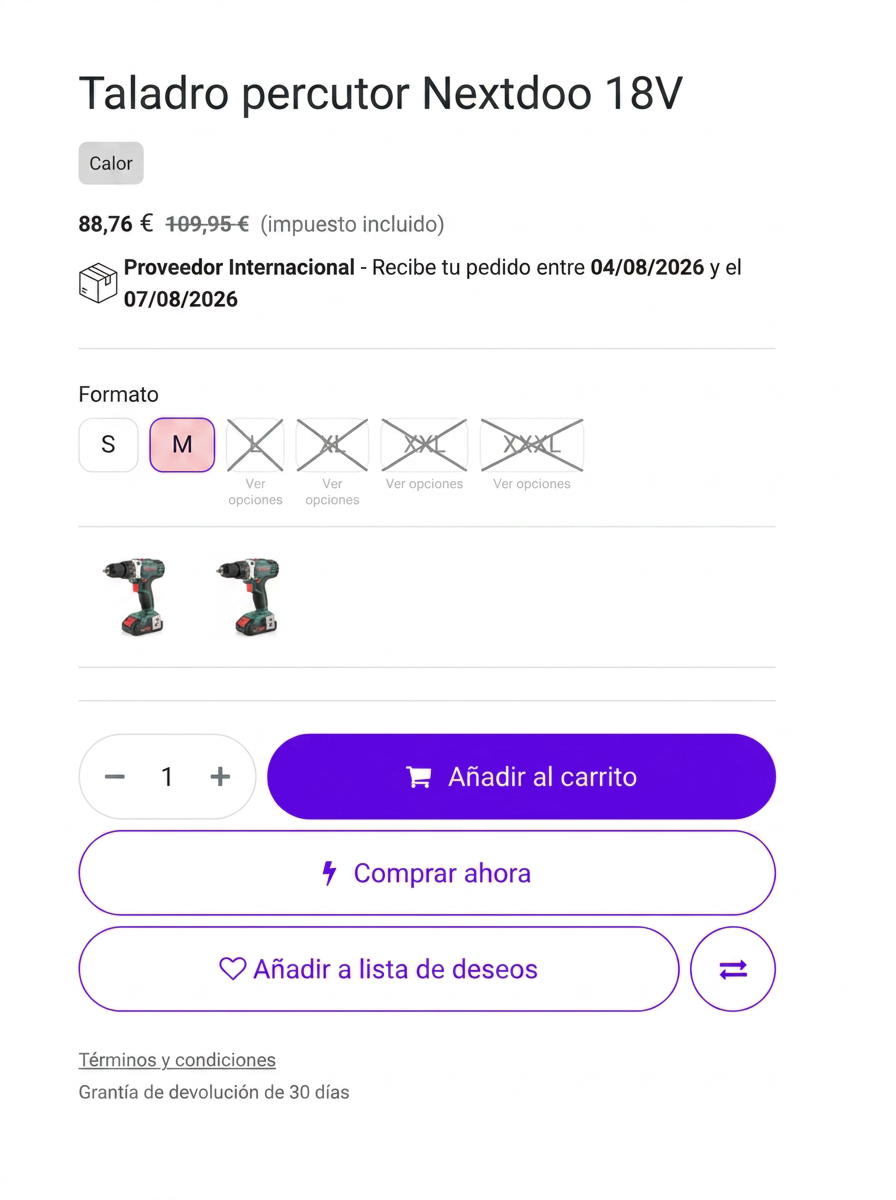
Your online catalogue, with details that make the difference
It's not a generic Odoo. Smart option selector, estimated delivery date and filters by brand and category: modules that Nextdoo develops on Odoo so your shop sells better.
- Variant and option selector
- Automatic delivery date
- Filters by brand and category
Stock balances itself, reference by reference
Odoo controls every item in real-time, in store and warehouse. You know what to restock before running out of your best-sellers.
Process payments fast and without errors
Barcode reader at the counter: the sale instantly reduces stock and eliminates price confusion.
Order from suppliers without overdoing it
Odoo tells you what to restock based on sales and stock, and automates orders. Fewer stock-outs and less tied-up capital.
Up-to-date invoicing and compliant with VeriFactu
Receipts, invoices and accounting connected and compliant with Hacienda (the Tax Authority).
Your DIY shop with Odoo in 30 days
A clear process, accompanied by Nextdoo from start to finish.
We analyse your business
Products, shops, website and how you work at the counter.
We set up Odoo
POS, stock, online store and invoicing with VeriFactu.
We migrate your data
Products, customers and stock from your current system, without losing anything.
We train your team
So that on day one you work with ease. And we continue to support you.
Shall we look at it with your business?
Half an hour with Nextdoo to see how Odoo would look in DIY shops. No obligation.
Typical questions from a DIY shop
Is it suitable for thousands of references?
Yes. Odoo manages large catalogues with categories, barcodes and stock per item, store and warehouse.
Does it control supplier purchases?
Yes. Odoo suggests what to restock based on sales and stock and automates orders, with various supplier rates.
Does it work with a barcode reader?
Yes. The POS works with a reader: the sale instantly deducts from stock and without price errors.
Is it compliant with VeriFactu?
Yes. Invoicing complies with VeriFactu and Spanish regulations. Nextdoo gets it ready.
How long does the implementation take?
Around 30 days, with stock, POS, purchases and invoicing, and training for your team.
Odoo for every retail sector
We are an Official Odoo Partner specialising in retail. See how we apply it in other sectors and with which modules we set up your business.