
If your business is in the Basque Country or Navarre, TicketBAI isn't an option; it's the way the regional tax authority wants you to issue your invoices and receipts. It sounds technical, but the idea is simple: every invoice should be signed, with an identifying code, and the Tax Authority should be aware of it. With the right software, compliance is seamless for your day-to-day operations. This guide explains what TicketBAI is, who it affects, and how to comply with Odoo without complicating your life.
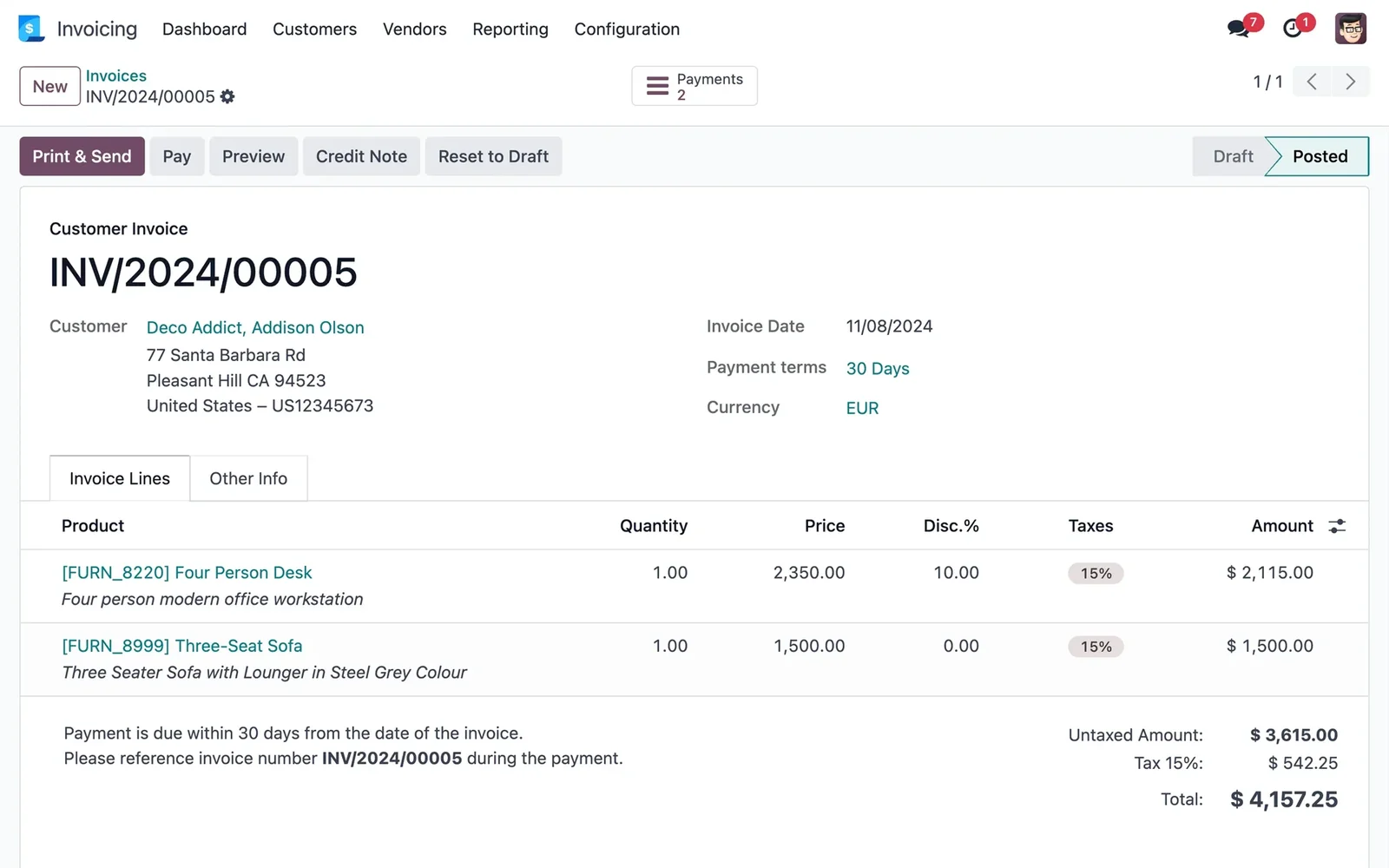
En 30 segundos. Understand TicketBAI: who it affects in Basque Country & Navarra, its requirements, and how to easily comply with Odoo. Practical guide from an official partner.
What is TicketBAI
TicketBAI is a mandatory requirement from the regional tax authorities of Álava, Bizkaia, Gipuzkoa and Navarre to combat fraud. In practice, it requires that the software you use for invoicing meets certain criteria: that it signs each invoice or receipt, that it adds a unique identifier and a QR code to it, and that it communicates this information to the regional Tax Authority. The objective is to prevent a sale from being 'deleted' after it has been made. It is, in essence, the regional equivalent of what VeriFactu is in the rest of Spain; you can see that other aspect in VeriFactu and Odoo.
Who it affects
It affects companies and self-employed individuals with economic activity in the regional territories (Basque Country and Navarre), according to the timetable that each regional tax authority has set in phases and by type of activity. If you invoice or issue receipts in those territories, it affects you. Specific deadlines and exceptions depend on your territory and activity, so it's advisable to confirm them with your regional tax authority or your consultancy/advisor; the official reference information is on the Tax Agency website and on the regional tax authority websites.
What TicketBAI requires of your software
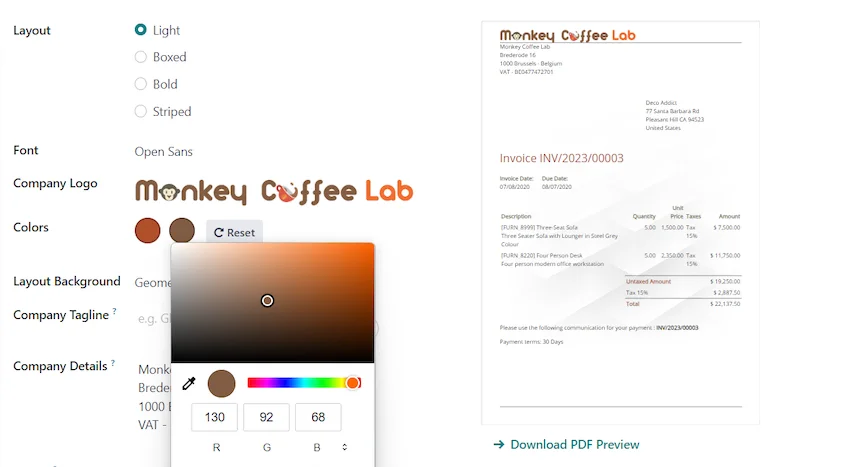
To comply, the software you use for invoicing must be able to:
- Electronically sign each invoice or receipt.
- Add a TBAI identifier and a QR code to the document.
- Chain invoices so that the sequence cannot be altered.
- Communicate the data to the relevant regional Tax Authority.
The important thing for you is that you don't have to do any of this manually: the software does it if it's prepared for TicketBAI, as is the case with Odoo with the regional localisation.
How to comply with TicketBAI using Odoo step-by-step
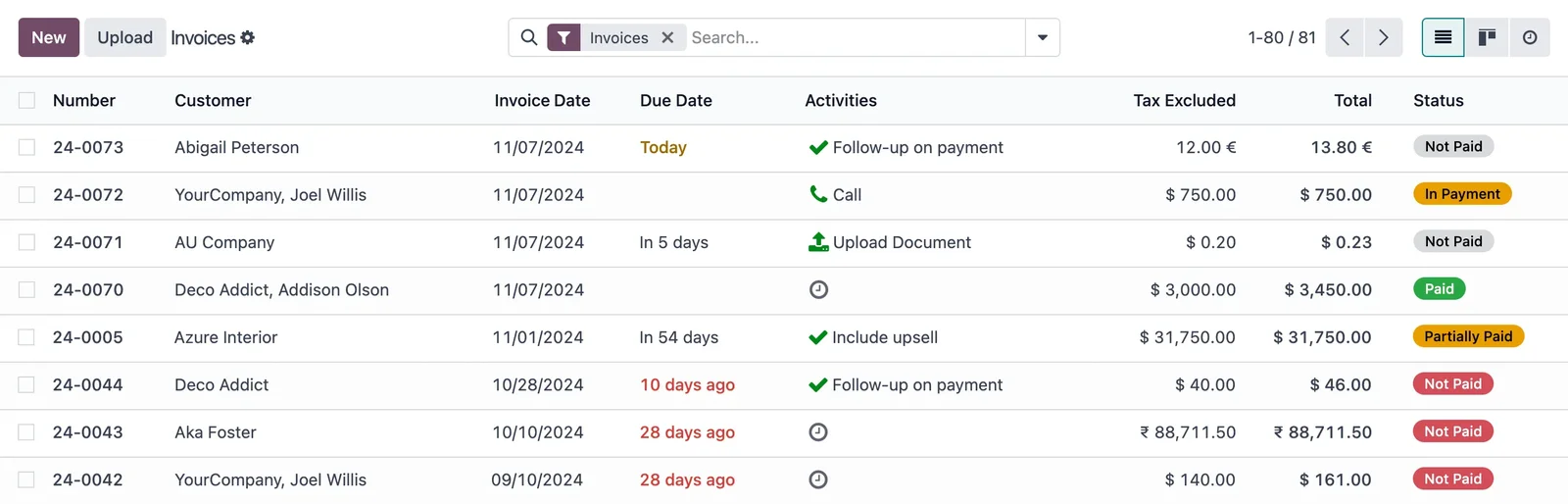
Step 1 · Activate regional localisation
Odoo is configured with the tax localisation of the corresponding regional territory (Álava, Bizkaia, Gipuzkoa or Navarre), which includes the TicketBAI requirements. Deliverable: Odoo prepared for your regional tax authority.
Step 2 · Configure the signature and certificates
The necessary certificates are installed to sign invoices, so that each document is valid before the Tax Authority. Deliverable: operational electronic signature.
Step 3 · Compliant Invoicing and POS
It is checked that both invoices and POS receipts are issued with their identifier and QR code. In retail, this is integrated into the point of sale; it is covered by Odoo POS. Deliverable: compliant documents.
Step 4 · Communication to Tax Authority and validation
It is verified that communication with the regional Tax Authority works and that submissions are correctly accepted. Deliverable: validated and operational system.
What happens if you don't comply
Non-compliance with TicketBAI can lead to penalties from the regional Tax Authority, in addition to practical problems: not being able to issue valid invoices means not being able to collect payments normally. The amount and conditions of penalties depend on the current regional regulations, so it's advisable to confirm this point with your consultancy/advisor. The practical conclusion is simple: with the software prepared, compliance is automatic and you remove the problem.
TicketBAI and VeriFactu: don't get confused
It's common to confuse them. TicketBAI applies in the Basque Country and Navarre (regional tax authorities). VeriFactu is the equivalent system for the rest of Spain (common territory), mandatory from
- If you operate in several territories, you need to comply with the relevant system in each one. Odoo covers
both depending on the localisation you activate; the details for VeriFactu are in VeriFactu and Odoo.
Common errors with TicketBAI
- Believing that 'any old software' is sufficient: it must be approved for TicketBAI.
- Forgetting the POS: point-of-sale receipts must also comply.
- Leaving certificate configuration until the last minute.
- Not confirming the timetable and specific requirements of your regional territory.
With a partner who knows the regional localisation, these points are resolved at once; it's advisable to choose carefully who you implement with.
How much does it cost and how long does it take to prepare TicketBAI in Odoo?
If you already use Odoo, activating and validating TicketBAI is a contained configuration, taking from days to a few weeks depending on your specific case. If you are also implementing Odoo, it integrates into the project itself; the framework is in Odoo implementation and the cost breakdown in how much Odoo costs.
Indicative and non-binding timelines; they depend on your territory and configuration.
TicketBAI in your day-to-day: what changes and what doesn't
A reasonable question is how TicketBAI affects daily work. The good news is that, with the system set up, your way of invoicing barely changes: you continue issuing the invoice or receipt as usual, and it's Odoo that, in the background, signs it, adds the identifier and QR, and communicates it to the regional tax authority. For your client, the visible difference is the QR code that appears on the document. For you, the difference is that you can no longer 'undo' a sale as if it hadn't existed: each invoice is chained to the previous one. This, which might sound like control, in reality also protects your accounting, because the record is reliable.
What doesn't change is your work pace: if the software is well configured, TicketBAI is transparent and doesn't make you type or send anything manually. The effort is in the initial setup —localisation, certificates, testing—, not in the day-to-day. That's why it's best to have it properly installed from the beginning, with a partner who understands the regional localisation, and forget about the matter instead of struggling with it every time you issue an invoice.
Frequently Asked Questions
What is TicketBAI?
It's the system of the regional tax authorities of the Basque Country and Navarre that requires invoicing with software that signs each invoice or receipt, adds an identifier and a QR, and communicates it to the Tax Authority.
Who does TicketBAI affect?
Businesses and self-employed individuals with activity in Álava, Bizkaia, Gipuzkoa and Navarre, according to the phased calendar of each regional tax authority. It's advisable to confirm deadlines with your tax authority or consultancy.
Does Odoo comply with TicketBAI?
Yes, with the corresponding regional localisation activated, Odoo generates compliant invoices and receipts and automatically communicates them to the regional tax authority.
Do POS receipts also need to comply with TicketBAI?
Yes. Both invoices and point-of-sale receipts must comply, which is why Odoo's POS is also configured for this.
Is TicketBAI the same as VeriFactu?
No. TicketBAI applies in the Basque Country and Navarre; VeriFactu, in the rest of Spain. Odoo covers both depending on the localisation you activate.
What happens if I don't comply with TicketBAI?
There may be penalties from the regional tax authority and, in practice, difficulties in issuing valid invoices. It's advisable to confirm the details of penalties with your consultancy.
Do I have to do anything manually to comply?
No. With Odoo set up, you invoice as usual and the system signs, identifies, chains, and communicates without any manual steps on your part.
How long does it take to get TicketBAI ready in Odoo?
If you already use Odoo, it's usually a matter of days to a few weeks; if you're implementing Odoo, it's integrated into the project itself.
Do you need to comply with TicketBAI without headaches?
At Nextdoo, an official Odoo partner, we ensure your invoicing complies with the regional tax authority and VeriFactu according to your specific case. Start by the implementation of Odoo or request a diagnosis of your business.
Sources: Spanish Tax Agency's electronic headquarters and official Odoo documentation. Guidance information, not tax advice; confirm deadlines and specifics with your regional tax authority or consultancy.
Sources
Official sources consulted: official Odoo documentation y Spanish Tax Agency's electronic headquarters (VeriFactu). Cost and deadline figures are indicative and non-binding, subject to variations depending on the project.