
Buying well isn't just about ordering from the supplier: it's about buying the right amount, at the right time and at the best price, without running out of stock or accumulating items that don't sell. In many SMEs, purchases are made on a whim, by email or phone, resulting in stock-outs, tied-up capital and supplier invoices that don't tally. Odoo Purchasing organises all of this and links it to inventory and accounting. This guide explains what it is, how it works, and how your business benefits.
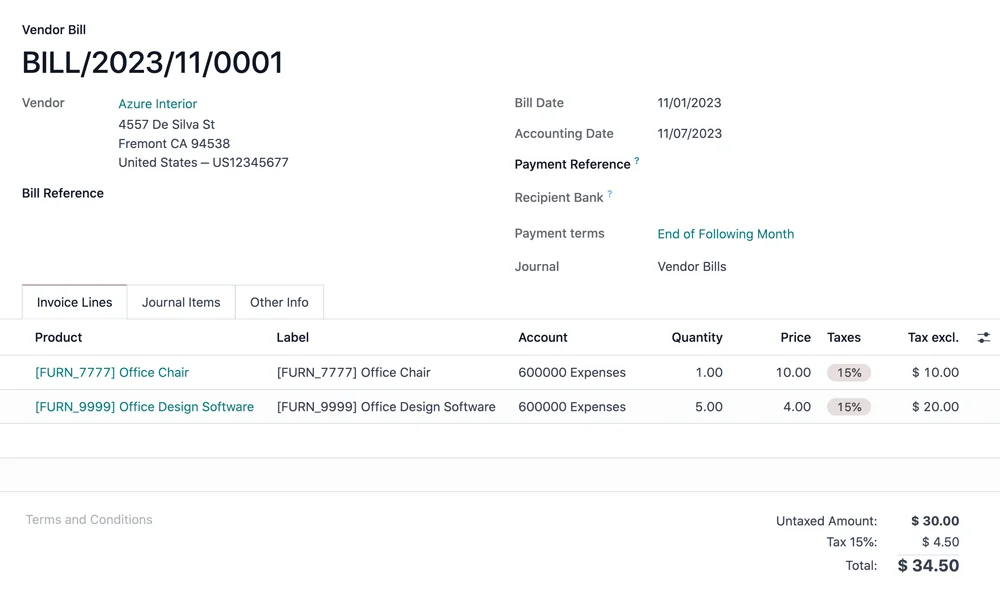
En 30 segundos. Discover Odoo Purchasing: its functions, features & benefits. Streamline requests, suppliers, automated procurement & reception, integrated with inventory.
What Odoo Purchasing is and what it's used for
Odoo Purchasing is the tool you use to manage the entire procurement cycle: from detecting a need to receiving goods and registering the supplier's invoice. It's used for making considered purchases—what's needed, when it's needed—and for having control over suppliers, prices, and orders in one place. The full approach is on the page of Odoo Purchasing.
What you can do with Odoo Purchasing
- Create purchase requests and orders in an organised manner.
- Manage suppliers and their rates and conditions.
- Compare offers from several suppliers before deciding.
- Automatically replenish stock according to minimum stock rules.
- Receive goods linked with inventory; see Odoo Inventory.
- Register supplier invoices and link them to accounting.
How Odoo Purchasing works step-by-step
Step 1 · Detect the need
When an item falls below its minimum stock level or there's an order to fulfil, Odoo detects the need to purchase. Deliverable: identified need.
Step 2 · Request and offer comparison
A request is generated for one or more suppliers, and their offers are compared to choose the best one. Deliverable: judiciously chosen supplier.
Step 3 · Purchase order
The order is confirmed with the supplier, with their prices and conditions already loaded. Deliverable: order in progress.
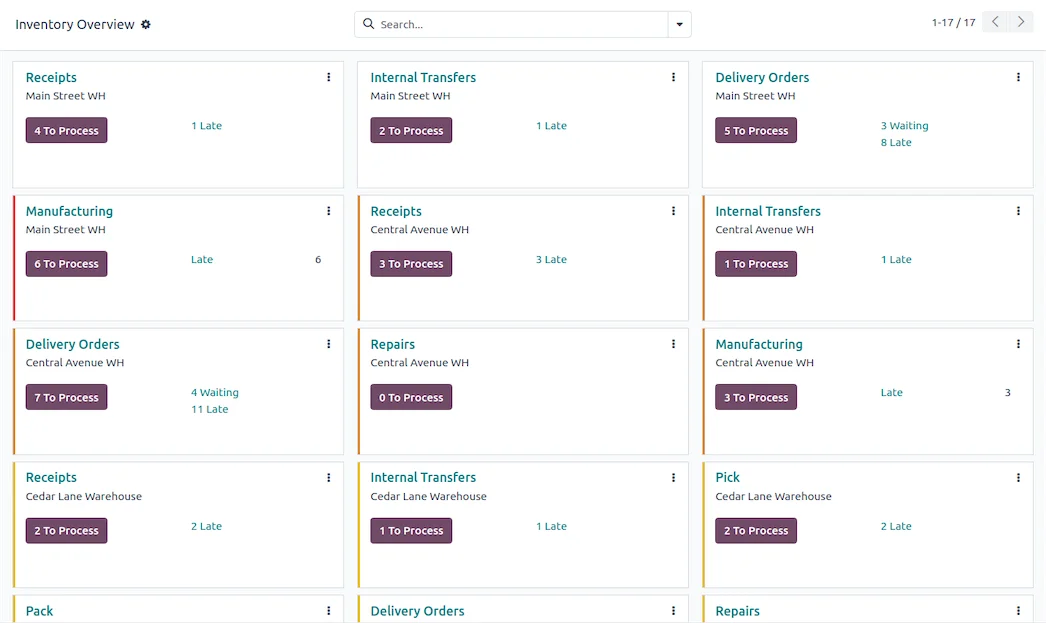
Step 4 · Receipt
The goods arrive and are registered against the order; stock automatically increases. Deliverable: controlled inbound.
Step 5 · Supplier invoice
The supplier's invoice is registered, reconciled with the order and receipt, and generates its journal entry; see Odoo Accounting. Deliverable: purchase closed and accounted for.
The main advantage: buying the right amount, without stock-outs or overstocking
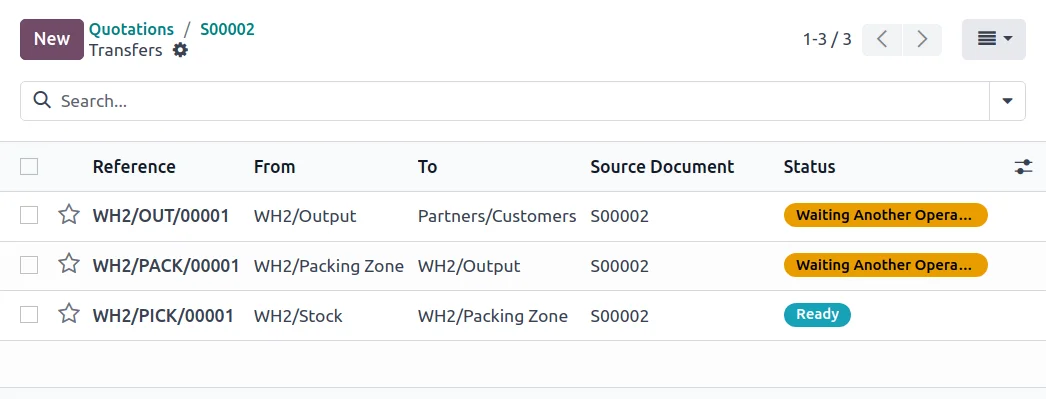
The difference between Odoo and buying on a whim is automatic procurement. With minimum stock rules, the system knows when and how much to replenish, so you stop running out of your best-selling items and accumulating slow-moving stock. And by being linked to inventory and accounting, received goods add to stock and their invoice generates the journal entry without anyone having to note it down separately. Purchasing ceases to be a reactive, haphazard task and becomes a controlled process that protects your cash flow.
How your business benefits from Odoo Purchasing
- Fewer stock-outs, with automatic replenishment of fast-moving items.
- Less tied-up capital from over-purchasing.
- Better prices by comparing offers and controlling rates.
- Less administrative work by linking purchases with inventory and accounting.
Who Odoo Purchasing is for
It's suitable for any SME that purchases to sell or to produce: retail, distribution, manufacturing, hospitality. The greater the volume of purchases and the more suppliers, the more noticeable the benefits. If you purchase very occasionally and have no stock to manage, it might not be your priority; in a business that relies on having products, controlling purchases is often what best protects the profit margin.
An example: from a lack of stock to the supplier's invoice
Let's follow a purchase from start to finish. A fast-selling product falls below its minimum stock level: Odoo detects this and proposes replenishment. A request is generated to regular suppliers, and if desired, their offers are compared; you choose the best, and the order is confirmed with prices already loaded. When the goods arrive, they are registered against that order, and stock instantly increases, ready for sale. Days later, the supplier's invoice arrives: it's automatically reconciled with the order and receipt—to detect any discrepancies—and generates its journal entry. No one has had to monitor stock manually, re-key the order into invoicing, or reconcile the invoice by hand. This controlled cycle is what differentiates considered purchasing from impulse buying.
Common purchasing errors
Common pitfalls in managing purchases include: buying on a whim and running out of fast-moving items or accumulating slow-moving stock; not comparing offers and overpaying out of habit; receiving goods without linking them to stock, which means inventory no longer tallies; and registering supplier invoices without cross-referencing them with the order, resulting in paying incorrect amounts or quantities. All these are avoided with an integrated purchasing module, where replenishment is automatic, offers are compared, and invoices are reconciled with the order and receipt. The key is to configure replenishment rules and suppliers from the outset, with a partner who understands your operations; it's advisable to choose well.
How to get started with Odoo Purchasing
You can start with purchasing alongside inventory and expand to accounting in phases, or set it up as part of an implementation. The framework is in Odoo implementation and cost details in how much Odoo costs.
Negotiating better with purchasing data to hand
A benefit of using Odoo for purchasing that is sometimes overlooked is what you can do with the accumulating data. By having the entire purchase history in one place, you know how much you buy from each supplier, at what prices and under what conditions, and how these have evolved. This information is invaluable when negotiating: you come to the table knowing your actual volume, objectively comparing offers, and detecting if a supplier has gradually increased prices without you realising. Without data, negotiations are based on intuition; with data, they're based on arguments. For an SME that buys from multiple suppliers, this ability to negotiate with real figures often translates into savings that, when added up throughout the year, truly impact the profit margin.
Frequently Asked Questions
What is Odoo Purchasing?
It's the Odoo module for managing purchases and suppliers: requests, orders, offer comparison, automatic procurement, and receipt, integrated with inventory and accounting.
Does Odoo automatically replenish stock?
Yes. With minimum stock rules, when an item falls below the threshold, Odoo suggests or generates the purchase for replenishment, preventing stock-outs.
Can I compare offers from several suppliers?
Yes. You can request offers from several suppliers and compare them before deciding, to purchase judiciously and at a better price.
Does receipt update inventory?
Yes. By registering the goods received against their order, stock automatically increases in inventory.
Does it reconcile supplier invoices with the order?
Yes. The supplier's invoice is cross-referenced with the order and receipt to detect discrepancies in amount or quantity before payment.
Does it link with accounting?
Yes. Each purchase invoice generates its journal entry without re-keying, keeping the books up to date.
Does it manage supplier rates?
Yes. You can upload the prices and conditions for each supplier, so that orders are generated with the correct price without having to look it up each time.
Is it difficult to use?
No. Creating a purchase order and receiving goods is straightforward, and replenishment and invoice reconciliation are automated.
How much does Odoo Purchasing cost?
It depends on the scope and whether you use it standalone or with inventory and accounting. The details, without made-up figures, are in the guide on how much Odoo costs.
Want to buy the right amount, without stock-outs or tied-up capital?
At Nextdoo, an official Odoo partner, we configure your replenishment rules and suppliers and link it to inventory and accounting. Start by Odoo Purchasing or request a diagnosis of your procurement.
Source: Odoo official documentation (Purchasing). Indicative and non-binding figures.
Sources
Official sources consulted: Odoo official documentation y Tax Agency's electronic headquarters (VeriFactu). Cost and deadline figures are indicative and non-binding, subject to variations depending on the project.