
A3 (a3ERP, a3con and family) is a classic in the management and accounting of Spanish SMEs, but it carries a fundamental limitation: it was born very focused on accounting and tax and falls short when the business needs integrated sales, inventory, CRM or e-commerce. Migrating from A3 to Odoo gives you a complete and modern system without sacrificing Spanish tax rigour. This guide explains how to do it, step by step and without losing data.
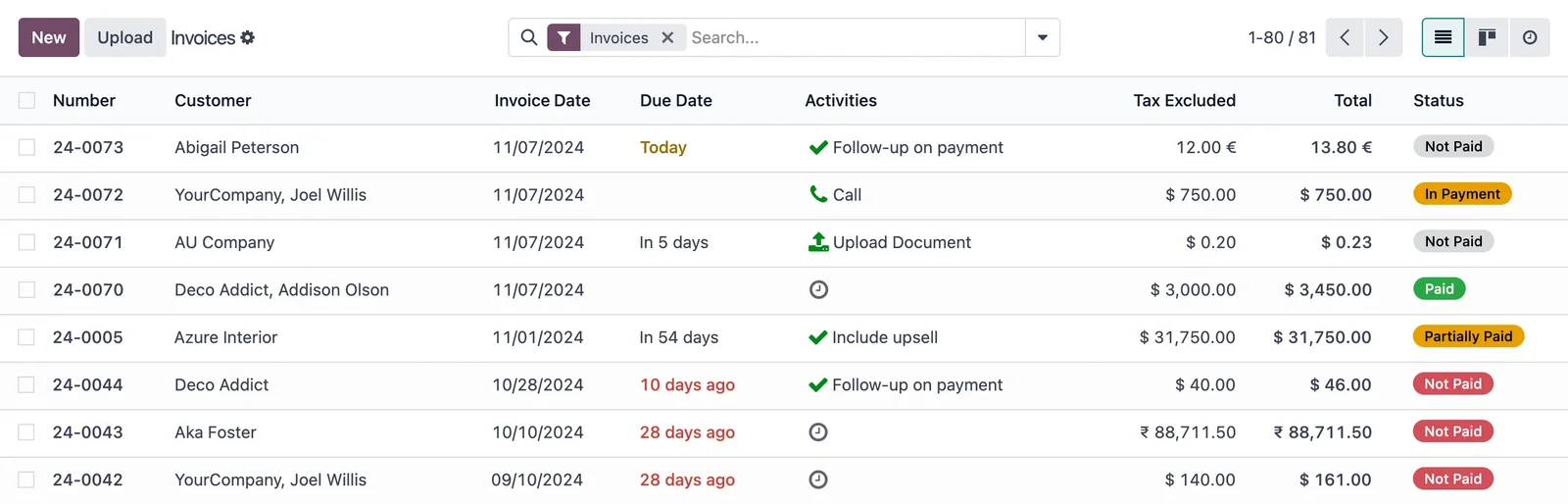
En 30 segundos. Migrate from A3 (a3ERP/a3con) to Odoo without data loss: what to migrate, steps, how to preserve accounting & history, and errors to avoid. A comprehensive guide.
Why migrate from A3 to Odoo
A3 does its job well —accounting and taxation—, but many SMEs end up with A3 for accounting and other tools (or Excel) for sales, warehouse or customers, without anything communicating. The result is duplicated work and data in silos. Odoo unites everything in one system: accounting remains up-to-date —with the Spanish localisation and VeriFactu—, but also sales, purchases, inventory, CRM and e-commerce share the same data. It's about moving from an accounting programme with satellites to a single management system.
What can be migrated from A3 to Odoo
- Customers and suppliers, with their tax details.
- Chart of accounts and accounting structure.
- Issued and received invoices, with their history.
- Accounting balances and reconciliation.
- Products and inventory, if you managed them.
- Journal entries and movements for the financial year.
What changes is the scope: in Odoo, in addition to accounting, the operational side (sales, warehouse) that lived outside A3 is activated.
How to migrate from A3 to Odoo step by step
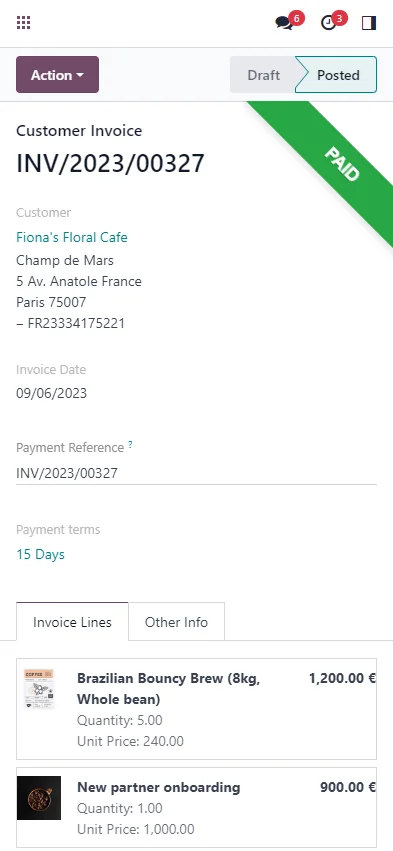
Step 1 · Data audit
It is reviewed what is in A3 (accounting, invoicing, master data) and what is worth migrating. Not all old history needs to be carried over. Deliverable: inventory of data to migrate.
Step 2 · Accounting mapping to Odoo
The chart of accounts and tax structure from A3 are translated to Odoo's, respecting Spanish regulations. This step is the most delicate in an accounting migration. Deliverable: chart of accounts map.
Step 3 · Extraction and cleaning
Data is extracted from A3 and duplicates and errors are purged. Cleaning before importing prevents discrepancies later. Deliverable: purged data.
Step 4 · Import to Odoo
Masters, balances, and movements are loaded in the correct order, and Spanish accounting is configured. Deliverable: data within Odoo.
Step 5 · Validation against A3
Balances, reconciliations, and invoices are checked to match A3 to the cent. Nothing goes live without this accounting reconciliation. Deliverable: verified accounting.
Step 6 · Go-live and support
Odoo goes live, ideally at the start of a financial year or quarter, with A3 available as a backup until everything is confirmed. Deliverable: business operating in Odoo.
What you should not lose in the migration
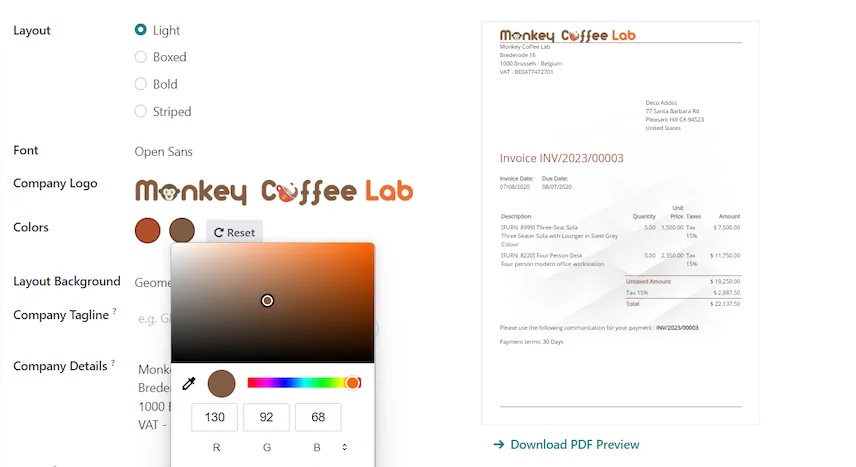
In a migration from A3, accounting takes precedence: you must preserve the history of invoices and journal entries (legal obligation and for consultation), maintain the correct fiscal numbering and ensure that balances match A3 on the cut-off date. An accounting discrepancy is not a minor detail: it's a problem with Hacienda. That's why the reconciliation before go-live is non-negotiable.
When to start: timing matters
In an accounting migration, the moment of change matters more than in others. Ideally, go live at the start of a financial year or, at a minimum, a quarter, to avoid splitting declarations in half. Planning the cut-off on the correct date simplifies reconciliation and avoids having to run two systems concurrently during a fiscal period.
Frequent errors when migrating from A3 to Odoo
- Migrating without careful chart of accounts mapping.
- Going live halfway through a quarter and splitting declarations.
- Not reconciling balances and reconciliations against A3 before the cut-off.
- Neglecting the fiscal numbering of invoices.
- Viewing the migration merely as 'changing accounting software' and not taking the opportunity to integrate sales and inventory.
You have the general framework in the Odoo migration checklist; the approach is similar to that of migrating from Sage to Odoo, another accounting classic for SMEs.
How much does it cost and how long does it take?
| Scope | Estimated timeframe | Example |
|---|---|---|
| Basic | 4 – 8 weeks | Masters, chart of accounts, balances, and invoicing |
| Medium | 2 – 4 months | Extensive history + integrate sales and inventory |
| Advanced | 4 months or more | Multi-company, analytics, and integrations |
Estimated and non-binding timeframes and costs; they depend on the volume and state of your data. Details in how much Odoo costs and framework in Odoo implementation.
What you gain by doing the change correctly
A well-executed migration from A3 to Odoo is not just about changing accounting software: it's about no longer having your business fragmented into silos. Accounting remains rigorous and compliant with VeriFactu —covered by VeriFactu and Odoo—, but now a sale generates its invoice and journal entry without re-coding, and inventory and treasury reflect reality in real-time. For an accountancy firm or an SME, that single snapshot is the value leap.
Rigorous accounting and connected business
The logical fear when leaving A3 is losing accounting rigour. It doesn't have to be: Odoo handles complete Spanish accounting —with its models, its chart of accounts and VeriFactu— with the same level of rigour as A3. The difference is what happens around it. In A3, accounting usually lives in isolation: a salesperson closes a sale elsewhere, someone transfers it to A3 for invoicing, and the warehouse adjusts separately. In Odoo, that sale generates its invoice and its entry without re-encoding, stock decreases automatically, and treasury reflects the collection when it arrives. Accounting ceases to be an island where everything arrives late and manually, and becomes the automatic reflection of what happens in the business. For a consultancy that also advises its clients, having that real-time picture is a leap in value, not just a change of software.
Frequently asked questions
Can accounting be migrated from A3 to Odoo?
Yes: chart of accounts, balances, entries and invoices with their history. Accounting mapping is the most delicate step and it is where an experienced partner makes the difference.
Do I keep the history and invoice numbering?
Yes. The history is migrated due to legal obligation and for consultation, and the tax numbering is kept correct so as not to break the sequence with Hacienda.
Does Odoo comply with Spanish tax regulations like A3?
Yes. The Enterprise edition includes Spanish localisation and VeriFactu, mandatory in 2026, so accounting and invoicing remain compliant.
When is it best to make the change?
Ideally, at the beginning of a financial year or quarter, to avoid splitting declarations and to simplify the accounting reconciliation.
Can I integrate sales and inventory, which I managed separately in A3?
Yes, and it is one of the biggest advantages: in Odoo, accounting coexists with sales, purchases, and inventory within the same system, without satellite tools.
Do I have to stop during the migration?
No. It is planned to minimise the impact, with A3 available as a backup until Odoo is validated.
How long does it take to migrate from A3 to Odoo?
Master data, chart of accounts and balances are usually ready in a few weeks; with extensive history and integration of sales and inventory, from 2 to 4 months.
Can I do it myself?
The accounting-tax part is delicate; doing it with an official partner reduces the risk of discrepancies that later cost dearly with Hacienda. The usual practice is for the partner to lead and your team to validate.
Is it suitable for both a consultancy and a company that uses A3 internally?
Yes. Both a consultancy that manages the accounting for several clients (multi-company) and an SME that uses A3 only for its own needs fit with Odoo; the project scope is adjusted to each case.
Do you want to switch from A3 to a complete system without losing accounting rigour?
At Nextdoo, an official Odoo partner, we plan the migration with balanced accounts and your history intact. Start by the Odoo migration checklist or ask for a diagnosis of your case.
Source: official Odoo documentation (Accounting). Indicative and non-binding figures.
Sources
Official sources consulted: official Odoo documentation and Tax Agency's electronic headquarters (VeriFactu). Indicative and non-binding cost and timeframe figures, subject to variations depending on the project.