
10 errors when implementing Odoo (and how to avoid them) without any unpleasant surprises
Odoo is a powerful tool, but most projects that go wrong don't fail because of the software, but because of avoidable decisions. Here we review the most common errors when implementing Odoo in Spanish SMEs and what to do in each case to ensure a smooth and profitable launch.
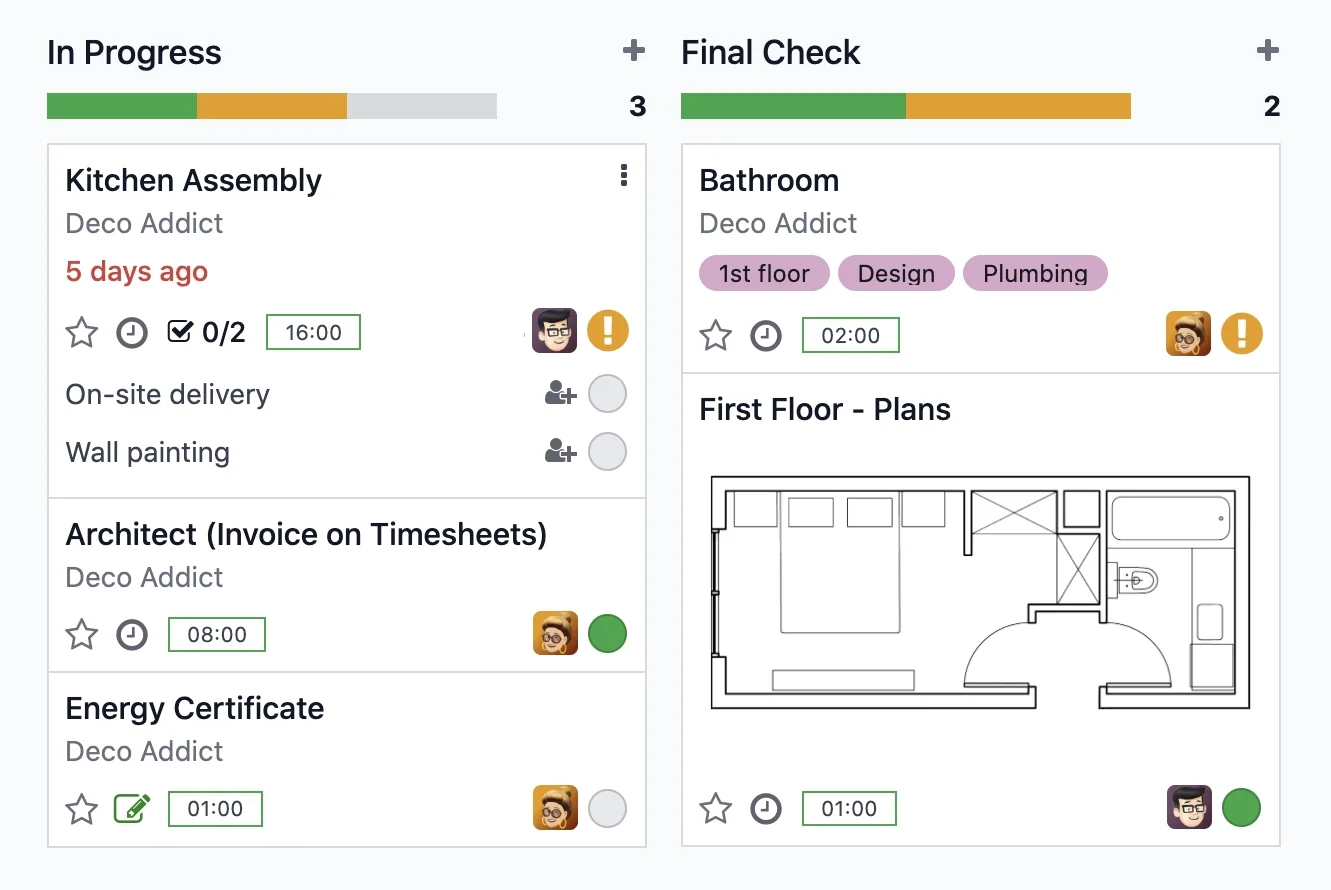
Projects and tasks dashboard in Odoo · Nextdoo, Official Odoo Partner
Activating too many modules at once
The first classic error is wanting to turn everything on from day one: Sales, Purchases, Inventory, Accounting, Manufacturing, PoS and Website at once. The team gets overwhelmed, cascading failures occur and no one knows where to start. One of the most expensive errors when implementing Odoo is confusing 'having the module' with 'using it well'.
The sensible approach is to start with what hurts most today (for example, Sales and Invoicing) and expand in phases once that base is functional. A phased approach reduces risk and leaves room for correction. On our Odoo Implementation page we explain how we prioritise this progressive deployment.
Migrating dirty data without cleaning it
Uploading to Odoo an Excel with duplicated customers, misspelt references, outdated prices and inaccurate stock guarantees problems from day one. If dirty data goes in, dirty reports come out, and confidence in the system breaks very quickly.
Before migrating, it's advisable to clean: remove duplicates, normalise names, review taxes and validate balances. It's an unglamorous but decisive job. To ensure nothing is missed, you can rely on our Odoo data migration checklist and upload in controlled batches.
Not training the team (and expecting them to adapt on their own)
A new ERP changes daily routines. If no one teaches the team how to use it, people revert to their usual shortcuts, continue noting things on paper or loose sheets and the system is underutilised. Resistance to change isn't resolved with more features, it's resolved with guidance.
Set aside time for real training, with day-to-day cases, and appoint one or two internal reference people to resolve queries. Good training isn't an expense: it's what truly makes the investment in Odoo worthwhile.
Not reviewing processes before digitising them
Digitising a messy process only results in faster chaos. Many companies ask to replicate exactly what they did before in Odoo, with all their inherited workarounds, instead of taking the opportunity to simplify and standardise.
Implementation is the best time to ask why things are done one way and not another. Good prior process consultancy with Odoo first organises the workflow and then configures the software, not the other way around.
Over-customising from the start
Another common error when implementing Odoo is requesting custom development before having used the standard version. Each customisation adds cost, time and maintenance work in future updates, and often solves a problem that the standard module already covered.
The recommendation is to start with the standard configuration, use it for a few weeks and reserve custom development for what truly makes a difference in your business. Less customisation at the start means a faster, cheaper and easier to maintain implementation.
Choosing the wrong partner (or ending up with none)
Odoo can be installed on your own, but a business implementation is another matter. Choosing someone solely based on price, without real experience in your sector or continuity after the go-live, often ends up being expensive: stalled projects, unusual configurations and no one to call when a problem arises.
Look for a partner who understands your operations, speaks clearly to you and is there when something goes wrong. At Nextdoo we are an Official Odoo Partner based in Cunit (Tarragona), with service across Spain, and we also support the project after the go-live, which is when it's truly verified if everything works.
Frequently Asked Questions
How long does it take to implement Odoo in an SME?
It depends on the scope. A limited start (Sales, Invoicing and Inventory) can be operational in a few weeks, whereas projects with multiple departments and custom development take longer. Doing it in phases is always faster and safer than trying to turn everything on at once on day one.
What is the most serious error when implementing Odoo?
Migrating dirty data and not training the team. These are the two that most undermine confidence in the system. If reports don't match or people don't know how to use the tool, the project is perceived as a failure even if the software is well configured. Both can be prevented with good preparation.
Is it worth hiring a partner or can I do it myself?
Installing Odoo is straightforward; implementing it well in your business is not. An experienced partner avoids expensive errors, organises your processes and supports you after the go-live. If you value your time and want to reduce risks, expert help usually pays off more than doing it yourself.
How much does it cost to implement Odoo?
It varies greatly depending on the modules, number of users and customisation. As a general reference, SME projects range from modest amounts for basic starts to larger figures for complex implementations. Any figure here is a reference estimate, not binding; the correct approach is a quote after analysing your case.
Can I start with just a few modules and expand later?
Yes, and it's highly advisable. Starting with what benefits you most today and growing in phases reduces risk, facilitates training and allows you to validate each block before proceeding. Odoo is designed to be expanded modularly, so you don't need to activate everything from the start.
Related Resources
Official information: Official Odoo Documentation.