
Choosing invoicing programme in 2026 is no longer just a matter of convenience: it's a matter of compliance. Between VeriFactu and mandatory e-invoicing between businesses, the software you use must be ready for the new regulations, as well as making your day-to-day operations easier. With so many options on the market, it's easy to get lost. This guide explains what good invoicing software truly needs, what types are available, how to choose yours, and where Odoo fits in, without empty marketing jargon. The specifics of the obligations, as always, should be confirmed with the official sources.
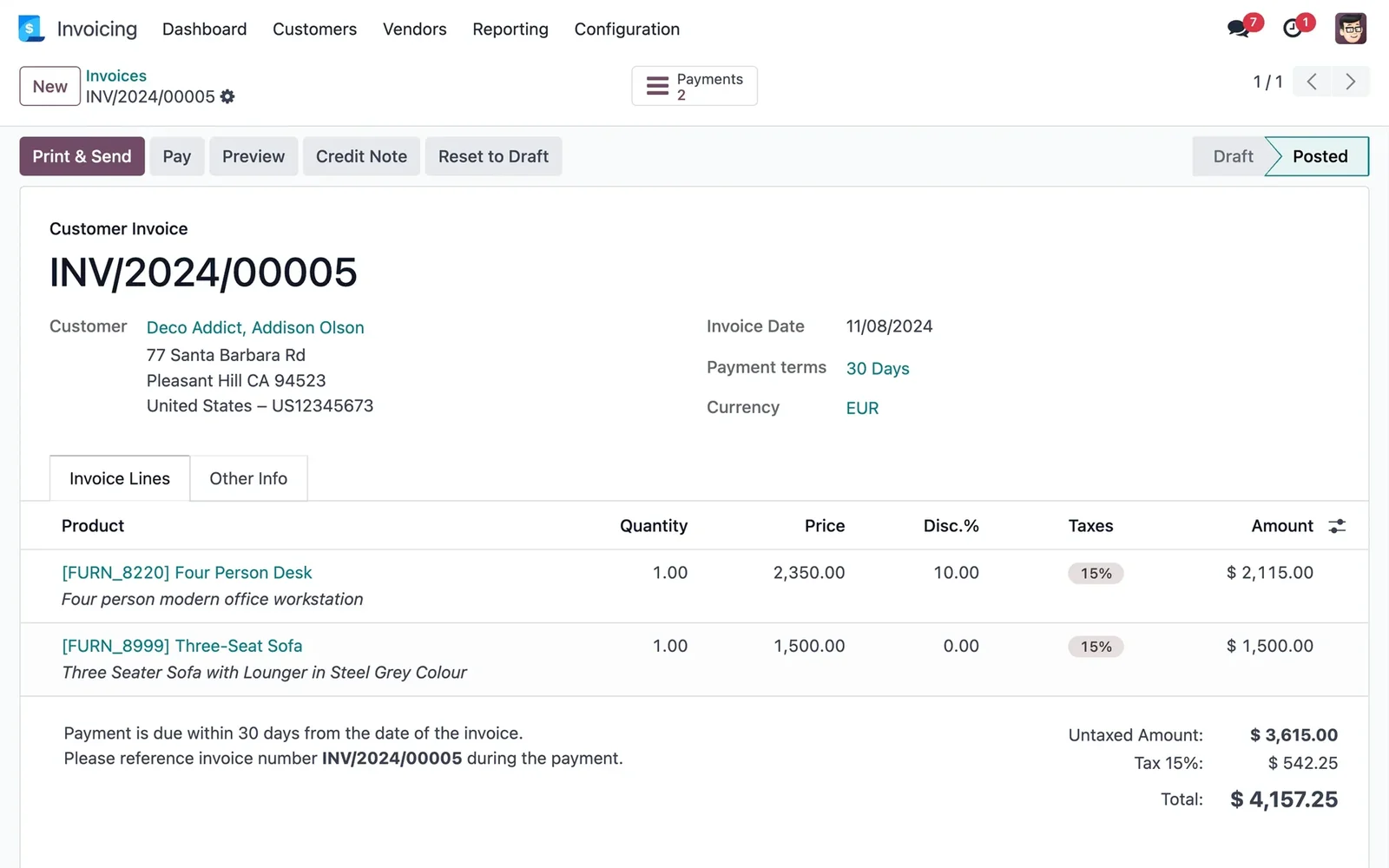
En 30 segundos. How to choose the best e-invoicing software in 2026: features, types, criteria, VeriFactu, and B2B invoices. An honest partner guide.
Why 2026 is a key year
Two regulatory changes have put invoicing at the centre of attention. On the one hand, VeriFactu: the system that mandates invoicing software to produce invoices that cannot be altered or deleted without leaving a trace, with a signature and chaining. On the other hand, mandatory e-invoicing between businesses (the 'Crea y Crece' Law), which will require B2B invoices to be issued in a structured electronic format. The result is that the programme you use can no longer be just any programme: it must be ready for these obligations. The specific details and deadlines are set by the regulations, which you can consult on the Spanish Tax Agency website.
What good invoicing software should have
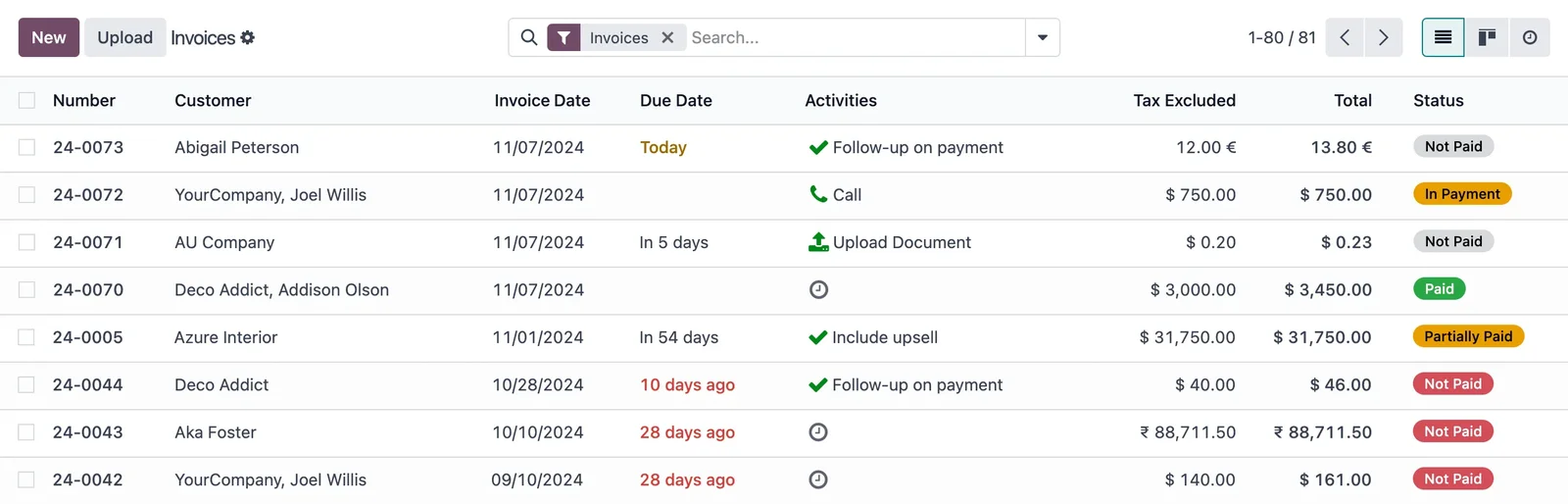
Beyond issuing nice-looking invoices, good invoicing software in 2026 should meet these points. This is the list against which you should measure any option you are considering:
- Regulatory compliance. Ready for VeriFactu and for B2B e-invoicing, and for SII or
TicketBAI if they apply to you based on your profile and region.
- Spanish localisation. Taxes, withholdings, forms, and tax numbering properly handled, not
half-adapted from another country.
- Integration. That invoicing doesn't operate in isolation, but is connected with sales, collections, stock, and
accounting, to avoid re-entering data or discrepancies.
- Ease of use. That your team uses it without struggling with it; an uncomfortable tool ends up being
abandoned.
- Collections and tracking. Control of outstanding invoices, due dates, and, if possible, online payment.
- Scalability. That it doesn't become too small for you as your business grows.
- Support and updates. That it evolves with the regulations, which change frequently.
Types of invoicing software
Not all programmes are the same. Broadly speaking, there are three families, each with its own logic:
- Classic desktop programmes. Installed on the computer, well-established, strong in the
accounting and tax aspects. They usually work well for those who only want to invoice and account in the traditional style, although they integrate less with the rest of the business.
- Cloud-based solutions focused on invoicing. Modern and easy, designed for freelancers and small SMEs
who want to issue invoices and manage the basics without complications. Convenient, but they can fall short if the business becomes more complex.
- Integrated ERPs. Comprehensive management systems that include invoicing as one more component,
connected with sales, inventory, and accounting. This is the case with Odoo. They offer more, in exchange for a slightly larger implementation project.
How Odoo fits in
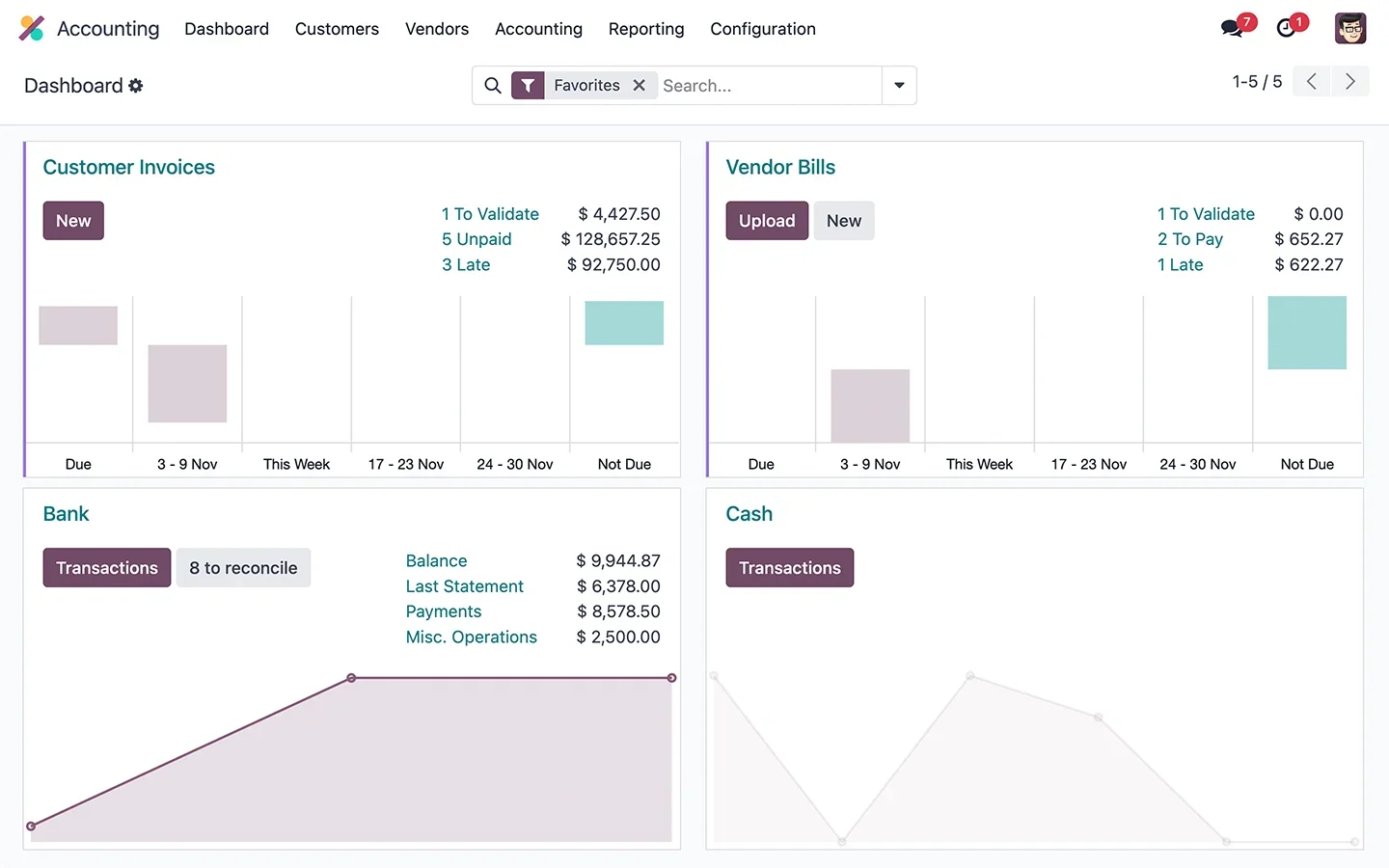
Odoo belongs to the third family: it's an ERP that includes invoicing integrated with the rest of the business. This means that a sale generates its invoice, updates stock, and moves the accounting without anyone re-entering anything, and that invoices are VeriFactu-compliant and ready for B2B e-invoicing. For an SME that wants to comply with regulations and, at the same time, stop having information scattered across various programmes, it's a very comprehensive option. You can find the details in Odoo Invoicing and in the guide to VeriFactu and Odoo. It's not the lightest option if you only want to issue four invoices a month; it's the most powerful if you want invoicing to be part of a system that manages the entire business. You can delve deeper into the Odoo invoicing documentation.
Criteria comparison
A simple way to decide is to score each option against the criteria that truly matter. This table summarises how each family performs, as a guide:
| Criterion | Classic Desktop | Cloud-focused Invoicing | Integrated ERP (Odoo) |
|---|---|---|---|
| VeriFactu / B2B Compliance | Yes, depending on product | Yes, depending on product | Yes, integrated |
| Business Integration | Baja | Medium | Alta |
| Ease of Use | Medium | Alta | Medium-High |
| Scalability | Medium | Limited | Alta |
| Ideal for | Classic Accounting Management | Freelancers and Micro-businesses | SMEs wanting full integration |
Indicative comparison by solution type, not specific products. Each tool has its particularities; confirm them on their official websites.
How to choose yours
To avoid making a mistake, a sensible order is as follows. Firstly, confirm which obligations apply to you (VeriFactu, B2B e-invoicing, SII or TicketBAI) based on your profile, and rule out any programme that isn't ready. Secondly, decide how much you want to integrate: if you only need to invoice, a simple solution is fine; if you want to connect invoicing with sales, stock, and accounting, aim for an ERP. Thirdly, think about tomorrow, not just today: choose something that won't become too small for you. And fourthly, evaluate the total cost and the support, not just the fee. A good partner who understands Spanish tax regulations makes all the difference; it's advisable to choose wisely and understand what makes up the price.
Common mistakes when choosing
When choosing invoicing software, some common pitfalls recur. The first is focusing solely on price and ending up with a tool that doesn't comply with regulations or falls short. The second is choosing based on the current situation without thinking about growth, and having to migrate in two years. The third is settling for an isolated programme that requires re-entering data between invoicing, accounting, and stock. And the fourth is not verifying that it is truly ready for VeriFactu and B2B e-invoicing, taking it for granted. All these can be avoided with the same approach: prioritising compliance and integration over price, and thinking medium to long term. The framework for an Odoo management project can be found in Odoo implementation.
Frequently Asked Questions
What is the best e-invoicing software in 2026?
The one that complies with regulations (VeriFactu and B2B e-invoicing), integrates with the rest of your operations, is easy to use, and scales with you. There's no single winner: it depends on whether you just want to invoice or integrate the entire business. For SMEs looking for the latter, an ERP like Odoo is very comprehensive.
Does my invoicing software need to comply with VeriFactu?
In general, yes: VeriFactu mandates that the software produces tamper-proof invoices. Confirm how and when it applies to you with the Spanish Tax Agency, and ensure your programme is ready.
Is an ERP better than standard invoicing software?
It depends on your needs. If you only invoice, a simple programme is sufficient. If you want to connect invoicing with sales, stock, and accounting, an integrated ERP like Odoo offers much more and avoids discrepancies.
Is Odoo suitable for mandatory B2B e-invoicing?
Yes. Odoo handles e-invoicing and compliance with Spanish regulations, and is prepared for the B2B obligation during implementation.
Is any cheap programme sufficient to comply with the law?
Not necessarily. Cheap options that don't comply with regulations end up being expensive. Before price, verify that it's ready for VeriFactu and B2B e-invoicing, and that it properly handles Spanish tax requirements.
Can I change invoicing software without losing my history?
Yes, with a well-planned migration, clients, invoices, and tax numbering are preserved. It's advisable to do so with a partner who understands Spanish localisation.
Cloud-based or installed software?
Both can comply with regulations. The cloud offers access from anywhere and continuous updates; installed software offers local control. Odoo allows for both modalities depending on your preference.
Are you looking for invoicing software that complies in 2026 and integrates your business?
At Nextdoo, an official Odoo partner, we ensure your invoicing is VeriFactu-compliant and connected with sales, stock, and accounting. Start by Odoo Invoicing or request a diagnosis for your case.
Sources: official website of the Spanish Tax Agency and official Odoo documentation. Guidance information, not tax advice; confirm the obligations that apply to you with the official sources.
Sources
Official sources consulted: official Odoo documentation y Spanish Tax Agency official website (VeriFactu). Cost and timeline figures are indicative and non-binding, subject to variations depending on the project.