
Shopify is convenient to get started, but as the store grows, the bill skyrockets: monthly fee, transaction fees and a paid app for almost every function. On top of that, the store lives separate from stock and accounting, and Spanish taxation falls short. Migrating from Shopify to Odoo gives you back control —without sales commissions and with everything connected—, retaining the SEO you already have. This guide explains how to do it, step by step.
En 30 segundos. Migrate Shopify to Odoo without losing SEO or orders. What migrates, steps, 301 redirects, costs, and errors to avoid. Official partner guide.
Why migrate from Shopify to Odoo
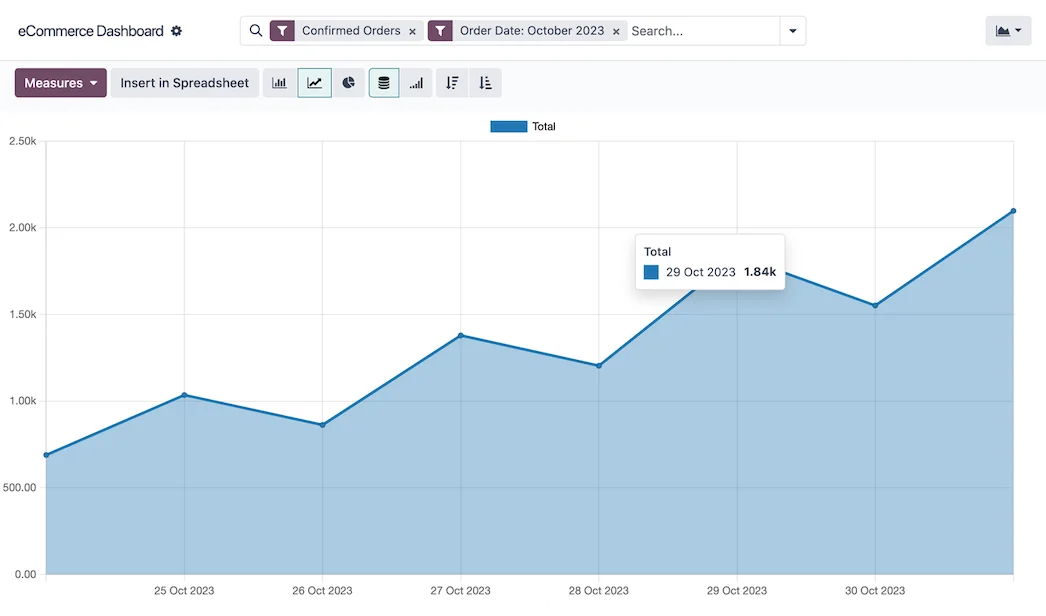
Shopify's model is rental: you pay each month, you pay commission on each sale if you don't use their gateway, and you pay for apps for functions that are included in other platforms. When the store really generates revenue, that drip weighs heavily. Moreover, the store operates independently: stock does not connect with the physical store nor sales with accounting without further integrations (and more cost). Odoo is the opposite: the store is yours, without transaction commission, and shares catalogue, stock, customers and accounting with the rest of the business, with Spanish taxation —VeriFactu included— up to date. It's moving from renting a shop to owning a connected business.
What can be migrated from Shopify to Odoo
- Product catalogue, with variants, collections, images and prices.
- Customers and their data.
- Orders and sales history.
- Content (pages, blog) and URLs to retain SEO.
- Discounts and promotional codes, where applicable.
Shopify apps are re-evaluated: many of their functions are already included in Odoo as standard, so the migration is an opportunity to stop paying for app subscriptions one by one.
How to migrate from Shopify to Odoo step by step
Step 1 · Audit of the catalogue and SEO
The catalogue, collections and which URLs are positioned are reviewed, to avoid losing traffic. Deliverable: product inventory and map of URLs to retain.
Step 2 · Mapping to Odoo
It is defined how products, variants, collections, customers and orders are translated to Odoo. Deliverable: mapping of correspondences.
Step 3 · Extraction and cleaning
Shopify data is exported and purged (duplicates, images, obsolete references). Deliverable: clean catalogue.
Step 4 · Shop setup in Odoo
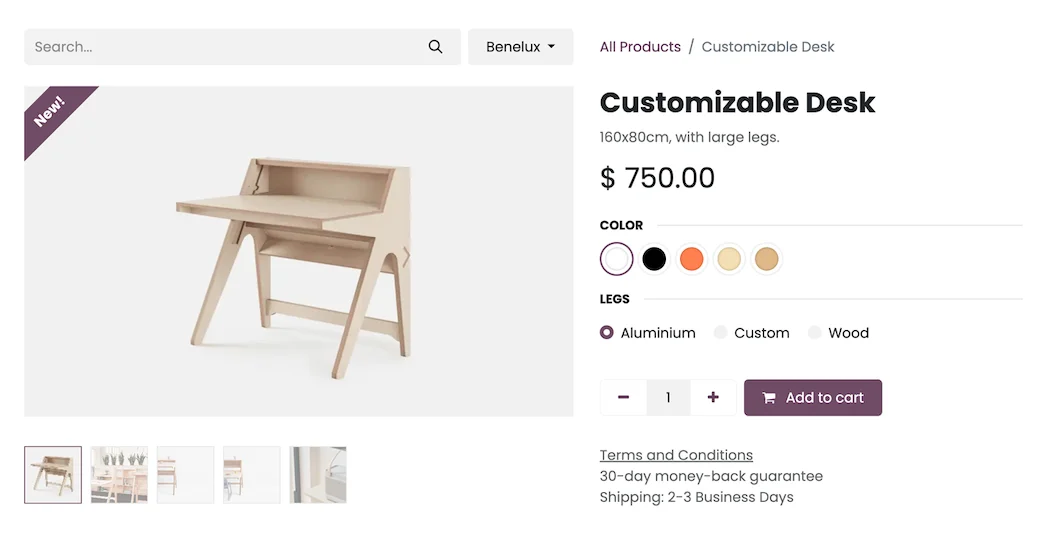
The catalogue is loaded and the shop is set up in Odoo, with its design and product sheets. The focus is on Odoo ecommerce. Deliverable: shop set up.
Step 5 · 301 Redirects and SEO
301 redirects are created from Shopify URLs to Odoo URLs, to preserve ranking. This is the step that prevents traffic loss. Deliverable: SEO protected.
Step 6 · Validation and Go-Live
End-to-end purchasing is tested and the shop is launched, with Shopify as a backup until confirmed. Deliverable: shop operating in Odoo.
Migrating without losing SEO or orders
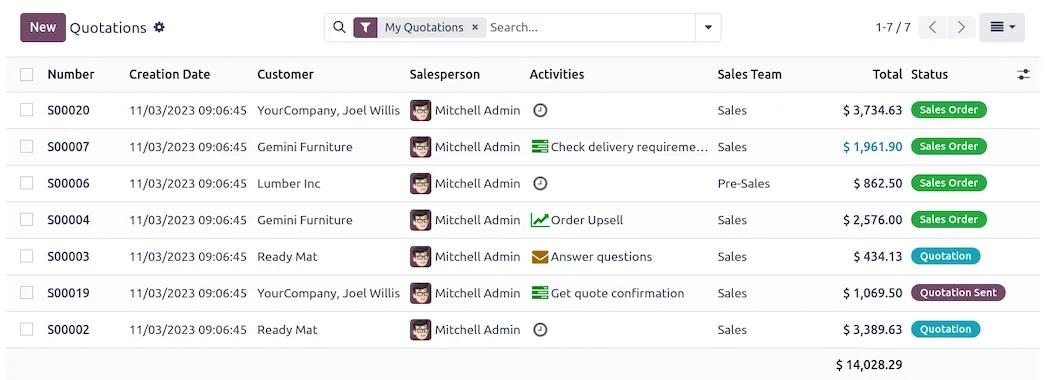
In ecommerce, this is the most critical point. Losing SEO when changing shops means disappearing from Google for months. It is protected by preserving the URLs or creating 301 redirects for each ranked page, maintaining the content that attracts visitors and making the change during a low traffic window with Shopify available until validated. Well done, the customer notices nothing and you don't lose a single visit or order.
Frequent errors when migrating from Shopify to Odoo
- Changing without 301 redirects and losing SEO.
- Migrating the catalogue without purging images and variants.
- Not taking advantage of the opportunity to connect the shop with stock and accounting.
- Making the change during a peak campaign instead of during a quiet period.
You can find the general framework in the Odoo migration checklist. If you sell to businesses, check out Odoo ecommerce B2B.
How much does it cost and how long does it take?
| Scope | Indicative timeline | Example |
|---|---|---|
| Basic | 4 – 8 weeks | Catalogue, shop, payments and redirects |
| Medium | 2 – 3 months | Large catalogue, historical data and B2B |
| Advanced | 3 months or more | Multi-language, integrations and customisation |
Indicative and non-binding timelines and costs; they depend on the catalogue and the state of your data. Details in how much Odoo costs and framework in Odoo implementation.
What you gain by leaving Shopify for Odoo
The most visible saving is getting rid of the monthly fee and transaction commissions, which in a well-selling shop add up to a lot annually. But the fundamental change is to stop renting and start owning: the shop is yours, it shares stock and accounting with the business, and you don't depend on third-party apps for every function. Less recurring cost, more control and a single view of the business.
How much you save by leaving Shopify
The saving from leaving Shopify is not always evident until it is added up. On one hand, there's the plan's monthly fee, which increases according to the functions you need. On the other hand, transaction commissions, which are applied to each sale if you don't use Shopify's own payment gateway and which, in a shop that genuinely generates revenue, represent a considerable bite throughout the year. And finally, the apps: each extra function —reviews, subscriptions, advanced reports— is usually another subscription paid month by month.
When you switch to Odoo, the shop is yours, there's no sales commission and many of those features come as standard, so that drip disappears. It's not just about paying less, but that what you spent each month stops being a fixed cost that grows with your sales and stays within your business. For many shops, doing that calculation —fee plus commissions plus apps, multiplied by twelve— is precisely what tips the balance towards making the change, because the annual saving often pays for a good part of the migration project.
Frequently asked questions
Will I lose SEO when migrating from Shopify to Odoo?
No, if it's done with a plan. URLs are preserved or 301 redirects are created for each ranked page, so that the positioning is maintained.
Do I stop paying transaction fees?
Yes. Odoo does not charge a sales commission as happens in Shopify if you don't use their gateway; you connect your gateway and there's no toll for each order.
Are Shopify orders and customers migrated?
Yes. Customers, orders, and history are migrated to preserve the relationship and business data.
Does Odoo replace the apps I use in Shopify?
Largely, yes. Many features that are paid apps in Shopify come as standard in Odoo, so you usually reduce subscriptions.
Will the shop share stock with my physical store?
Yes. Web and physical store share the same inventory, so a sale deducts from the same warehouse wherever you sell.
Does Odoo comply with VeriFactu for invoicing?
The Enterprise edition covers Spanish invoicing obligations, including VeriFactu, mandatory in 2026, something that Shopify usually falls short on for Spain.
Do I have to close the shop during migration?
No. It's planned not to interrupt sales, with Shopify as a backup until Odoo is validated, and the change is made during a low-traffic window.
How long does it take to migrate from Shopify to Odoo?
A shop with a catalogue, payments, and redirects is usually ready in a few weeks; with a large catalogue and extensive history, 2 to 3 months.
Can I do it myself?
Exporting is accessible, but mapping the catalogue and 301 redirects are delicate; with an official partner you reduce the risk of losing traffic or orders.
Can I migrate from Shopify keeping my domain?
Yes. The domain is pointed to the new Odoo shop, so your customers keep entering through the same address as always and you don't lose brand recognition or direct traffic.
Do you want to stop renting your shop on Shopify and have it on Odoo, without losing SEO?
At Nextdoo, an official Odoo partner, we plan the migration with 301 redirects and a verified catalogue. Start by Odoo ecommerce or request a diagnosis of your shop.
Source: official Odoo documentation (e-commerce). Indicative and non-binding figures.
Sources
Official sources consulted: official Odoo documentation and electronic headquarters of the Tax Agency (VeriFactu). Indicative and non-binding cost and timeframe figures, subject to variations depending on the project.