
In a distributor, the business relies on the warehouse and the margin: buying well, having just enough stock, serving quickly and without errors, and charging each customer their agreed price. Implementing Odoo in wholesale distribution connects purchasing, warehouse, sales, and accounting in a single system, so that an order enters, is prepared, served, and invoiced without anyone copying data from one sheet to another. This guide explains how to implement it into your operations, step by step.
En 30 segundos. Implement Odoo for wholesale distribution: multi-warehouse, picking routes, customer price lists, & B2B orders. Step-by-step guide from a partner.
Why distribution needs its own approach
A distributor does not manufacture or sell retail: it moves volume. This focuses on things that are secondary in other sectors, such as inventory accuracy, order preparation speed, different prices and discounts per customer, and replenishment to avoid running out of fast-moving items. That is why an approach designed for the warehouse is advisable, such as that of Odoo for wholesale distribution.
How to implement Odoo in distribution step by step
Step 1 · Catalogue, suppliers, and price lists
Articles, suppliers and, above all, price lists by customer or by volume are loaded, which are the heart of wholesale. A catalogue with well-defined prices avoids discrepancies and claims. Deliverable: verified catalogue and rates.
Step 2 · Warehouse with locations
The warehouse is structured into locations (aisles, shelves, zones), so that each item has its place and the system knows where it is. This is what speeds up preparation and reduces errors. Deliverable: warehouse mapped in Odoo.
Step 3 · Order reception and preparation
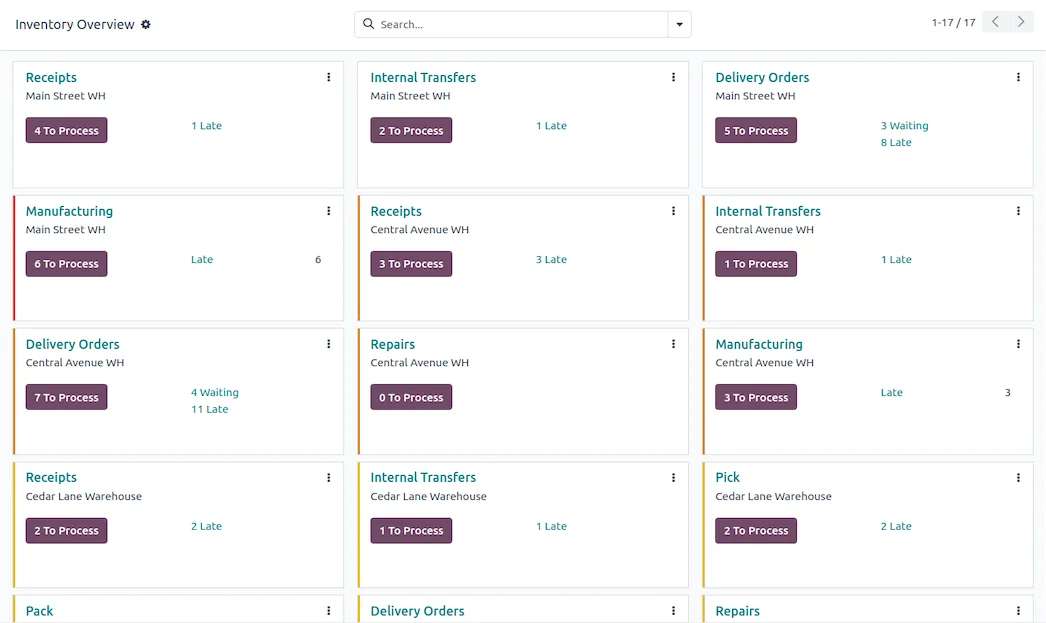
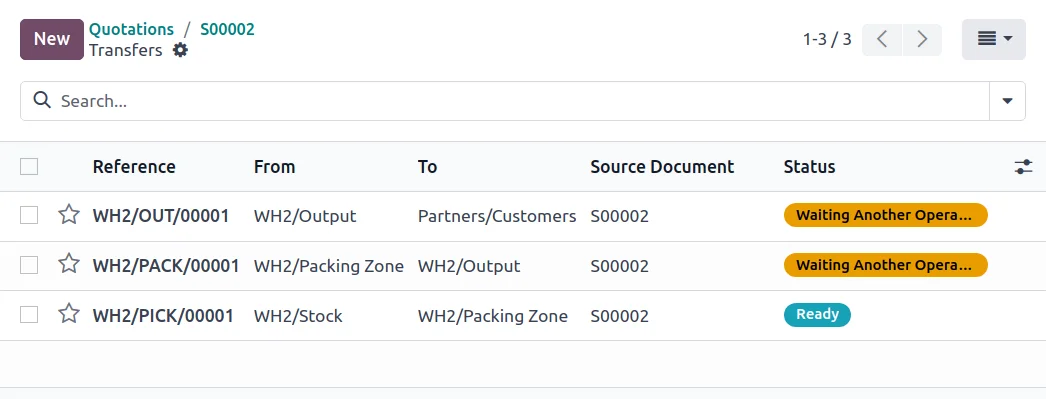
Routes are defined: how goods from the supplier enter and how a customer order is prepared and dispatched, with a barcode reader if the volume requires it. Deliverable: operational warehouse flow.
Step 4 · Automatic replenishment
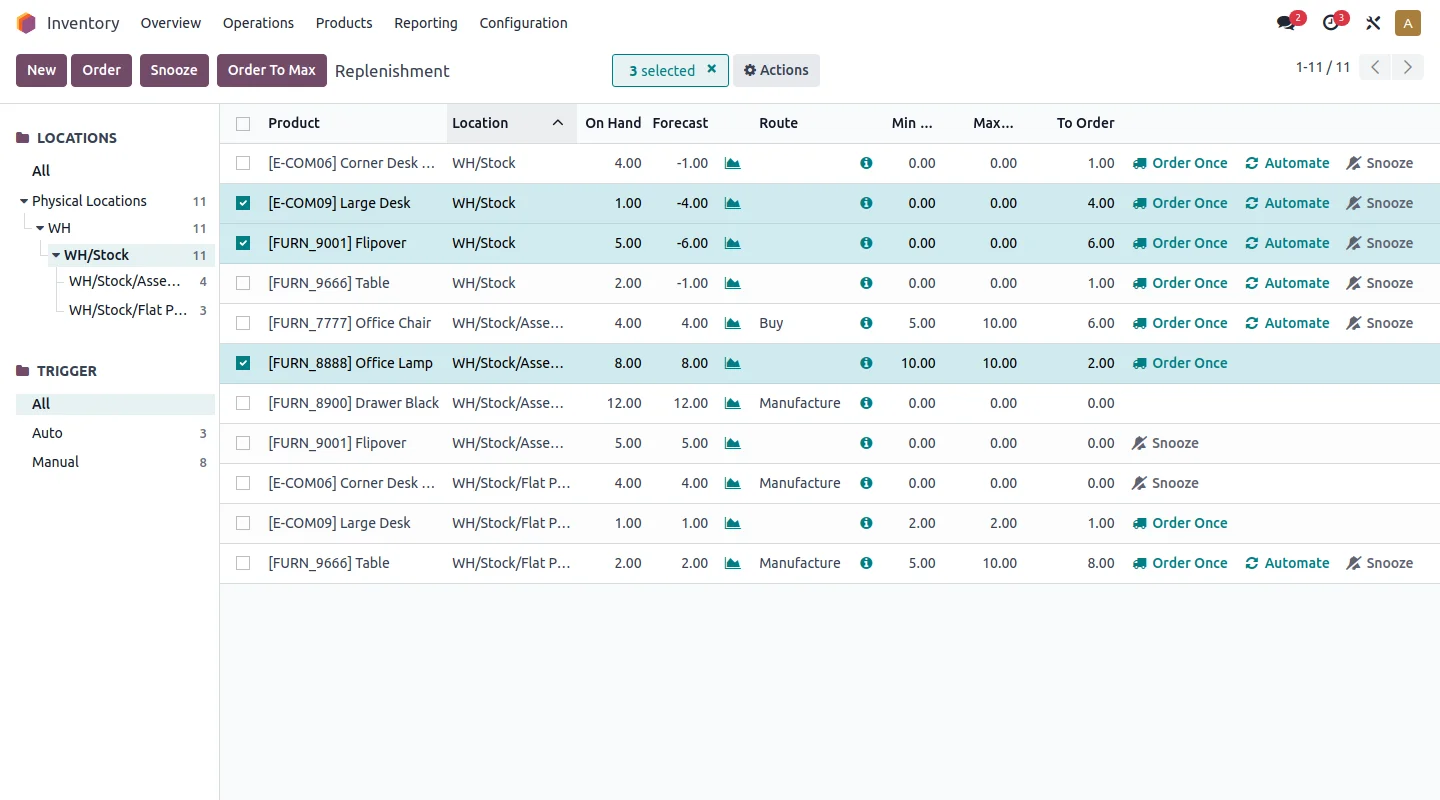
Minimum stock rules are configured so that Odoo generates purchases when a product falls below the threshold. This way you stop running out of your best-selling items and accumulating slow-moving stock. Deliverable: automatic provisioning.
Step 5 · B2B channel and invoicing
The portal is activated so that your customers can place orders with their price and history, and invoicing is compliant with VeriFactu. The B2B approach is in Odoo ecommerce B2B. Deliverable: B2B orders and compliant invoicing.
What a distributor gains with Odoo
- Reliable inventory: you know what you have and where, without endless counts.
- Fewer preparation errors: each order is served correctly.
- Clear customer margin: you see which account makes you money and which doesn't.
- Smart replenishment: you buy just enough, when needed.
Common errors when implementing Odoo in distribution
- Starting without organising warehouse locations.
- Not loading price lists correctly and ending up invoicing incorrectly.
- Leaving replenishment manual and continuing with stockouts.
- Opening the B2B channel before having a stable warehouse and catalogue.
With a partner experienced in logistics, these points are anticipated; that's why it's advisable to choose wisely with whom you implement. The full project framework is in Odoo implementation and cost details in how much Odoo costs.
What you need before you start
For a quick start, it's advisable to have a few things ready before the first technical meeting. The first is a refined catalogue, with unique references, clear sales units, and up-to-date purchase and sale prices. The second is customer rates: what conditions each account has, what volume discounts you apply, and to whom. The third is a clear idea of your warehouse: how many locations, how it is organised, and how goods enter and exit. And the fourth, an internal manager who knows the operations and can validate decisions without slowing down the project.
None of this needs to be perfect on day one, but the more organised it arrives, the less time will be spent refining it on the fly. In fact, helping to tidy up these points is part of a good partner's initial work.
Multi-warehouse: when you really need it
Not every distributor needs multiple warehouses in the system from the start, and complicating it prematurely only lengthens the project. If you operate from a single logistics point, locations within that warehouse are sufficient. Multi-warehouse makes sense when you have several premises, a transit warehouse or stock on consignment at a customer's site, and you need to know in real time what is in each location and move goods between them with control.
Odoo manages all that —transfers between warehouses, stock by location, replenishment rules by point—, but the recommendation is always the same: start with what you use today and activate the multi-warehouse when the business demands it, not because it «feels complete». Phased implementation avoids configuring complexity that no one then uses.
How much does it cost and how long does it take?
| Scope | Indicative timeframe | Example |
|---|---|---|
| Basic | 4 – 8 weeks | Purchasing, warehouse with locations, and sales |
| Medium | 2 – 4 months | Multi-warehouse, complex rates, B2B channel |
| Advanced | 4 months or more | Several premises, integrations, and demanding logistics |
Indicative and non-binding timeframes and costs; they depend on the number of references, warehouses, and the state of your data. Detailed cost, without invented figures, in how much Odoo costs.
What can be automated in a distributor
A good part of a distributor's daily work is repetitive, and that's where Odoo saves hours. Replenishment is automated with minimum stock rules that generate purchases automatically when a product falls below the threshold, so you stop manually monitoring inventory. Order preparation is guided with routes and a barcode reader, reducing picking errors. Recurring invoicing for regular customers is scheduled to be issued automatically each period. And notifications for pending orders, deliveries, or incidents arrive without anyone having to remember.
The result is not just convenience: it's fewer errors, fewer stockouts, and a team that dedicates its time to selling and serving, not to copying data between programmes. The key, as in the entire project, is to activate these automations in phases, once the base flow is already working, instead of trying to automate everything on day one. Each well-implemented automation shows in the profit and loss account; each one implemented in a rush shows in the corrections.
Frequently asked questions
Is Odoo suitable for a small distributor?
Yes. You can start with purchasing, warehouse, and sales, and add the B2B portal or advanced routes when volume demands it. Starting with a limited scope is what makes it viable.
Can I have different prices per customer?
Yes. Odoo's price lists allow for rates by customer, by volume, or by conditions, so each order is issued with the agreed price without manual calculations.
Does Odoo control multiple warehouses?
Yes. It manages multi-warehouse with locations, transfers between them, and real-time stock, useful if you have more than one logistics point.
How long does it take to implement Odoo in a distributor?
A start with purchasing, warehouse, and sales is usually ready in a few weeks. The timeframe depends on the number of references, warehouses, and whether you include the B2B channel from the start.
Does Odoo connect with my carriers?
Yes. You can integrate common carriers to automatically generate labels and tracking with each dispatch, without manually copying addresses or jumping between programmes.
Can I control batches and expiry dates?
Yes. If you distribute products with batch or expiry dates, Odoo controls them and allows you to apply criteria such as «first to expire, first out», which is key in food, beverages, or chemical products.
Do you want your distributor running on Odoo without warehouse errors?
At Nextdoo, an official Odoo partner, we implement the warehouse, rates, and B2B channel in phases, with verified data. Start by Odoo for wholesale distribution.
Source: Odoo official documentation (Inventory). Indicative and non-binding figures.
Sources
Official sources consulted: Odoo official documentation and electronic headquarters of the Tax Agency (VeriFactu). Indicative and non-binding cost and timeframe figures, subject to variations depending on the project.