
A good CRM organises sales, prevents missed opportunities, and helps the business grow wisely. The problem is there are dozens of options, each promising to be the best, and it's easy for an SME to choose poorly: ending up with something abandoned due to complexity or that falls short as the business grows. This guide explains what a good CRM truly needs for an SME, what types there are, how to choose yours, and where Odoo fits in, without hollow marketing claims.
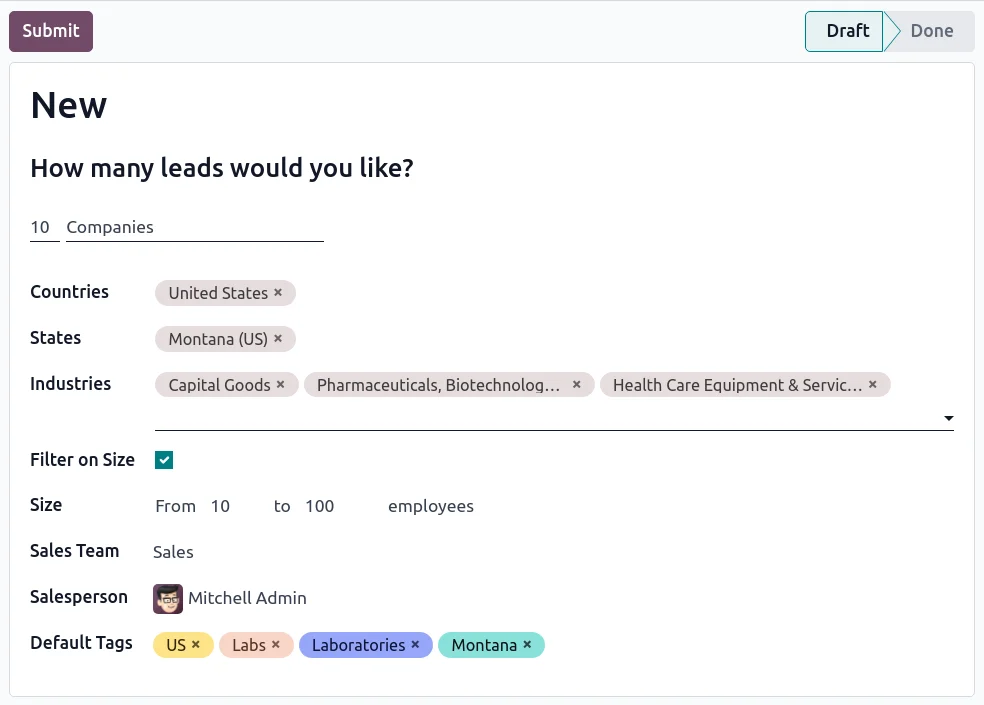
En 30 segundos. Choose the best CRM for SMEs in Spain 2026. Learn features, types, criteria, and how Odoo fits. An honest guide from an official Odoo partner.
Why an SME Needs a CRM
Without a CRM, sales information lives in people's heads, in spreadsheets, or in loose emails. That works until it stops working: follow-ups are missed, customers are forgotten, nobody knows the status of each opportunity, and when someone leaves, they take their client portfolio with them. A CRM brings order: it centralises contacts, opportunities, and activities, and provides visibility into what's happening in sales. For an SME that wants to grow without chaos, it's not a luxury, it's a fundamental tool. The question isn't if you need a CRM, but which one fits your business.
What a Good CRM for SMEs Should Have
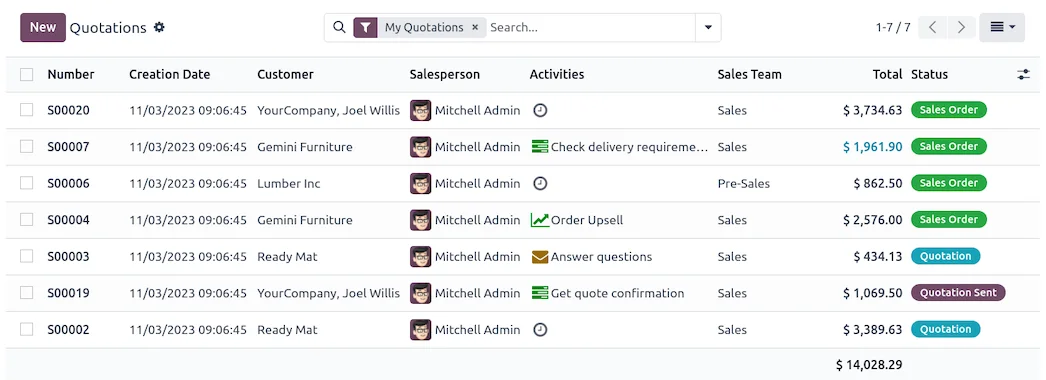
Beyond just storing contacts, a good CRM for an SME should meet these points. This is the list against which any option should be measured:
- Ease of Use. If your team doesn't enjoy using it, it's no good. Adoption is more important than the
feature list.
- Funnel Management. Viewing opportunities by stage, with activity tracking and forecasting.
sales.
- Business Integration. It should connect with invoicing, stock, and accounting, so that a
sale isn't isolated.
- Mobility. Mobile access for the sales team working on the go.
- Clear Reports. Knowing what works and what doesn't, without parallel spreadsheets.
- Proportionate Cost. The price should make sense for your team's size and not skyrocket as you
grow.
- Scalability. It should accommodate growth without forcing you to switch systems.
Types of CRM
Broadly speaking, there are three families, each with its own logic:
- Specialised CRMs. Tools focused solely on CRM, very powerful and customisable. They are often
the benchmark for large sales teams, although their cost and complexity can be high for an SME.
- Marketing Platforms with CRM. Strong in lead generation and inbound marketing, with a user-friendly CRM. Ideal if your
priority is attracting and converting leads, though subsequent management often falls outside its scope.
- CRMs Integrated into an ERP. The CRM is one part of a system that manages the entire business, connected
with sales, invoicing, and stock. This is the case with Odoo. They offer integration in exchange for a slightly larger implementation project.
How Odoo Fits In
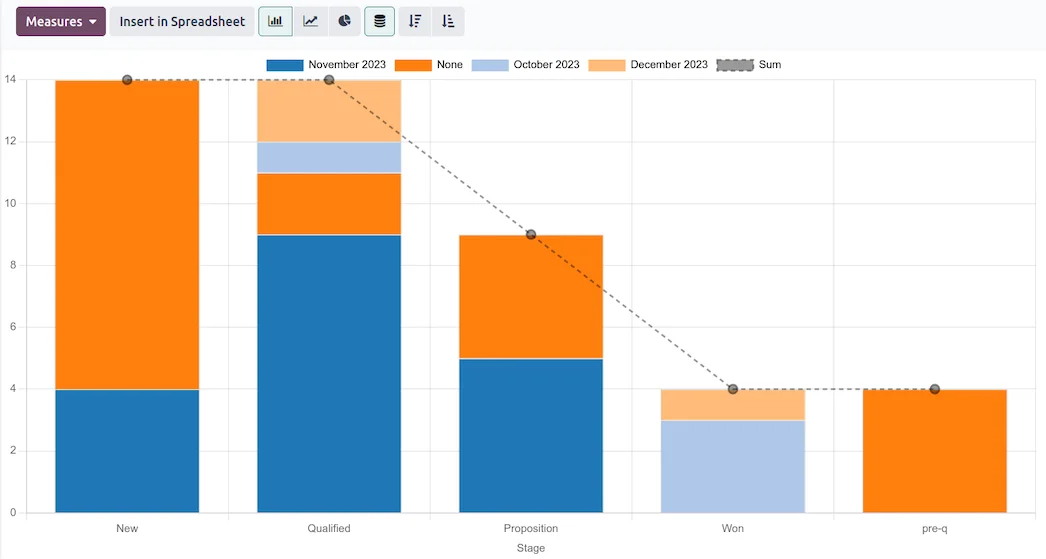
Odoo belongs to the third family: its CRM is integrated with the rest of the business. This means that an opportunity becomes a quote, an order, and an invoice in accordance with VeriFactu without re-entering data or jumping between programmes. For an SME, that integration is exactly what avoids duplicate work and discrepancies: sales and management speak the same language. The Odoo CRM covers funnel, opportunities, activities, forecasts, and reports, with mobile access, all within a system that also handles invoicing, inventory, and accounting. It's not the lightest option if you just want a contact book; it's the most practical if you want the CRM to be part of the actual business management.
Criteria Comparison
A simple way to decide is to score each option against the criteria that truly matter. This table summarises how each family performs, as a guide:
| Criterion | Specialised CRM | Marketing + CRM | CRM in an ERP (Odoo) |
|---|---|---|---|
| Ease of Use | Medium | Alta | Medium-High |
| Business Integration | Via integrations | Low-Medium | Alta |
| Cost for SME | Alto | Scales with growth | Content |
| Spanish Taxation | Via integrations | No | Integrated (VeriFactu) |
| Scalability | Alta | Medium | Alta |
Indicative comparison by solution type, not specific products. Each tool has its specific features; confirm them on their official websites.
How to Choose Yours
To avoid making a mistake, a sensible order is this. First, think about adoption: choose something your team will actually use, not what has the most features on paper. Second, decide how much you want to integrate: if you only need to organise contacts, a simple CRM is fine; if you want to connect sales with invoicing and stock, aim for an integrated CRM. Third, look at the medium-term cost, not just the initial outlay, and how it evolves as you grow. And fourth, rely on someone who understands your reality: a partner who understands your business and Spanish taxation makes all the difference. It's advisable to choose well and understand what makes up the price. The framework for an Odoo project is in Odoo implementation.
Common Mistakes When Choosing a CRM
When choosing a CRM, some pitfalls recur. The first is choosing by the feature list and ending up with a tool that nobody uses because it's too complicated. The second is settling for an isolated CRM that forces you to re-enter data between sales and invoicing. The third is not thinking about growth and having to migrate in two years. And the fourth is focusing only on the initial price without seeing how the cost scales. All are avoided with the same approach: prioritising adoption and integration, and thinking medium-term. A well-chosen CRM is one your team uses every day and that connects sales with the rest of the business.
Frequently Asked Questions
What is the best CRM for an SME in Spain?
The one your team actually uses, covers your sales process, and integrates with invoicing and stock. There's no single winner: it depends on your priority. For SMEs looking for integration, a CRM in an ERP like Odoo is very practical.
Is an integrated CRM better than a specialised one?
It depends. A specialised CRM offers more raw power; an integrated one, like Odoo's, avoids duplicate work by connecting sales with invoicing and stock. For most SMEs, integration carries more weight.
Is Odoo's CRM suitable for a small SME?
Yes. It covers funnel, opportunities, activities, and reports, with mobile access, and is integrated with management. It's a good foundation for both starting out and growing.
Does a CRM help me with invoicing?
A CRM organises sales; invoicing is another piece. The advantage of an integrated CRM like Odoo's is that a won opportunity becomes an invoice in accordance with VeriFactu without manually transferring data.
How much does a CRM for SMEs cost?
It depends on the type, users, and features. Some are free to start with, whose cost scales with growth, and others with a more predictable price. Compare the total medium-term cost, not just the initial outlay.
Do I need a partner to implement a CRM?
For a simple CRM, not always. For one integrated into an ERP, a partner who knows your business and Spanish taxation speeds up implementation and avoids mistakes.
Can I change CRMs later on?
Yes, but changing systems comes with cost and friction. That's why it's advisable to choose with growth in mind from the outset, to avoid having to migrate in a short time.
Are you looking for the best CRM for your SME?
At Nextdoo, an official Odoo partner, we analyse your sales process and tell you frankly if Odoo's integrated CRM fits your business. Start with Odoo implementation or request a diagnosis.
Sources: Odoo's official documentation and the Spanish Tax Agency's electronic headquarters. Indicative guide; the features and prices of each platform change, confirm them on their official websites.
Sources
Official sources consulted: Odoo's official documentation y Spanish Tax Agency's electronic headquarters (VeriFactu). Cost and timeline figures are indicative and non-binding, subject to variations depending on the project.