
If your company is obligated to SII, you already know that it's not enough to simply submit VAT returns each quarter: you have to send invoice information to the Tax Agency almost in real time. Doing it manually is unfeasible, so the key is for your system to do it automatically. This guide explains what SII is, who it applies to, and how to comply with it using Odoo without it becoming a daily burden.
En 30 segundos. What is SII (Immediate Supply of VAT Information), who it obliges, what it requires & how to comply with Odoo. Guide from an official Odoo partner.
What is SII?
SII is the system by which certain companies maintain their VAT record books directly through the Tax Agency's electronic headquarters, instead of through traditional periodic declarations. What characterises it is its immediacy: records of issued and received invoices are sent within a short period of days from their issuance or accounting, not at the end of the quarter. It has been in operation for years for the obligated group, and it seeks near real-time VAT control. It shares a similar principle with VeriFactu, although they are different things; you can see the other article at VeriFactu and Odoo.
Who is obligated by SII?
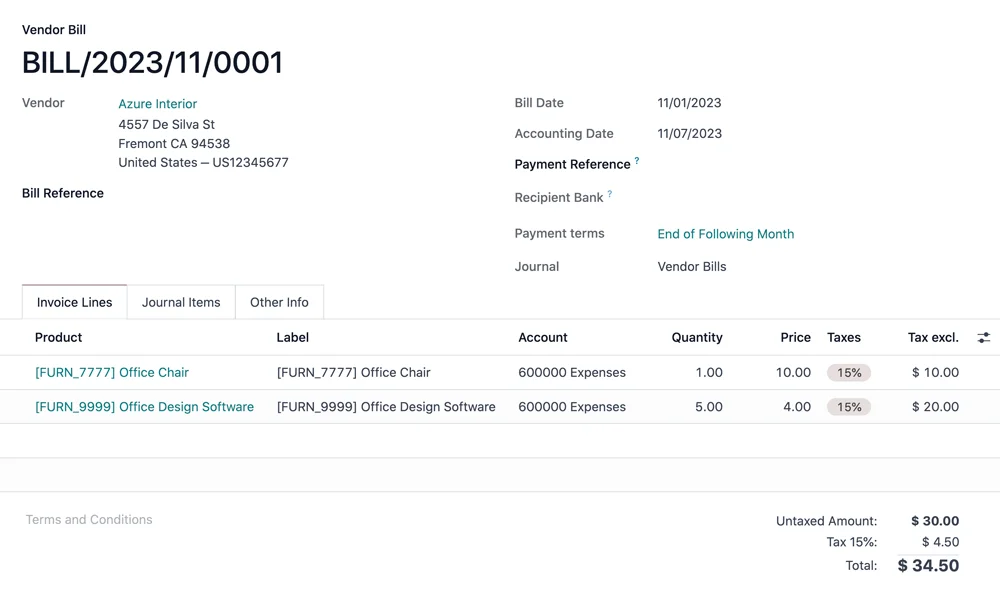
SII is broadly speaking mandatory for those who declare VAT monthly: large companies, those registered for monthly refunds (REDEME), and VAT groups, among others. For other companies, it is optional, and some adopt it for the advantages it offers. If you are unsure whether it applies to you, it's precisely the kind of thing you should confirm with the AEAT or your advisory firm, as it depends on your specific situation; official information is available on the Tax Agency's website.
What it requires from your company
Complying with SII means being able to:
- Submit records of issued and received invoices within the established short timeframe.
- Keep VAT ledgers updated through the AEAT portal.
- Manage the Tax Authority's responses (acknowledgements, errors) and correct whatever is necessary.
- Do all of this continuously, not in a quarterly rush.
The key is that, with the volume of invoices of an obligated company, this is only feasible if the system does it automatically.
How to comply with SII using Odoo step-by-step
Step 1 · Activate SII in the Spanish localisation
Odoo is configured with the Spanish localisation and the SII module, so that it knows what and how to submit. Deliverable: Odoo ready for SII.
Step 2 · Configure certificates and connection with the AEAT
Certificates are installed and the connection with the Tax Agency's portal is established for submissions. Deliverable: operational connection.
Step 3 · Automatic submission of records
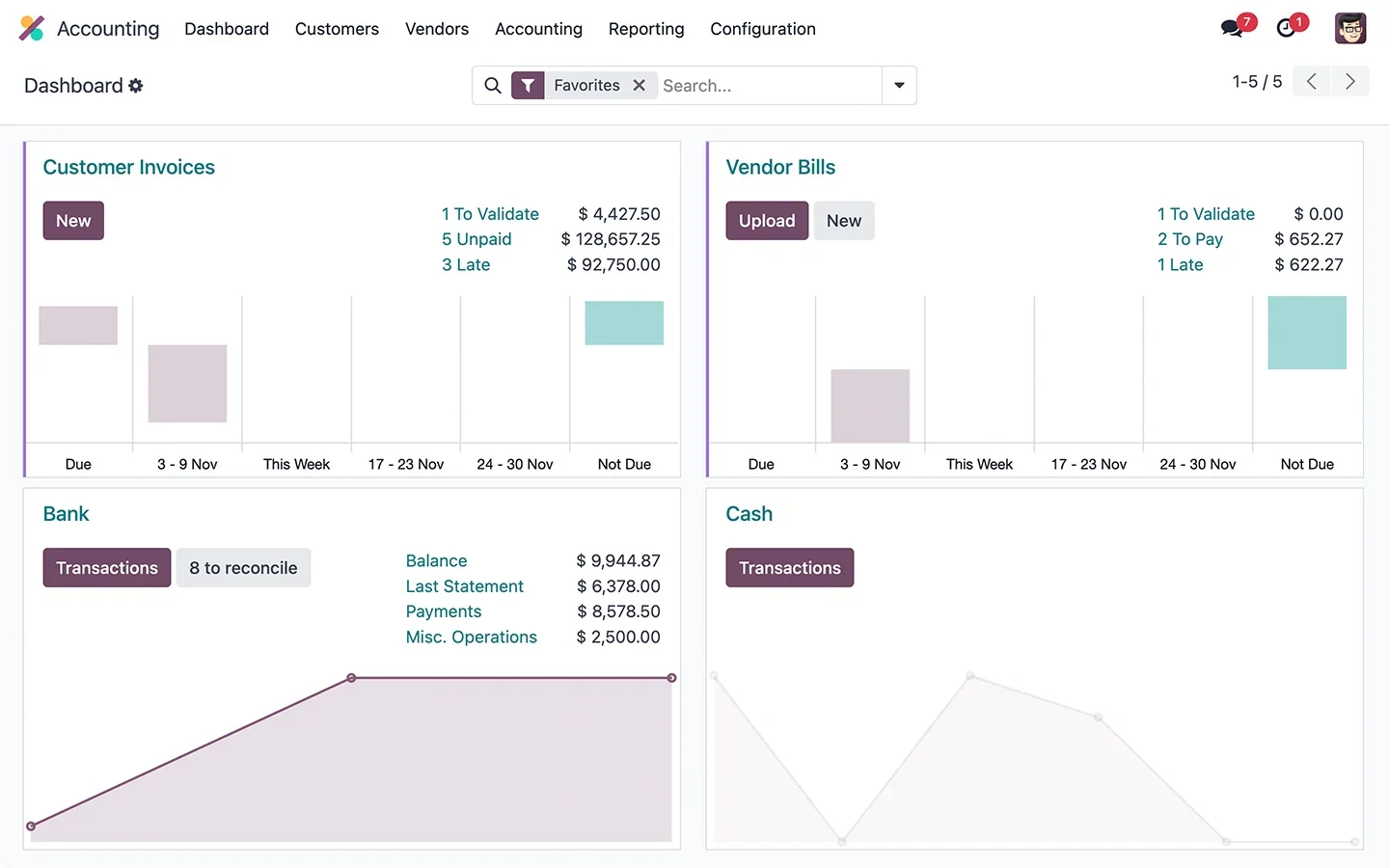
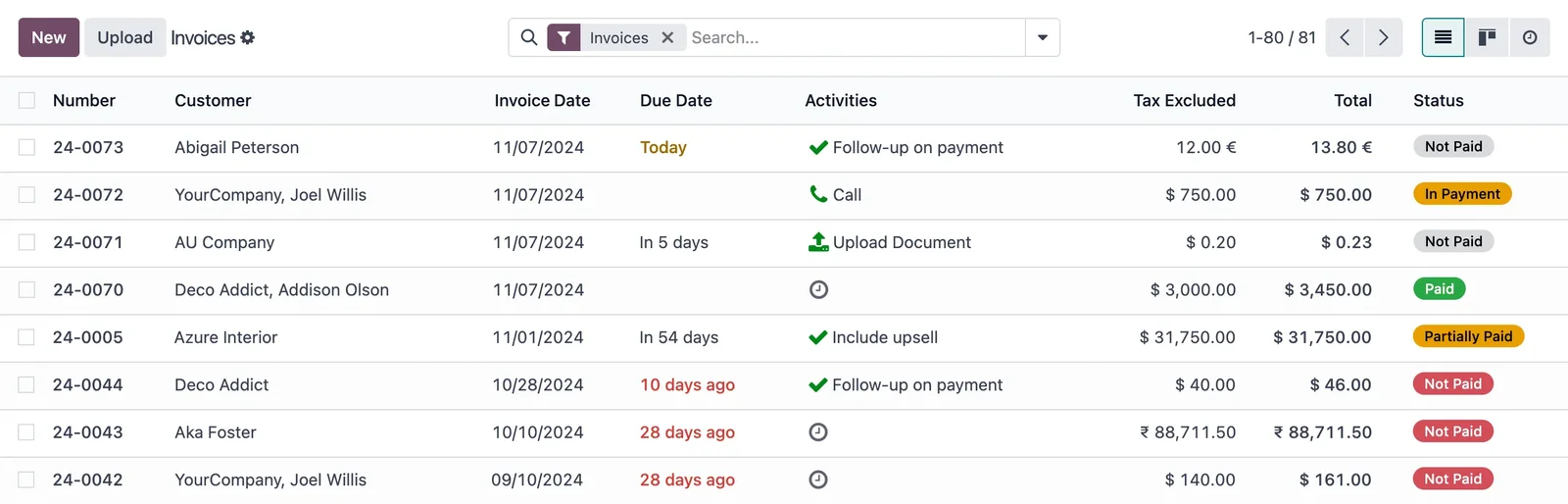
The submission of records for issued and received invoices is activated within the deadline, automatically as they are invoiced or accounted for. Deliverable: SII working without manual effort.
Step 4 · Monitoring responses and corrections
Tracking of the Tax Authority's responses is set up to detect and correct errors promptly. Deliverable: SII under control.
Why SII is more manageable with a good system
For an obligated company, SII can be experienced as a burden or as something seamless, and the system makes the difference. If invoicing and accounting are integrated —as in Odoo—, records are generated automatically from what you already do and are submitted within the deadline without manual intervention. If, on the other hand, data is scattered across various programmes or in Excel, complying with SII becomes a daily race against the clock. That's why, for those obligated, having an integrated system is not a luxury: it's what makes SII sustainable.
Common SII errors
- Trying to comply manually or with data scattered in multiple places.
- Not monitoring the Tax Authority's responses and accumulating uncorrected errors.
- Configuring the submission but not testing that it is accepted correctly.
- Assuming it is mandatory for you —or not— without confirming it with your advisory firm.
With a partner who knows the Spanish localisation, SII is left running and you forget about it; it's advisable to choose wisely who you implement with.
How much does it cost and how long does it take to set up SII in Odoo?
If you already use Odoo, activating and validating SII is a contained configuration; if you are implementing Odoo or migrating from another system, it is integrated into the project. The framework is in Odoo implementation and, if you migrate, in the migration checklist.
Indicative and non-binding deadlines; they depend on your specific case and volume.
SII in daily accounting: how it is experienced
For those obligated, SII ceases to be a quarterly event and becomes part of the daily routine, which is why how it integrates into the workflow matters. With a system like Odoo, the logic is simple: as you issue invoices and record supplier invoices, the data that SII needs is already there, so the submission is done automatically within the deadline, without anyone needing to prepare anything separately. Accounting doesn't become a race against the clock every few days; simply, what you already do feeds the submission.
The part that does require attention is monitoring the Tax Authority's responses: if a record shows an error, it must be corrected promptly, and having that monitoring set up prevents errors from accumulating. In practice, a company with a well-integrated SII barely notices its existence, beyond that review. One that manages it manually or with scattered data, however, suffers every week. That difference is, once again, having or not having an integrated system behind it that turns an obligation into something automatic.
Frequently Asked Questions
What is the SII?
It is the system by which certain companies maintain their VAT ledgers through the AEAT's online portal, sending invoice data within a short period of days from their issuance or registration.
Who is obliged to use the SII?
Mainly large companies and those who declare VAT monthly (REDEME, VAT groups). For the rest, it is voluntary. It is advisable to confirm your situation with the AEAT or your tax advisor.
Does Odoo comply with the SII?
Yes. With the Spanish localisation and the SII module, Odoo automatically generates and sends records to the AEAT within the deadline.
Can I comply with the SII manually?
In practice, no, due to the volume and immediacy it requires. You need a system that does it automatically, like Odoo with the SII activated.
Is the SII the same as VeriFactu?
No. The SII concerns VAT ledgers in near real-time; VeriFactu concerns the registration of invoicing. They are distinct obligations.
What happens if I submit records late?
There can be penalties and demands. That's why automatic submission within the deadline, with response monitoring, is the sensible way to comply.
Is it beneficial for me to opt into the SII even if I'm not obliged?
Some companies do so for its advantages, but it depends on your specific case. It is a decision worth evaluating with your tax advisor.
How long does it take to get the SII ready in Odoo?
If you already use Odoo, it's usually a configuration taking days to a few weeks; if you are implementing or migrating, it's integrated into the project.
Are you obliged to use the SII and want it to run itself?
At Nextdoo, an official Odoo partner, we set up the SII to send records within the deadline, without manual effort. Start by the Odoo implementation or request a diagnosis of your company.
Sources: Spanish Tax Agency's e-office and official Odoo documentation. Guidance information, not tax advice; confirm your obligation and conditions with the AEAT or your tax advisor.
Sources
Official sources consulted: official Odoo documentation y Spanish Tax Agency's e-office (VeriFactu). Cost and timeframe figures are indicative and non-binding, subject to variations depending on the project.