
In summary. Odoo centralises restaurant POS with table layout and kitchen orders, online booking management, ingredient stock control, delivery orders, and accounting with VeriFactu into a single system. It eliminates disparate tools and data that don't match up. Valid for a single venue or for chains with several restaurants.
If you own a restaurant, a tapas bar, or a chain of venues, you know that managing hospitality isn't easy. The waiter makes mistakes when taking orders, the kitchen doesn't receive the order on time, ingredient stock goes unchecked, and accounting piles up until it's time to declare VAT. Odoo solves all of this from a single platform, without patching together tools that don't communicate with each other.
Odoo integrates restaurant POS, bookings, inventory, and delivery into a single platform, eliminating disparate systems and data errors.
Why does the hospitality industry need an integrated system?
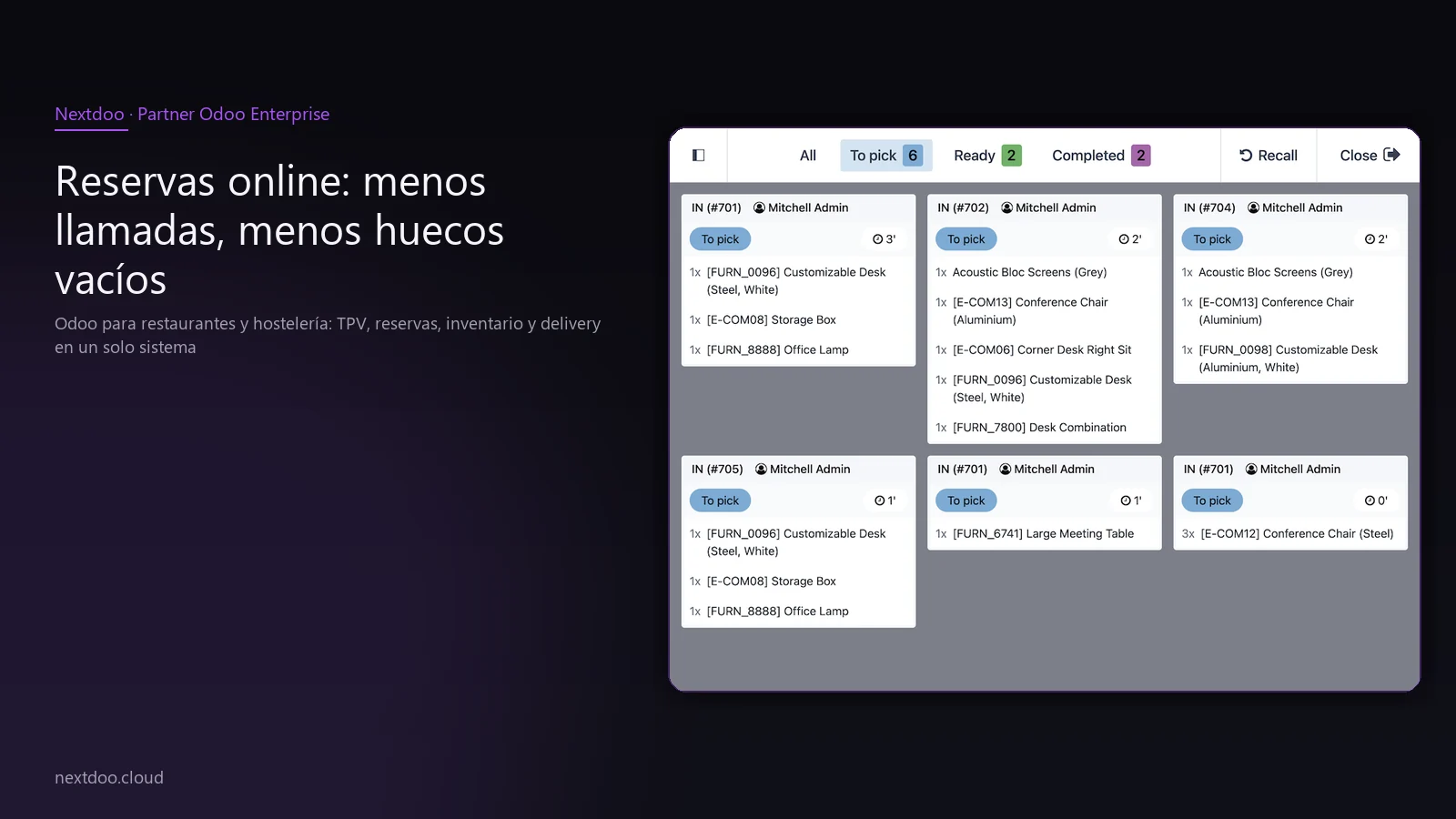
Most restaurants work with a POS from one provider, a spreadsheet for stock, a booking app from another provider, and an accounting firm that collects paper invoices at the end of the month. Each tool functions separately, which means the data never matches.
When inventory doesn't communicate with the POS, you don't know if you'll run out of a key ingredient for Saturday's service. When bookings aren't linked to the POS, the front-of-house manager doesn't know how many actual tables are available. When accounting operates independently, the monthly close is chaos.
Odoo was created to solve exactly that: a single core where all business processes share the same data in real time. In hospitality, this makes a real and measurable difference from the first month of use.
Furthermore, the hospitality sector in Spain has significant tax specificities. The VeriFactu obligation, the quarterly Modelo 303 or the annual 390 require the POS to be perfectly integrated with accounting. Improvising here can be costly.
Odoo POS in restaurant mode: more than just taking payments at tables
Odoo includes a specific point-of-sale mode for hospitality. It's not the same generic POS from a retail business adapted with patches: the restaurant system has native functionalities designed for front-of-house service.
Table layout and front-of-house management
You can design your venue's layout with the actual arrangement of tables, terraces, and bars. The front-of-house manager sees at a glance which tables are occupied, how long they've been occupied, and the status of each order. If there are several spaces, such as a ground floor and a terrace, they are managed separately from the same screen.
Assigning and moving customers between tables is immediate. If one table asks to join another, the order merges without losing anything. If they want to pay separately, the bill is split with a few taps on the screen.
Direct kitchen orders
When the waiter enters the order into the POS, the order instantly reaches the kitchen printer or a display screen. No paper flying around the dining area, no confusion between waiter and chef, no risk of a dish getting lost.
Each dish can include modifiers: gluten-free, rare, no onion, extra cheese. The chef sees exactly what the customer ordered, without waiter interpretations.
Orders can be sent by courses: starters first, then main courses. Service is better organised, and the kitchen works at its own pace without getting overwhelmed.
Tips and multiple payments
Tip management is integrated into the payment flow. The customer can add it when paying by card directly from the card reader, without the waiter having to do any manual calculations.
Payments are accepted in cash, card, company vouchers, or combinations of several methods on the same bill. Cash reconciliation at closing is automatic: Odoo generates the daily cash report without anyone having to count receipts.
Do online bookings reduce calls and empty slots?
Telephone bookings have a problem: if the venue is full and you don't answer, the customer calls the competition. If you answer and note down the time incorrectly, a conflict arises during service.
Odoo includes an online booking system that you can integrate into your website or Google profile. The customer sees the actual table availability in real time, chooses the time and number of diners, and confirms the booking without anyone from the restaurant having to intervene.
The system sends automatic email or SMS reminders before the booking. The no-show rate significantly decreases when the customer receives a reminder a few hours beforehand.
From the front-of-house panel, the front-of-house manager sees the day's booking list with name, time, and number of diners. They can block time slots for private events or lunch service without affecting dinner bookings.
If you manage several venues, each one's bookings go into its own calendar. Everything is centralised, but each venue has its own operation.
How to control ingredient stock before something runs out?
Food waste and stockouts are two of the main profitability problems in hospitality. When you don't have inventory visibility, you order too much or too little, and margins suffer.
Bills of material per dish
In Odoo, you can configure the recipe for each dish: what ingredients it contains and in what quantity. When the POS registers the sale of that dish, the system automatically deducts the ingredients from stock.
At the end of service, you have an exact picture of what's left in the kitchen without needing to do a manual count. You can set up alerts so the system notifies you when an ingredient falls below the minimum level you determine.
Automated supplier orders
When stock reaches the reorder threshold, Odoo can automatically generate a draft order to the usual supplier. The purchasing manager only has to review and confirm, without having to remember what's missing or calculate it manually.
This also helps to negotiate better with suppliers: when you have historical consumption data, you can commit to regular volumes in exchange for better prices.
Wastage and costing valuation
Odoo allows you to register preparation wastage: if a kilo of sirloin yields a specific percentage after cleaning, the system works with the actual yield. The costing per dish is precise, and the real cost of each recipe is reflected in the margin.
Delivery and takeaway: orders come in automatically
Delivery is not declining. Many restaurants have turned home delivery and take-away into a relevant business line, but managing external platforms alongside dine-in service can be chaotic without integration.
Odoo accepts online orders directly: the customer places the order from the restaurant's website or from their own channel, and that order automatically enters the POS and the kitchen screen. Without anyone having to copy it manually.
Through connectors with common delivery platforms in Spain, external orders can also be centralised in the same workflow. The kitchen works with a single screen, regardless of where the order comes from.
Delivery management includes order status tracking, assignment to a delivery driver if you have your own fleet, and customer notification. All from the same system that manages dine-in service.
Accounting, VeriFactu, and tax compliance
This is a critical point in 2025 and 2026. Spanish regulations require invoicing IT systems to comply with VeriFactu, which demands that every ticket generated is immutably recorded with an electronic signature and can be communicated to the AEAT.
Odoo, configured correctly by an official partner like Nextdoo, complies with VeriFactu from the first ticket. It's not a later addition or a patch: it's integrated into the POS payment flow.
Till closing and daily accounting
Every POS sale is accounted for in real-time. The daily till closing automatically generates the corresponding accounting entries. There's no need to export data or ask the accounting firm to enter it manually.
The quarterly VAT Modelo 303 can be prepared directly from Odoo with the data already reconciled. The same applies to the annual 390 and Modelo 347 for transactions with third parties. Less work for the financial manager, less room for error.
Invoicing to companies and groups
If you receive bookings from companies that need an invoice, Odoo generates the invoice from the same POS with the client's tax details. The invoice meets all legal requirements and is accounted for instantly.
For restaurant chains, multi-entity management allows each outlet to be an independent accounting unit with a consolidated view at head office.
Is Odoo a good option for restaurant chains and groups?
If you have more than one outlet, the complexity multiplies. Each restaurant has its own stock, its own waiters, its own bookings. But head office needs global visibility to make decisions.
Odoo allows you to manage several outlets from a single instance. Centralised purchases take advantage of the volume of all outlets. Each outlet's accounting is separate, but the financial manager sees consolidated figures when needed.
Recipes and menus are managed centrally: when you change the price of a dish or introduce a new seasonal menu, it updates in all outlets simultaneously. No calls, no emails, no version errors.
The performance of each outlet is comparable in real-time. You know which restaurant has the best average spend, which dishes rotate more in each area, which waiter has the best productivity. Data that previously required a report from the accounting firm a month in arrears.
What to expect when you start with Odoo in your restaurant?
The implementation of Odoo in a restaurant follows a logical order. First, the POS is configured with the table layout and menu, because that's what you need operational from day one. Then stock control, online bookings, and accounting are activated.
The Nextdoo team works with the restaurant manager to adapt the system to the real operations of the outlet. There is no generic template: each restaurant has its own service flow, its shifts, its particularities with suppliers.
Front-of-house staff training is quick. The POS is designed so that a waiter with no prior experience with Odoo can handle it proficiently in a short time. The learning curve for front-of-house is short if the system is well-configured from the start.
The necessary hardware is standard: tablets or touchscreens for the dining area, kitchen printers, integrated card machine. You don't need proprietary equipment or to be tied to a single hardware provider.
Frequently asked questions
Does Odoo comply with VeriFactu for restaurants in Spain?
Yes, Odoo configured by an official partner complies with the VeriFactu requirements that the AEAT demands of invoicing systems. Every ticket is recorded with an electronic signature and the system can communicate the data to the Tax Agency's register according to current regulations. It is essential that the configuration is carried out by a partner with experience in the Spanish fiscal context.
Can I integrate Odoo with delivery platforms like Glovo or Uber Eats?
Yes, there are connectors that allow you to centralise orders from external platforms in the Odoo POS. Orders enter the kitchen workflow directly without anyone having to copy them manually. The availability and detail of the integration depend on the specific platform and the connector used, something that is evaluated in the analysis prior to implementation.
Is Odoo suitable for a small restaurant with few users?
Yes. Odoo is scalable: a family restaurant with few users can start with basic POS and accounting functionalities, and add online bookings or stock control when needed. The system grows with the business without needing to change platforms.
How does ingredient stock control work?
Each dish on the menu has its recipe configured with the ingredients and quantities. When the POS registers a sale, Odoo automatically deducts those ingredients from the inventory. The kitchen manager can see available stock in real-time and configure alerts to notify them before an ingredient runs out.
Is it possible to manage several restaurants from a single system?
Yes, Odoo is set up for multi-location management. Each restaurant maintains its independent operations: its POS, its stock, its till. At the same time, the central office has access to the consolidated data of all locations, can manage centralised purchases and update the menu in all establishments simultaneously.
What about Modelo 303 and the quarterly VAT return?
Odoo integrates accounting with the POS so that each sale is accounted for in real-time. At the end of the quarter, the data for Modelo 303 is already calculated and reconciled in the system. This significantly reduces the work of the accounting firm and the risk of errors in the declaration.
Conclusion: a system that works while you serve tables
The hospitality industry does not forgive operational errors: a lost order, a poorly managed table or uncontrolled stock directly affect the customer experience and the business margin. Odoo centralises all these processes in a single system that connects the dining room with the kitchen, inventory with purchases and the POS with accounting.
If your restaurant still works with disparate tools or with a POS that doesn't communicate with anything else, the time to review that situation is before the next peak season, not after.
At Nextdoo, we are an official Odoo Enterprise partner in Spain and carry out implementations in the hospitality industry with specific knowledge of the sector and the Spanish fiscal context. If you want to see the restaurant POS in action with your own venue's data, we can organise a demo tailored to your situation.
Indicative information. Actual timelines, costs and scopes are confirmed after a personalised analysis. JLM Business Solutions SL · B16842831.
Frequently asked questions
Does Odoo comply with VeriFactu for restaurants in Spain?
Yes, Odoo configured by an official partner complies with the VeriFactu requirements that the AEAT demands of invoicing systems. Every ticket is recorded with an electronic signature and the system can communicate the data to the Tax Agency's register according to current regulations. It is essential that the configuration is carried out by a partner with experience in the Spanish fiscal context.
Can I integrate Odoo with delivery platforms like Glovo or Uber Eats?
Yes, there are connectors that allow you to centralise orders from external platforms in the Odoo POS. Orders enter the kitchen workflow directly without anyone having to copy them manually. The availability and detail of the integration depend on the specific platform and the connector used, something that is evaluated in the analysis prior to implementation.
Is Odoo suitable for a small restaurant with few users?
Yes. Odoo is scalable: a family restaurant with few users can start with the basic POS and accounting functionalities, and add online bookings or stock control when needed. The system grows with the business without the need to change platforms or undertake a new implementation.
How does ingredient stock control work?
Each dish on the menu has its recipe configured with the ingredients and quantities. When the POS registers a sale, Odoo automatically deducts those ingredients from the inventory. The kitchen manager can view the available stock in real-time and configure alerts to notify before an ingredient runs out, avoiding surprises during service.
Is it possible to manage several restaurants from a single system?
Yes, Odoo is set up for multi-location management. Each restaurant maintains its independent operations: its POS, its stock, its till. At the same time, the central office has access to the consolidated data of all locations, can manage centralised purchases and update the menu in all establishments simultaneously.
What about Modelo 303 and the quarterly VAT return?
Odoo integrates accounting with the POS so that each sale is accounted for in real-time. At the end of the quarter, the data for Modelo 303 is already calculated and reconciled in the system. This significantly reduces the work of the accounting firm and the risk of errors in the declaration to the AEAT.