
In summary. Odoo CRM Community is free and sufficient for small sales teams with simple sales processes. Odoo CRM Enterprise adds no-code customisation, advanced reporting, integrated telephony, and artificial intelligence for lead prioritisation. The move to Enterprise makes sense when the team grows, the pipeline becomes more complex, or you're already paying for other CRM tools that Odoo can advantageously replace.
Choosing between the free and paid versions of Odoo CRM is one of the first decisions an SME makes when it starts to organise its sales process. The honest answer is: it depends on where you are now and where you want to go in the next twelve months.
Odoo CRM Community covers the basic needs of small teams, while Enterprise justifies its cost when operational complexity and automation requirements grow.
What does Odoo CRM Community, the free version, offer?
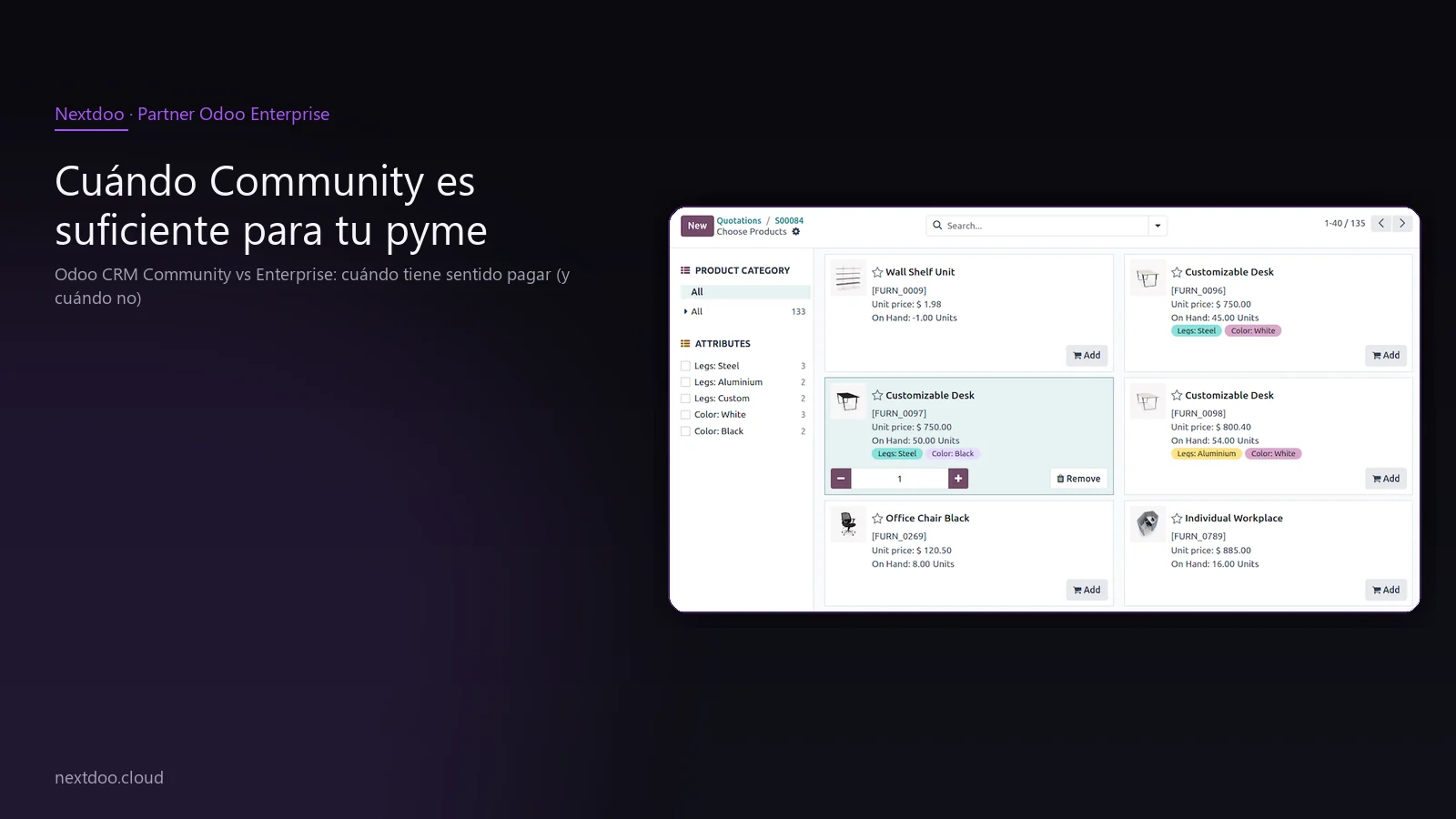
Community isn't a cut-down trial version. It's a functional CRM that many SMEs use for years without missing anything. The important thing is to know exactly what it covers.
The basic version includes contact and company management, opportunity tracking with a visual process of customisable stages, lead assignment to the sales team, and activity tracking with an integrated calendar. You also have email tracking for emails sent from the platform.
Reporting in Community exists, but it's standard. You can see figures for won opportunities, general conversion rates, and team activity. What you can't do is cross-reference data with other business areas or build a customised dashboard without technical knowledge.
Integration with bulk email tools and Odoo's website is also available in Community, provided you use the free components of the ecosystem. If your toolset is entirely Odoo Community, consistency is high.
In summary, Community covers this:
- sales process with customisable stages
- Lead and opportunity logging and tracking
- Activities, calls, and emails linked to each opportunity
- Basic sales reporting
- Integration with corporate email
- Access from browser and mobile app
What does Odoo CRM Enterprise, the paid version, add?
Enterprise isn't "the same with more options". It's a distinct layer that changes how a sales team works, especially when more than three people are involved or when the sales cycle has several long phases.
Customisation is the first big leap. With Enterprise, you can adapt forms, views, and workflows without touching a single line of code. This means the sales manager can adjust the CRM to their actual process without depending on the IT department or the partner.
Advanced reporting is the second. Pivot tables, cohort analysis, visual dashboards with cross-referenced data between sales, invoicing, and stock. If you make decisions based on data, this point alone justifies the move.
Integrated telephony is another strong argument. Enterprise allows you to make and receive calls directly from the opportunity record, with automatic logging of duration and notes. For a team that works a lot by phone, it eliminates manual double-entry.
Enterprise also includes official Odoo support, managed version updates, and access to artificial intelligence functionalities for lead prioritisation. These predictive capabilities help the team know which opportunities are worth investing time in.
Key differences compared to Community:
- Tool customisation without programming
- Advanced visual reporting and cross-data analysis
- Integrated VoIP telephony with automatic logging
- Lead scoring with customised rules
- Artificial intelligence assistance for prioritisation
- Official support with version updates included
When is Community sufficient for your SME?
There's a clear company profile for which Community is the right answer, at least during an initial stage. There's no reason to pay more if your situation fits here.
You're a candidate to stay with Community if you have one to three salespeople, manage a manageable volume of opportunities without obvious saturation, and your sales cycle is short and direct. If you previously used a spreadsheet or a shared document for tracking, Community already represents a huge leap in organisation and visibility.
It also makes sense to stay with Community if your company is trying Odoo for the first time and you want to validate that the team adopts the tool before committing a larger budget. The learning curve is the same in both versions, so starting with Community doesn't penalise future growth.
Another clear case: companies where CRM is a minor part of the business and the real priority is in another area, such as warehouse management or invoicing. Allocating the budget to Enterprise in the critical business area and staying with Community for sales is a completely rational decision.
What you shouldn't do is stick with Community if the team is already complaining about limitations. That has an invisible cost in lost productivity that usually outweighs the cost of upgrading to Enterprise.
When does it make real economic sense to upgrade to Enterprise?
There are concrete signs that Community has become too small for you. These aren't opinions; they're operational symptoms.
The first is when the sales team exceeds four or five users and coordination starts to fail. Without advanced cross-visibility, leads are duplicated, opportunities go untracked, and the manager doesn't have a reliable dashboard for making weekly decisions.
The second is when you're already paying for other tools that Enterprise replaces. If your company uses Pipedrive, HubSpot, or any paid CRM separate from your ERP, you're paying twice and also managing an integration that always causes problems. Unifying with Odoo Enterprise can be cheaper overall and, crucially, eliminates data friction between systems.
The third is when the sales process is complex enough to require customisation. If your pipeline has industry-specific phases, you need custom fields, or you want to automate repetitive tasks like sending emails at specific points in the cycle, Enterprise does it without any programming.
The fourth is when management needs cross-referenced data. Knowing how much each salesperson invoices is in Community. Knowing which type of customer has the shortest sales cycle, which campaign generated the most closed opportunities, or what the real margin per won opportunity is – that already requires Enterprise.
The real cost of not deciding: the limbo scenario
There's a common mistake worth mentioning. Many SMEs stick with Community longer than is reasonable because "it's working fine for now" and they don't want to make the decision to pay. That limbo has a real cost.
When the team works with a tool that no longer meets its needs, the usual solution is to add parallel spreadsheets, shared documents, or external tools. The result is that data is scattered, reporting is manual, and management makes decisions with incomplete information.
That opportunity cost, in time and suboptimal decisions, usually far outweighs what upgrading to Enterprise would cost. The problem is that it's invisible in the accounting, but very visible in the results.
The flip side of the coin is the opposite: SMEs that upgrade to Enterprise before having the team and processes ready to take advantage of it. Paying for advanced functionalities that no one uses in the first few months is money wasted. That's why the recommendation is clear: validate in Community first, identify the real bottlenecks, and make the move when you're clear about what problem you're solving.
How to migrate from Community to Enterprise without losing data or time?
A common question is whether changing versions means starting from scratch. The answer is no. Odoo's data architecture is the same in both versions, meaning the migration preserves contacts, opportunities, activity history, and all process configurations.
The usual process has three phases. First, an audit of what you have in Community to identify local customisations that need review. Second, the activation of Enterprise in the existing environment or in a new one with data migration. Third, the configuration of the advanced functionalities that justified the change.
At Nextdoo, we support this process as an official partner of Odoo Enterprise in Spain. It's not just about activating a license; it's about ensuring the team adopts the new capabilities from day one and that the change generates the expected return.
Key points of a well-executed migration:
- Prior audit of data and current configuration
- Scope planning with the sales team
- Migration without loss of history
- Specific training on the new functionalities
- Post-launch follow-up for adjustments
Odoo CRM vs other paid tools: why the ERP context matters
A CRM doesn't live in isolation. It lives connected to invoicing, stock, after-sales service, and, in many cases, to the online shop. This is where Odoo has a structural advantage over standalone CRM tools.
Tools like Pipedrive or HubSpot are good CRMs in their area, but they are islands. To connect them with your ERP, you need integrations that require maintenance, have data latency, and sometimes fail. When the salesperson closes a sale, that information doesn't automatically reach invoicing or the warehouse.
In Odoo, the CRM and ERP are the same system. A closed opportunity generates the sales order, which triggers the delivery note, updates the stock, and generates the invoice. All without manual intervention and without external integrations. This integrated flow has a real value that doesn't appear in user-based price comparisons.
For a Spanish SME that wants to comply with VeriFactu or TicketBAI in 2026, having the complete chain in a single system also enormously simplifies the fiscal traceability required by the Tax Agency. Separating CRM and ERP into different tools complicates that traceability.
How to decide? A practical criterion for Spanish SMEs
If you have doubts, this practical criterion usually works well. Start with Community and work with it for at least one full month with the actual team. At the end of that month, ask the team one single question: what can't you do that you need to do?
If the answer is "everything works well", you stick with Community. If the answer includes words like "reporting", "automate", "customise", "calls", or "cross-reference data", the move to Enterprise is justified.
Don't make the decision based on the competitor's size or what the company next door in your sector does. Make it based on your team's real bottlenecks. This avoids both unnecessary expenditure and the invisible cost of falling short.
En Nextdoo we work with both versions and advise you honestly. If Community covers your case, we'll tell you. If Enterprise is what you need, we'll explain exactly why and what return you can expect.
Guidance information only. Actual deadlines, costs, and scopes are confirmed after a personalised analysis. JLM Business Solutions SL · B16842831.
Frequently Asked Questions
Can I start with Community and migrate to Enterprise later without losing data?
Yes. Odoo uses the same data architecture in both versions, so the history of contacts, opportunities, and activities is preserved during migration. The process involves a prior audit, Enterprise activation, and configuring the new functionalities. At Nextdoo, we manage this process as an official partner to ensure the team loses neither data nor workflow pace.
How many users do I need for Enterprise to start paying off?
There isn't a magic number, but from four or five salespeople upwards, coordination starts to suffer in Community. What's relevant isn't so much the number of users as the complexity of the sales process. If the pipeline has specific phases, you need customisation, or reporting is a priority for management, Enterprise pays off sooner than one might usually think.
I currently use Pipedrive or HubSpot. Is it worth switching to Odoo CRM Enterprise?
It depends on whether you already use or plan to use Odoo for other business areas such as invoicing, warehouse, or online shop. If so, Odoo CRM's native integration with the rest of the ERP eliminates external integrations and manual double-entry. If you only need CRM without ERP, assess whether the total cost of Odoo Enterprise is comparable to that of your current tool plus the cost of integration.
Does Odoo CRM Enterprise help with VeriFactu or TicketBAI compliance?
Directly, VeriFactu and TicketBAI affect invoicing, not the CRM. But having the CRM and invoicing in the same system facilitates the traceability required by the Tax Agency: from the closed opportunity to the issued invoice, everything is recorded in the same environment. This simplifies audits and reduces the risk of inconsistencies between separate systems.
Does Odoo Community have limitations on the number of users or records?
Odoo Community doesn't impose technical limits on the number of users or the volume of records. The limitations are functional, not capacity-based. You can have ten salespeople working in Community without technical restrictions, although beyond a certain team size, the lack of advanced reporting and customisation becomes an operational hindrance.
Does Nextdoo offer advice on deciding between Community and Enterprise before contracting?
Yes. At Nextdoo, we conduct an initial, no-obligation consultation to understand the size of the sales team, the sales process, and current tools. From there, our recommendation is honest: if Community covers the case, we'll say so. If Enterprise is the right option, we explain exactly which functionalities justify the upgrade and what return can be expected in terms of productivity and savings on replaced tools.
Frequently Asked Questions
Can I use Odoo CRM Community for free without a time limit?
Yes, Odoo CRM Community is completely free and has no expiry date. It's a full-featured version, not a trial, which many SMEs use for years without needing to pay.
What functionalities do I lose if I don't pay for the Enterprise version?
In Community, you don't get no-code customisation, advanced reporting or personalised dashboards, integrated telephony or artificial intelligence for prioritising leads. Reporting is basic, and you can't cross-reference data with other business areas.
From how many salespeople should I switch to Enterprise?
There isn't an exact number, but Enterprise makes sense when your sales team grows, sales processes become more complex or you're already paying for other tools that Odoo could advantageously replace.
Do I lose my data if I switch from Community to Enterprise?
No, the migration from Community to Enterprise can be done without losing data or time. Odoo allows for the version change while keeping all information intact.
Is Odoo CRM better than other paid tools if I already have an ERP?
If you already use Odoo for other business areas, Odoo CRM has an advantage because it integrates natively with the rest of the system. If you don't have an ERP, the decision depends on your specific needs and budget.