
In brief. Implementing Odoo in retail correctly follows six phases: analysis, design, configuration, data migration, go-live, and stabilisation. Skipping or compressing any phase multiplies problems in production. The key is rigorous analysis before touching any screen, a clean data migration, and practical training for the team. In 2026, VeriFactu adds a tax requirement that Odoo with Spanish localisation covers as standard. The exact cost and timeframe depend on the size and complexity of each business.
Implementing an ERP in your retail business is one of those decisions that are made once and lived with for years. When done well, the business gains agility, control, and time. When done poorly, the team suffers, data is lost, and the project ends up on the scrap heap.
This checklist covers the six phases of an Odoo implementation in a Spanish retail SME. It is written from real experience with retail businesses: clothing stores, hardware stores, distribution, opticians, bookshops. It is not theoretical.
Odoo implementation in retail requires following six structured phases to avoid serious operational problems in production.
Why does retail need a different implementation?
A retail business is not a service company. Retail has its own characteristics that change implementation priorities. The point of sale must work flawlessly. Stock must be updated in real-time. Electronic invoicing must comply with VeriFactu from 2026.
Furthermore, in retail, teams often have high turnover and little affinity for technology. That's not a problem: it's a variable that needs to be incorporated into the design from the outset. Training is not the last phase, it's a cross-cutting discipline.
Odoo covers the entire retail cycle from a single platform: point of sale, warehouse, purchasing, accounting, loyalty, and e-commerce. But integrating all of that requires a clear order.
What distinguishes projects that work from those that don't is simple: those that work have a detailed plan before touching any screen. Those that fail start configuring without having analysed.
Phase 1: discovery and analysis
Before activating anything, you need to understand the business. This phase seems obvious but it's the most skipped when there's a rush. And it's the one that costs the most later.
The objective is to have a complete map of how the business operates today: what software is used, how processes are managed, and what data exists. Without that map, any subsequent configuration is a guess.
What to review in this phase:
- Current software in use: cash register or POS, accounting programme, warehouse management, online store
- Critical day-to-day processes: how goods are received, how cash is reconciled, how invoices are issued
- Essential integrations: bank, AEAT, carriers, online sales platforms
- Volume of data to migrate: number of product references, active customers, sales history
- Specific tax obligations: if you operate in the Basque Country or Navarra, TicketBAI or the corresponding regional system add specific requirements
Without this inventory, the subsequent design lacks foundation. With it, the rest of the project gains precision.
Phase 2: system design
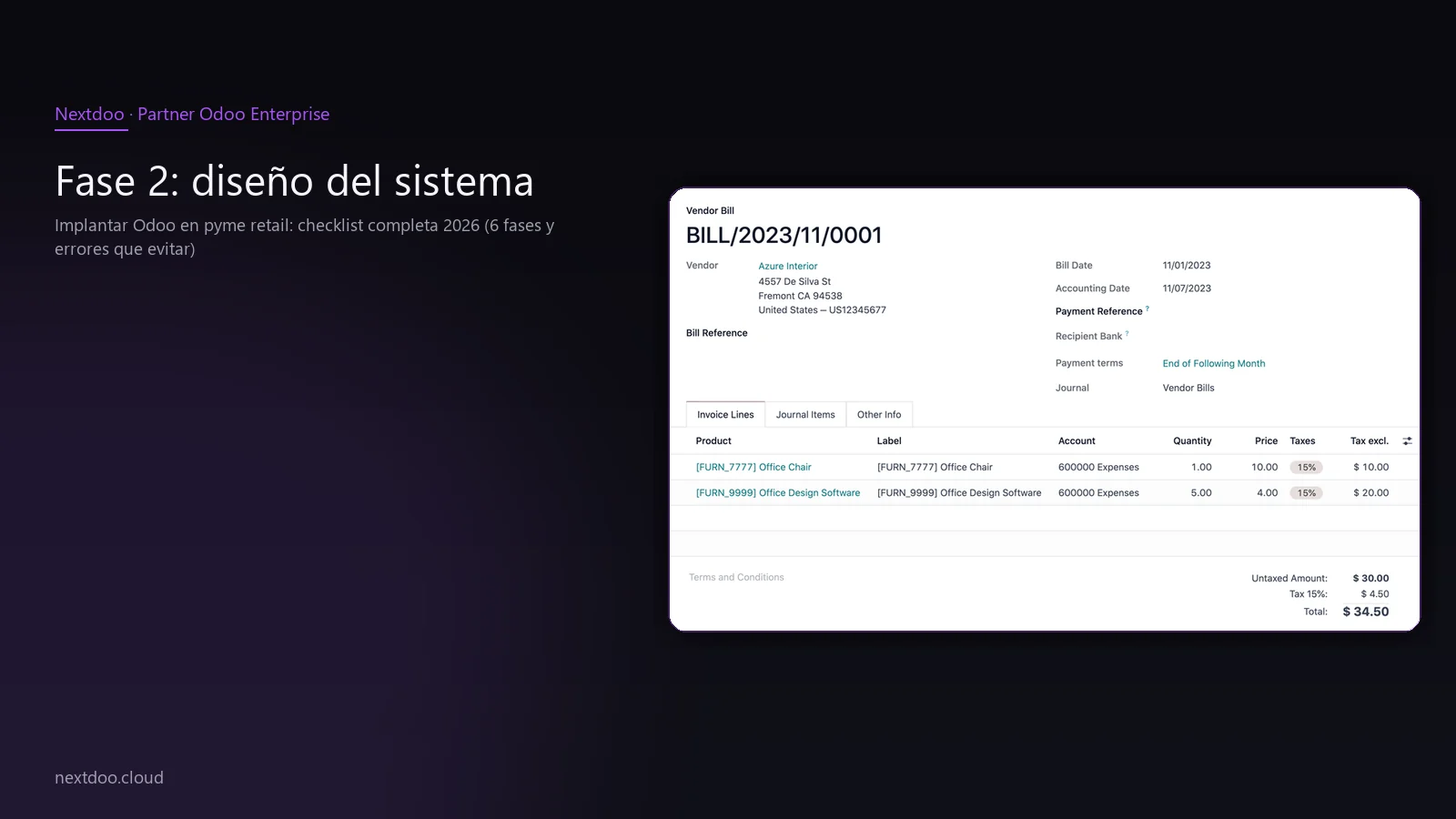
With the analysis done, it's time to decide what will be built and how. This phase is where decisions are made that have the most impact on the final outcome.
The most common mistake here is wanting to implement everything from day one. Excessive customisation in the first version is the source of most projects that become protracted and expensive. The correct philosophy is to start with the minimum viable solution that addresses critical processes.
Key design decisions:
- Scope of the first version: what functionalities are essential for launch and which can wait
- Catalogue structure: how product categories, attributes (size, colour, format) and variants are organised
- Data migration plan: what is migrated automatically, what is reviewed manually, and what is discarded
- Accounting parameterisation: chart of accounts adapted to the Spanish PGC, correct VAT types, configuration of Modelo 303
- Minimum customisation: only what cannot be resolved with Odoo's standard configuration
A good design records every decision in writing. This way, when doubts arise during configuration, there's a document to refer back to.
Phase 3: system configuration
Here begins the technical work. The configuration of Odoo for retail has several blocks that need to be addressed in order because some depend on others.
Starting with accounting might seem counter-intuitive, but it's the right approach. If the accounting basis is not properly configured, any sale registered afterwards will generate incorrect entries that will need to be corrected manually.
Configuration Blocks in Order
Infrastructure and localisation: choice of hosting environment, activation of Spanish localisation, company configuration (tax data, NIF, registered office).
Accounting: chart of accounts adapted to the retail sector, tax configuration, sales and purchase journals, integration with the bank for automatic reconciliation.
Catalogue and warehouse: import of product references with their attributes, configuration of units of measure, definition of warehouse locations, configuration of replenishment rules if applicable.
Point of sale: POS configuration with the business's payment methods (cash, card, vouchers), ticket printing adapted to VeriFactu 2026, hardware integration (cash drawer, barcode reader, printer).
VeriFactu and electronic invoicing: from 2026, invoicing software must be certified in accordance with Royal Decree 1007/2023. Odoo with updated Spanish localisation covers this requirement. This must be verified before go-live, not afterwards.
This phase allows no shortcuts. Every hour saved here is paid back many times over during production use.
Phase 4: data migration and testing
Data migration is where most projects fail. Not because it is technically impossible, but because the source data is often in a worse state than expected.
The first step is to audit the data before migrating it. A product catalogue with duplicate references, inconsistent prices, or incomplete descriptions does not improve by changing systems. It needs to be cleaned at the source.
Migration Checklist:
- Product export and cleansing: references, descriptions, selling prices, cost prices, applicable taxes
- Customer import: contact details, commercial terms, history if needed for warranties or loyalty
- Supplier import: tax data, payment terms, cross-product references
- Initial inventory: physical count before go-live to start with reliable stock
- Opening accounting balances: coordination with the accounting firm for the initial balances
Pre-go-live testing:
Testing is not optional. The correct methodology is to simulate a full day of operations with real data: till opening, sales, returns, goods receipt, till closing, accounting reconciliation.
If something fails in testing, it's the time to correct it. Not on the first day of production with real customers in front of you.
Team training also occurs in parallel with testing. This way the team learns with real business data, not with generic examples they don't recognise later.
Phase 5: go-live and production launch
Go-live day should not be a surprise to anyone on the team. If the previous phases have been done well, it is simply the day you start using in reality what has already been practised.
There are logistical decisions that make the difference between a smooth go-live and a chaotic one.
Criteria for choosing the go-live moment:
- Go live during a low activity week, never during a Christmas campaign, Black Friday or sales
- Have support available and accessible during the first few days, with a clear communication channel
- Maintain a documented contingency plan: if something critical fails, what to do and who decides
- Do not activate new functionalities during the first week, even if the system allows it
Intensive support in the first few days is not a luxury, it's an investment. The team will have questions that did not arise during training because the pressure of serving real customers changes the dynamic.
Phase 6: stabilisation and optimisation
Four weeks after go-live, the team should be autonomous in routine operations. If not, the cause must be identified: it could be a training issue, it could be that a process was configured in an overly complex way, or new needs may have arisen that were not in the initial analysis.
Stabilisation is not the end of the project, it's the start of the system's useful life. A well-implemented Odoo improves over time because it is better understood and more fully utilised.
Routine activities during stabilisation:
- Review of sales, margin and stock reports to detect inconsistencies
- Fine-tuning of replenishment rules based on actual sales behaviour
- Incorporation of functionalities that were left for the second phase: loyalty programme, marketplace integration, supplier order automation
- First tax declaration with the new system: coordination with the accounting firm for Modelo 303 and review of the ledger of issued and received invoices
- Assessment of the implementation with the team: what works, what doesn't, and what can be improved
What are the common mistakes to avoid?
After implementing Odoo in businesses of different sizes and sectors, the recurring mistakes are always the same.
Over-customising in the first phase. Every bespoke development added to the system is a technical debt that someone will pay in the next update. The practical rule: if the standard functionality covers 80% of the process, use it. For the remaining 20%, analyse if it is truly essential.
Migrate data without cleaning it. A dirty catalogue at source remains a dirty catalogue at destination. Data cleaning before migration is tedious but essential work.
Underestimate training. Technology doesn't fail, people don't know how to use it. Training needs to be practical, repeated and adapted to each person's role in the team.
Go live during peak season. A go-live at Christmas or during sales is the perfect recipe for disaster. If the calendar imposes it, it's better to delay the project than to launch at a time of high operational pressure.
Not having an internal contact person. The project needs someone from the retail team to be responsible for the implementation on their side. Without that profile, decisions are delayed and problems multiply.
What should retail know about VeriFactu in 2026?
From 2026, invoicing software for companies obliged by Royal Decree 1007/2023 must generate invoicing records with guarantees of unalterability and connectivity with the AEAT. This affects the vast majority of retailers.
Odoo with the updated Spanish localisation complies with VeriFactu requirements. But it is necessary to verify that the configuration has been activated correctly, because it is not enough to have the system installed: it must be parametrised to generate the QR code on the ticket, the chained hash on each invoice and the event log.
If you are coming from software that is not adapted to VeriFactu, migrating to Odoo solves fiscal compliance and business management in one go. It is one of the strongest arguments for not postponing the decision.
Conclusion: order matters
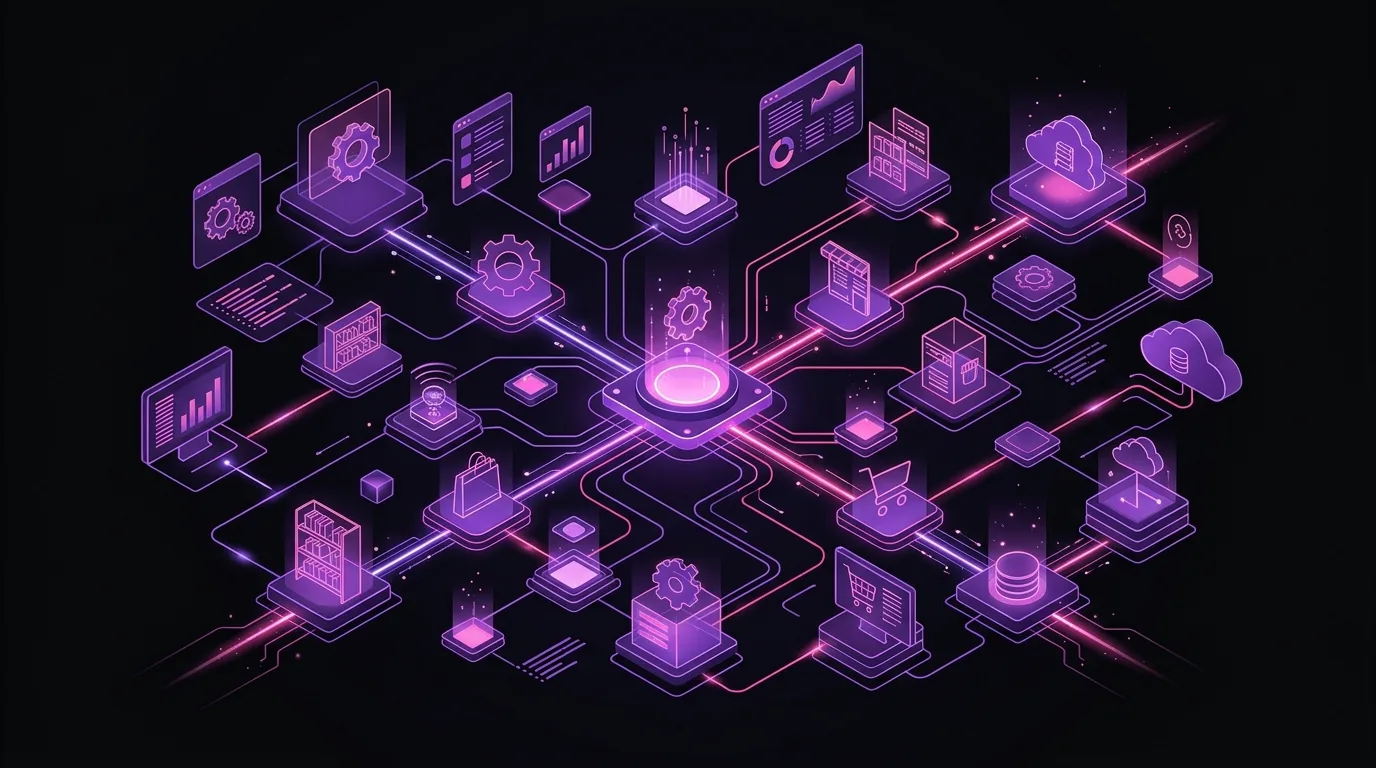
Implementing Odoo in retail is not difficult if an order is followed. It is a project with well-defined phases, concrete decisions in each one and clear success criteria. What turns a project into a failure is not technology, it is the lack of method.
Nextdoo implements Odoo in retail SMEs with this methodology. If your business is considering a change, the starting point is an analysis of the current state. From there, the plan is built on real data, not on generic estimates.
Take the first step: request a diagnostic and leave the meeting with a clear map of what you need and what it will cost you.
Indicative information. Actual deadlines, costs and scope are confirmed after a personalised analysis. JLM Business Solutions SL · B16842831.
Frequently asked questions
How long does it take to implement Odoo in a retail SME?
The timeframe depends on the size of the business, the volume of data to migrate and the level of customisation required. A standard implementation for a medium-sized business can be completed within a reasonable timeframe if the client's team is available and decisions are made quickly. Projects are mainly prolonged for two reasons: poor quality source data and the lack of an internal contact person to make decisions. A prior analysis allows for precise timeframe estimation before starting.
Does Odoo comply with VeriFactu in 2026?
Yes. Odoo with the updated Spanish localisation is prepared to comply with the requirements of Royal Decree 1007/2023, which regulates VeriFactu. This includes the generation of the QR code on the sales ticket, the chained hash on each invoicing record and connectivity with the AEAT. It is essential to verify that the configuration has been activated correctly during implementation; it is not enough to have the system installed without parametrisation.
What if I'm coming from other software like Holded, Sage or an old POS?
Migration from any source software is technically feasible. The process begins with an audit of existing data: products, customers, suppliers, stock and accounting history. It is most common for data to need cleaning before migration, because errors from the previous system do not disappear by themselves when changing platforms. The partner defines what is migrated automatically, what is manually reviewed and what should be discarded to start clean.
Do I need an internal IT specialist to implement Odoo?
No. What you do need is an internal contact person who knows the business well, has the ability to make decisions and can coordinate the team during the project. They do not have to be a technical profile. The partner handles the technological part; the client provides business knowledge and availability to validate decisions. When this internal profile does not exist or does not have time, the project slows down and the cost increases.
What happens if I need specific functionalities that Odoo doesn't have out of the box?
Odoo covers the vast majority of standard retail needs without additional developments. When a specific need arises, the first question is whether it can be resolved by changing the business process instead of customising the software. If customisation is essential, it is designed to be maintainable in future updates. The recommendation is always to start with standard functionality and add customisations in a second phase, once the team is familiar with the system.
Can I manage several stores or an online channel and a physical store with Odoo?
Yes. Odoo manages multiple physical points of sale and an online store on the same platform, with shared stock and centralised visibility of operations. Multi-store configuration adds complexity to the project, but it is perfectly manageable with careful design from the analysis phase. The important thing is to define from the beginning how shared stock, channel-specific rates and the accounting for each point of sale are to be managed.
Frequently asked questions
How long does it take to implement Odoo in a small shop?
The timeframe depends on the size and complexity of each business, but implementation follows six phases that should not be skipped: analysis, design, configuration, data migration, go-live and stabilisation. A small shop may take weeks, while a more complex one may require months.
What happens if we skip any phase of the implementation?
Skipping or compressing phases multiplies problems in production: data loss, operational errors and a team that struggles using the system. A well-executed implementation follows a specific order that does not allow for shortcuts.
Does Odoo comply with VeriFactu 2026 in Spain?
Yes, Odoo with Spanish localisation covers VeriFactu 2026 fiscal requirements as standard. You do not need additional solutions if you configure the Spanish version of the program correctly.
What are the most common errors when implementing Odoo in retail?
Common mistakes include not conducting a rigorous preliminary analysis, a messy data migration and lack of practical team training. Also, compressing phases to save time creates problems that cost more later.
Do we need a specialised partner or can we do it ourselves?
With a partner experienced in retail and a committed team, the result is a system that works from day one. Real experience with similar businesses (clothing stores, hardware stores, opticians) is key to avoiding costly mistakes.