
Excel is the tool almost all SMEs start with: cheap, flexible and everyone knows how to use it. The problem arises when the business grows and the spreadsheet starts causing trouble: different versions that don't match, formulas someone accidentally breaks, data only one person has and zero automation. Moving from Excel to Odoo is making the leap to a real ERP, with a single place where everything fits. This guide explains how to do it without losing your data or control.
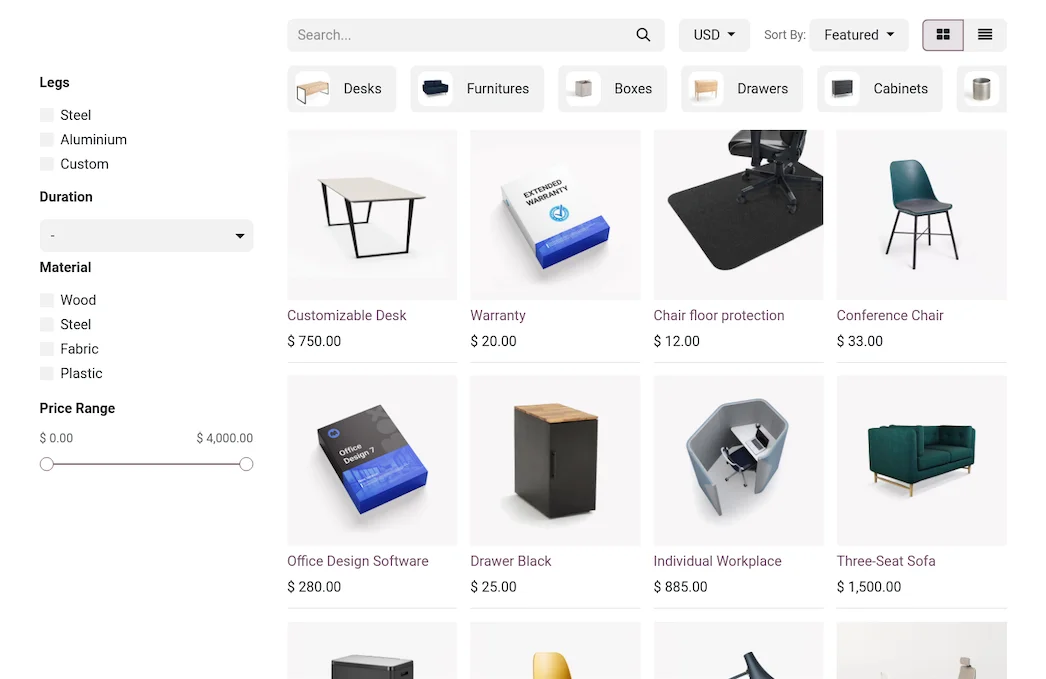
En 30 segundos. Migrate from Excel to Odoo: discover why spreadsheets fall short, what to transfer, key steps & how to switch to an ERP without data loss. Your guide.
Why Excel falls short as you grow
Excel doesn't fail because it's bad, it fails because of what it isn't. It doesn't have a single version of the truth: multiple copies end up circulating and nobody knows which one is correct. It doesn't control who changes what, so a broken formula or deleted data can go weeks undetected. It isn't truly multi-user: working simultaneously is a mess of locks and copies. It doesn't automate: every invoice, every notification, every report is done manually. And it doesn't comply with tax obligations like VeriFactu. When the business relies on the spreadsheet, these limitations stop being annoyances and become costly errors.
What can be migrated from Excel to Odoo
- Customers and suppliers from your lists.
- Product catalogue with prices and references.
- Inventory and stock.
- Quotes, orders and invoices that you kept in sheets.
- History of sales or movements you wish to retain.
The good thing about coming from Excel is that the data is already in an easy-to-import format; the tricky part is cleaning them, because sheets often accumulate duplicates and errors.
How to move from Excel to Odoo step by step
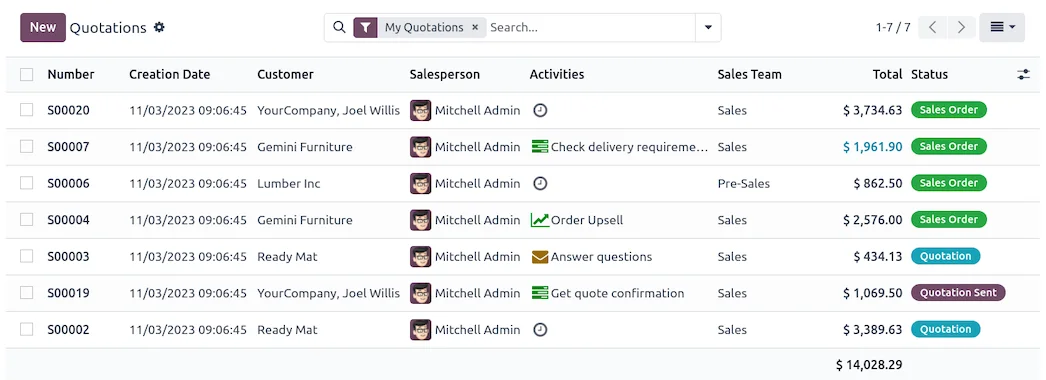
Step 1 · Tidy and clean the sheets
The sheets you use are reviewed, those that contribute value are selected, and duplicates and errors are purged. This is the work that most determines the outcome. Deliverable: clean data ready for import.
Step 2 · Decide where to start
One chooses which area to tackle first —usually sales, inventory, and invoicing— instead of trying to cram everything in at once. Deliverable: scope of the first phase.
Step 3 · Import to Odoo
The data from the spreadsheets is uploaded to Odoo (which easily imports from Excel or CSV) and the system is configured for your operations. Deliverable: data within Odoo.
Step 4 · Validation
It is checked that the imported data matches your spreadsheets and that the workflows function with real cases. Deliverable: verified data.
Step 5 · Training and Launch
The team is trained —the leap from Excel to an ERP is above all a change of habits— and the system is launched with the essentials, using backup spreadsheets until confirmed. Deliverable: business operating in Odoo.
Step 6 · Expand in Phases
When the team masters the essentials, areas (purchases, accounting, ecommerce) are added in phases. Deliverable: system growing with the business.
Changing habits, the key to this leap
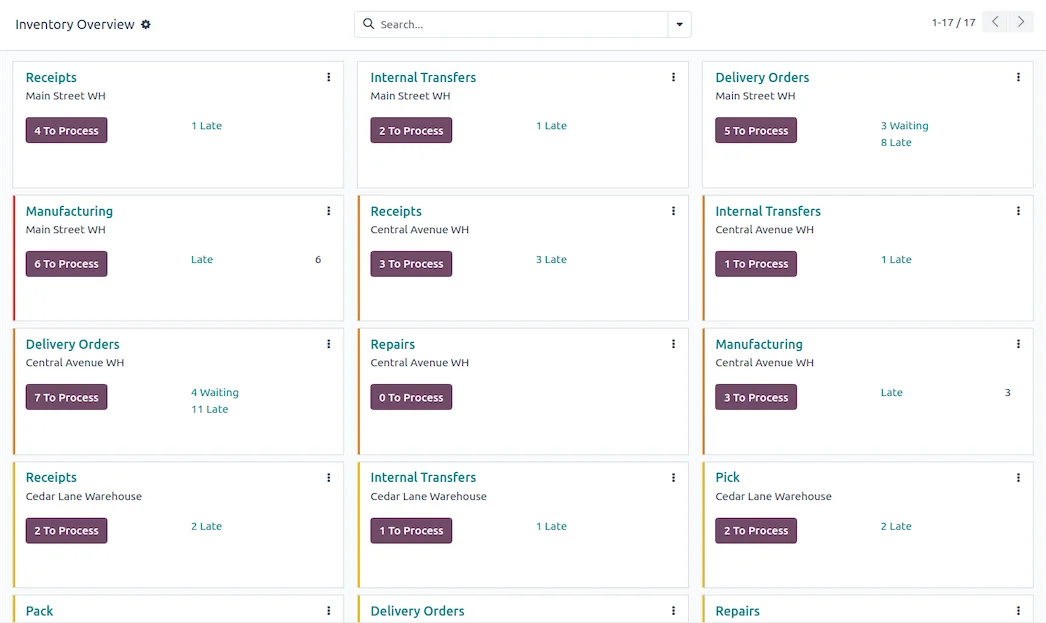
Moving from Excel to an ERP is not a technical challenge, it's a change of habits. In Excel everyone has their own way of working; in Odoo there is a common process. That's why what most determines success is not the import, it's the training and starting with the minimum so that the team gains confidence before expanding. A well-supported leap is experienced as a relief —no more versions and manual reconciliations—; one done crudely generates rejection. Going in phases is precisely what makes the change manageable.
Common mistakes when moving from Excel to Odoo
- Importing uncleaned spreadsheets and dragging the disorder into Odoo.
- Wanting to manage all areas at once instead of starting with one.
- Underestimating the training and the team's change of habits.
- Continuing to use Excel «in parallel» for everything and never letting go of the spreadsheet.
You have the complete framework in Odoo implementation and a data guide in the Odoo migration checklist.
How much does it cost and how long does it take?
| Scope | Indicative Timeframe | Example |
|---|---|---|
| Basic | 3 – 6 weeks | Sales, inventory and invoicing |
| Medium | 2 – 3 months | Several areas and full accounting |
| Advanced | 3 months or more | Ecommerce, advanced purchases and integrations |
Indicative and non-binding timeframes and costs; they depend on how many areas you manage and the state of your spreadsheets. Details in how much Odoo costs.
What you gain by leaving the spreadsheet
The leap from Excel to Odoo is the biggest in terms of feeling of control. You go from several versions that don't match to a single source of truth, from data that only one person has to information that the whole team sees, and from doing everything manually to the system generating invoices, alerts, and reports automatically. Furthermore, invoicing complies with VeriFactu, something that was not possible in Excel. It's not having «one more program»: it's stopping managing the business blindly.
Signs that Excel has become too small for you
It's not always easy to know when to make the leap, but there are some pretty clear signs. If any of these sound familiar, Excel is probably already costing you money: several versions of the same file are circulating and no one knows which is the correct one; someone breaks a formula and you discover it weeks later with a wrong number; the Excel stock doesn't match what's in the warehouse; you spend hours copying data from one sheet to another or creating the same report every month; only one person knows how 'the sheet' works and when they're away it's a problem; or you need several people to work simultaneously and you end up emailing the file back and forth. Each of these signs is a symptom that your business has outgrown the tool. It doesn't mean Excel is bad; it means it's time for your data to live in a system designed to manage it.
Frequently asked questions
Is it difficult to switch from Excel to Odoo?
Technically, no: Odoo imports easily from Excel or CSV. What needs attention is cleaning up the sheets and accompanying the team's change in habits, starting with the essentials.
Can I import my Excel sheets directly?
Yes. Odoo imports from Excel and CSV, so customer, product or inventory lists are loaded without recreating them, once cleaned up.
Can I still use spreadsheets in Odoo?
Yes. Odoo has its own integrated spreadsheet for reports and analysis, so you don't lose that flexibility; the difference is that it relies on the system's real data.
Which area should I start with?
With what hurts you most today: usually sales, inventory, and invoicing. Starting small and expanding in phases is what makes the change manageable.
Does Odoo comply with VeriFactu, which it couldn't in Excel?
Yes. The Enterprise edition covers Spanish invoicing obligations, including VeriFactu, mandatory in 2026, something impossible to guarantee with spreadsheets.
Will I lose Excel's flexibility?
You gain control without losing analysis: for structured tasks, you have the system, and for ad hoc analysis, Odoo's integrated spreadsheet on real data.
How long does it take to switch from Excel to Odoo?
A start-up with sales, inventory, and invoicing is usually ready in a few weeks. The timeline depends on how many areas you include and how organised your sheets are.
Do I need a partner or can I do it myself?
For a very simple operation, you can start on your own; as soon as there is invoicing, inventory, and several areas, an official partner accelerates the leap and avoids carrying over the disorder from the sheets.
Do you want to stop managing your company with Excel and make the switch to Odoo?
At Nextdoo, an official Odoo partner, we guide you through phases, starting with the essentials and with your data organised. Start by Odoo implementation or request a diagnosis of your case.
Source: official Odoo documentation (Inventory). Indicative and non-binding figures.
Sources
Official sources consulted: official Odoo documentation and electronic headquarters of the Tax Agency (VeriFactu). Indicative and non-binding cost and deadline figures, subject to variations depending on the project.