
In summary. Migrating from Sage to Odoo is viable for any Spanish SME with a well-structured process: data audit and clean-up, Odoo configuration adapted to Spanish tax regulations (including VeriFactu), validated import, and team training before go-live. No critical data is lost, and the company gains integration, mobility, and tax compliance from day one.
If you've been using Sage for years —ContaPlus, FacturaPlus, Sage 50 or Sage 200— and are considering making the switch to Odoo, you're in the right place. This article outlines the real migration process: what data is moved, how the project is structured, what errors to avoid, and why 2025-2026 is the most opportune time to do it.
Migrating from Sage to Odoo requires data auditing, Spanish tax configuration, and validation before go-live to ensure operational continuity.
Why are so many Spanish SMEs leaving Sage right now?
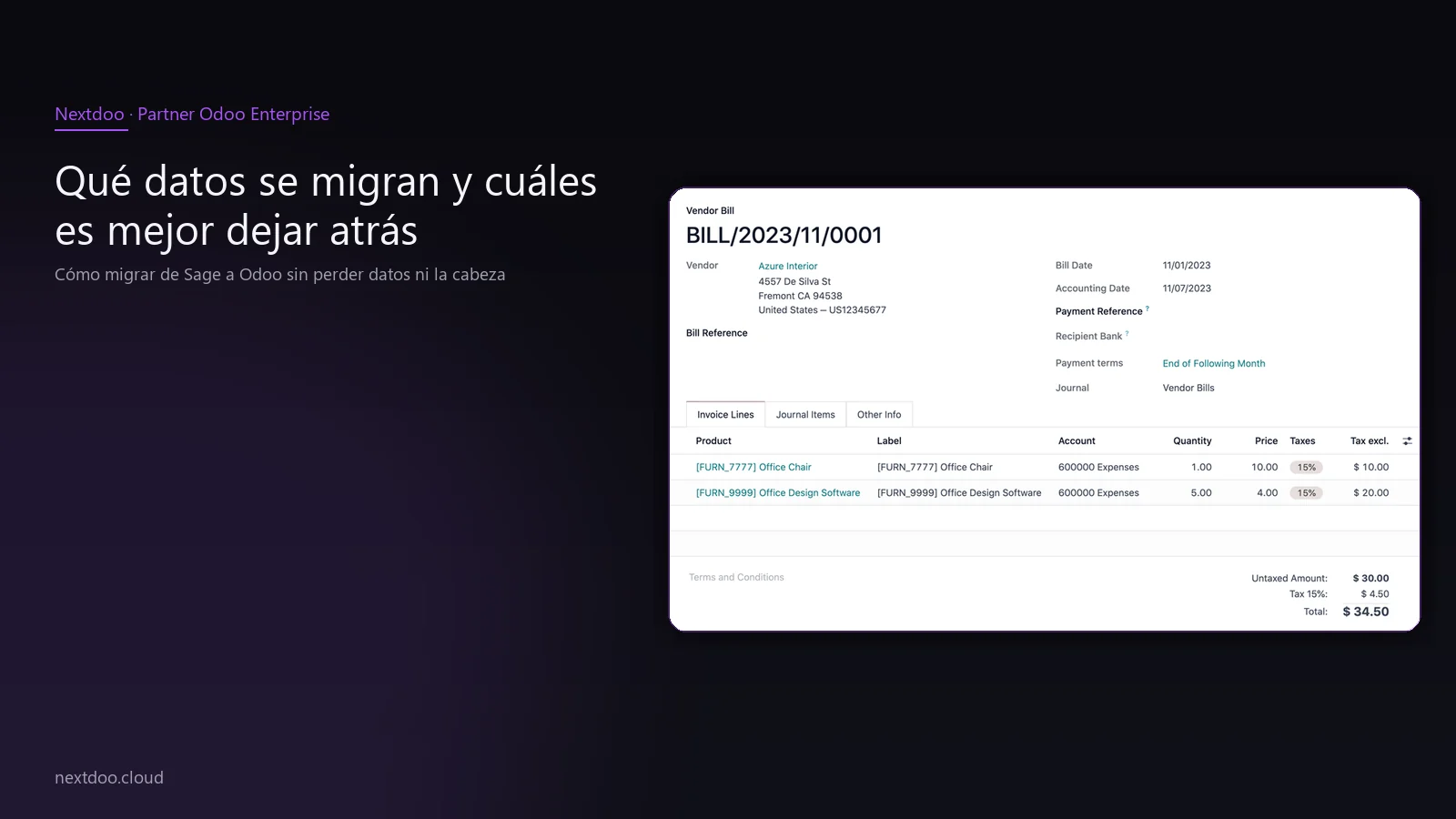
Sage has been entrenched in Spanish SME accounting for decades. It has done its job well, and that must be acknowledged. But the environment has changed, and limitations that were once tolerable have now become real impediments to growth.
The primary reason customers tell us is the cost. Sage licences don't decrease; they increase with each renewal. And when you start adding extra modules to cover needs that Odoo addresses out-of-the-box —warehouse management, CRM, online shop, projects—, the annual bill skyrockets without a proportionate improvement in functionality.
The second reason is integration, or rather, the lack thereof. Sage manages accounting and invoicing well, but connecting it with an e-commerce platform, a marketing tool, a customer portal, or a point-of-sale system requires custom developments or third-party connectors that create fragile dependencies. Odoo was built integrated: all business areas share the same database from day one.
The third reason, and one that has gained significant traction in recent months, is tax compliance. VeriFactu —the invoice verification system required by the AEAT— obliges all companies in Spain to adapt their invoicing systems before the deadlines established by the regulations. Many business owners have decided that this mandatory change is the perfect opportunity not to patch Sage, but to switch platforms altogether.
How does Sage really differ from Odoo?
Before discussing the migration process, it's worth understanding what changes in day-to-day operations. It's not about one being inherently better than the other; it's about what better fits how your company operates.
Sage is a robust accounting solution, built on a desktop logic that has evolved towards the cloud, but without entirely abandoning its roots. It works well if your operations revolve around classic accounting and invoicing, and if you don't need that data to communicate in real-time with other areas.
Odoo is an integrated business management platform. Sales, purchases, warehouse, manufacturing, projects, accounting, CRM, e-commerce, point of sale, human resources: all in a single system, with a single data source. When you close a sale, stock is updated, accounting records the entry, and the customer can view their order from their own portal. No manual exports. No copying and pasting between programmes.
For a Spanish SME with ambitions to grow or modernise processes, this native integration is the most tangible difference. It's not a catalogue promise; it's what migrated customers notice in their daily operations from the first week.
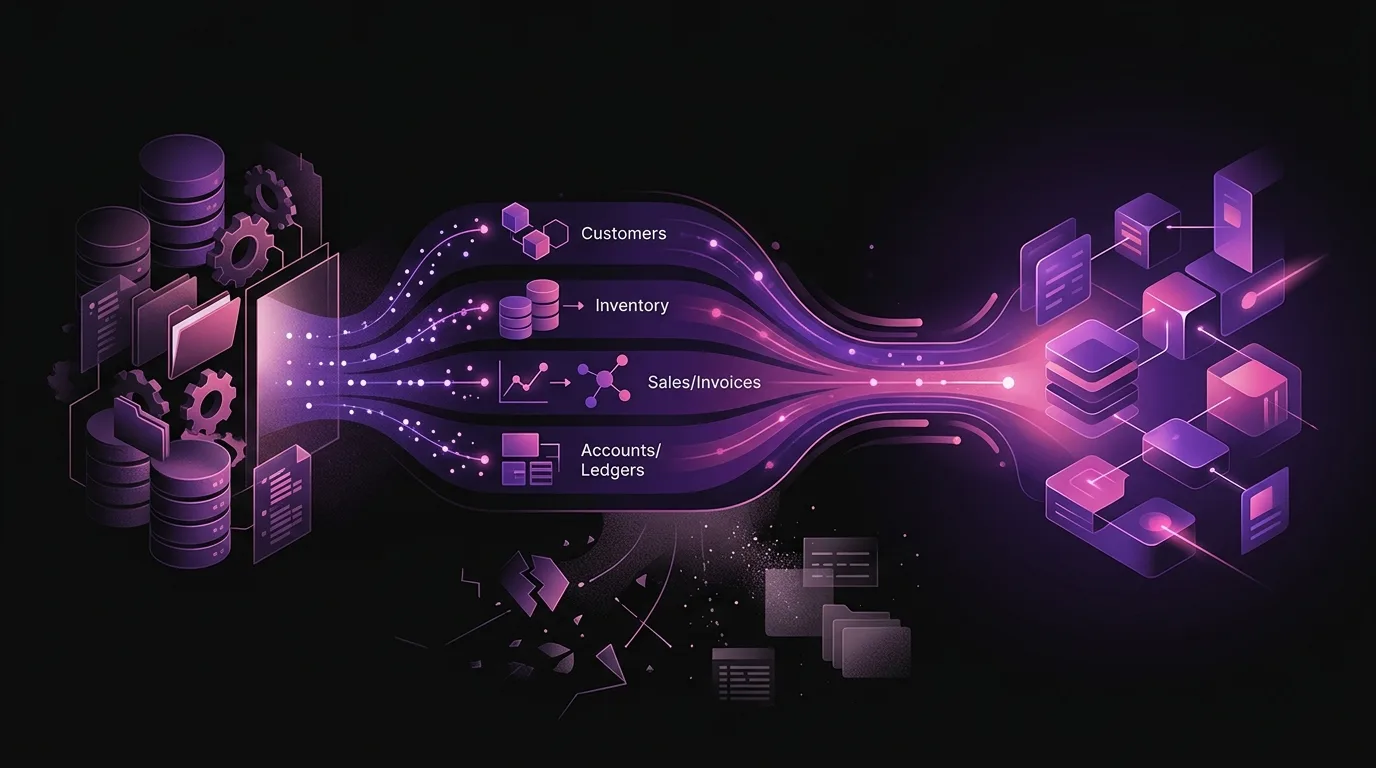
Which data is migrated and which is best left behind?
A migration isn't a photocopy transfer. It's an opportunity to arrive at Odoo with clean, organised, and useful data. What doesn't add value isn't worth migrating.
Data that is always migrated
There's a core of information that is essential to transfer for the business to operate from day one in Odoo:
- Chart of accounts and opening balances for the current financial year.
- Master file of customers and suppliers, with their payment terms and tax details.
- Catalogue of products or services, with up-to-date sales and cost prices.
- Invoices issued and received for the current financial year, necessary to reconcile VAT with the AEAT.
- Batches of outstanding receivables and payables.
This set is the minimum required for the business to maintain operational and accounting continuity.
Data worth migrating if volume permits
- Sales history for the last one or two financial years, useful for comparative analysis and reporting.
- Current stock by reference, if the company manages a warehouse.
- Recent purchase history, to maintain traceability with suppliers.
What usually remains in Sage
- Accounting history older than three financial years: Spanish legislation requires retaining the information, but Odoo doesn't need that volume to operate. Sage can remain as a consultative archive.
- Duplicated or inconsistent data: a customer with three distinct records, product references with old, unused codes, suppliers deactivated years ago. All of this is cleaned up before migrating, not afterwards.
- Obsolete configurations that corresponded to operations that no longer exist.
The rule we always apply is: rubbish in, rubbish out. A poorly cleaned migration transfers Sage's problems to Odoo, and that's the most expensive thing that can happen to a project.
How is a well-executed migration project structured?
There's no standard migration. Each company has its specific circumstances: data volume, number of users, whether it has an online shop, whether it manages a warehouse, whether it invoices in multiple countries, whether it has multiple legal entities. What does exist is a project structure that works and minimises risk.
Audit and Clean-up Phase
This is the most critical and most undervalued phase. We export Sage data in the available formats and analyse it in detail. We identify duplicates, inconsistencies, obsolete references, and data that makes no sense to transfer. The outcome of this phase is a clear map of what will be migrated, in what format, and with what priority.
Without this phase, any data problems Sage had appear multiplied in Odoo. With it, the company arrives at the new system with reliable information.
Odoo Configuration Phase
Before importing a single piece of data, Odoo must be configured for the company's operations. This includes the chart of accounts adapted to the PGCE, correct taxes, VeriFactu configuration according to AEAT requirements, invoice numbering sequences, payment methods, commercial terms, and user profiles.
This phase defines how the company will operate in Odoo. An error here will be carried forward for months.
Data Migration Phase
With Odoo configured and the data clean, the import is carried out. Master data is loaded first —customers, suppliers, products— followed by balances and movements. Upon completion, it's verified that the totals reconcile with Sage's: customer balance, supplier balance, stock, accounting balance.
This cross-verification guarantees that nothing relevant has been lost in the process.
Testing and Training Phase
The company's team tests critical workflows in a test environment: creating a sales order, issuing an invoice, recording a payment, receiving a purchase, adjusting stock. Incidents are logged, corrected, and it's validated that everything works as expected.
Training is linked to these tests. It's not a theoretical slide presentation; it's real work in the system with the company's own data. This way, the team approaches go-live with confidence, not uncertainty.
Go-live
A cut-off date is set. From that day onwards, Sage remains as a reference archive and Odoo becomes the live system. Sage's last movements are migrated at go-live to close the period cleanly. The first week of actual operations requires close support to resolve queries that arise day-to-day.
Why is 2025-2026 the year of change with VeriFactu and tax obligations?
VeriFactu is the verifiable invoicing system required by the AEAT under the Invoicing Regulation approved by Royal Decree 1007/2023 (BOE). It obliges companies to use invoicing systems that generate records with chained electronic signatures, which are traceable and unalterable.
Many older Sage installations are not adapted to this requirement or necessitate version updates with additional cost. This means many companies still operating with ContaPlus, FacturaPlus, or older versions of Sage 50 have to do something: either pay to adapt Sage, or seize the opportunity to change.
Odoo Enterprise includes VeriFactu adaptation within the platform, maintained by the Spanish localisation team. It's not an external patch or a third-party module; it's part of the product. For an SME that already has to invest in adapting its invoicing system, the equation of migrating to Odoo versus patching Sage changes significantly.
What are the most common errors in a Sage to Odoo migration?
The process has its pitfalls. Knowing them beforehand prevents surprises that can delay the project or compromise the quality of the outcome.
Migrating without cleaning first. Transferring all Sage data as is, including duplicates and obsolete records, is the most common error. The result is a messy Odoo from day one.
Not involving the team before go-live. If the people who will use Odoo daily don't participate in pre-launch testing, go-live day turns into urgent training under pressure. Advance training is not optional.
Choosing a cut-off date during peak season. Migrating during the business's busiest days —year-end closing, Christmas campaign, peak hospitality season— multiplies the risk. The cut-off date should be negotiated to find the moment of lowest operational load.
Not verifying balances before go-live. If customer, supplier, and accounting totals don't reconcile between Sage and Odoo before go-live, the problem will be discovered afterwards, when it's more costly to correct.
Underestimating tax configuration. Spanish accounting has specific peculiarities —models 303, 390, 347, SII if applicable, VeriFactu— that require specific configuration. Leaving it until after go-live is an error that can generate problems with the AEAT.
How much does a Sage to Odoo migration cost and how long does it take?
The cost and timeline of a Sage to Odoo migration depend on several factors: the volume of data to migrate, the complexity of operations, the number of users, whether the company needs integrations with other tools, and whether the starting point in Sage is in order or requires extensive prior clean-up.
As a guide —and always with the caveat that each case is different—, a migration for a medium-sized SME with accounting, sales, purchases, and inventory is a project with a reasonable timeline that can be executed without interrupting business operations if well-planned. The budget is adjustable depending on the actual scope.
What is fixed is the project structure: audit, configuration, migration, testing, go-live, and initial support. Skipping any of these phases to reduce short-term costs usually turns out to be more expensive in the medium term.
If you want to know what it would entail in your specific case, the most direct approach is an initial consultation where your current Sage setup is analysed, and the actual scope of the project is defined.
Frequently asked questions about migrating from Sage to Odoo
Can you migrate from Sage to Odoo without losing current financial year data?
Yes. The migration always includes current financial year data: invoices issued and received, outstanding receivables and payables, and opening accounting balances. The goal is for Odoo to go live with all the necessary information to reconcile VAT and submit the corresponding tax forms without needing to refer to Sage for active financial year queries.
Can I continue to consult Sage after migrating to Odoo?
Yes. Sage remains installed as a reference archive for the history prior to migration. It is not uninstalled, nor is data deleted. It simply ceases to be the business's operating system. For older historical data, Sage remains accessible for as long as the company needs it.
Is Odoo adapted to VeriFactu and Spanish tax regulations?
Odoo Enterprise includes the Spanish localisation, which covers the Spanish Chart of Accounts, VAT models (303, 390), model 347, SII if applicable, and VeriFactu adaptation in accordance with Royal Decree 1007/2023. This localisation is kept up-to-date by the official Odoo team for Spain.
How long does a Sage to Odoo migration take?
The timescale depends on the volume and complexity of each project. A well-planned migration for a medium-sized SME has a reasonable timeframe that allows the project to be prepared calmly, without the company feeling like it's rushing against the clock. The most determining factor isn't the size of the company, but the state of the data in Sage: the more organised they are, the more streamlined the process.
What if my team doesn't know how to use Odoo?
Training is part of the migration project, not an extra. The team works with the company's real data in a test environment before go-live, so that go-live day isn't the first contact with the system. Initial support after go-live covers any questions that arise in the first few weeks of real use.
Can Odoo integrate with the online shop I already have?
Odoo has native connectors with the main e-commerce platforms on the market, as well as its own integrated online shop solution. If you already have an active shop, the project will analyse the best way to connect it with Odoo so that orders, stock, and invoicing flow automatically.
Conclusion: migrating from Sage to Odoo is not a risk, it's a management decision
Changing management systems always generates uncertainty. That's normal. But uncertainty is managed with a well-structured process, not by avoiding change indefinitely.
If your Sage no longer keeps pace with your company's growth, if licences are a recurring cost that doesn't translate into more functionality, if VeriFactu forces you to do something anyway, and if every time you need a piece of data you have to export, cross-reference and export again, the question isn't whether to migrate, but when and with whom.
At Nextdoo, we guide Spanish SMEs from Sage to Odoo with a process that prioritises business continuity and data quality above all else. If you want to know what it would entail in your specific case, book an initial consultation and we'll analyse your situation without obligation.
Indicative information. Actual timelines, costs, and scope are confirmed after a personalised analysis. JLM Business Solutions SL · B16842831.
Frequently Asked Questions
Can you migrate from Sage to Odoo without losing current financial year data?
Yes. The migration always includes current financial year data: invoices issued and received, outstanding receivables and payables, and opening accounting balances. The goal is for Odoo to go live with all the necessary information to reconcile VAT and submit the corresponding tax forms without needing to refer to Sage for active financial year queries.
Can I continue to consult Sage after migrating to Odoo?
Yes. Sage remains installed as a reference archive for the history prior to migration. It is not uninstalled, nor is data deleted. It simply ceases to be the business's operating system. For older historical data, Sage remains accessible for as long as the company needs it.
Is Odoo adapted to VeriFactu and Spanish tax regulations?
Odoo Enterprise includes the Spanish localisation, which covers the Spanish Chart of Accounts, VAT models (303, 390), model 347, SII if applicable, and VeriFactu adaptation in accordance with Royal Decree 1007/2023. This localisation is kept up-to-date by the official Odoo team for Spain.
How long does a Sage to Odoo migration take?
The timescale depends on the volume and complexity of each project. A well-planned migration for a medium-sized SME has a reasonable timeframe that allows the project to be prepared calmly, without the company feeling like it's rushing against the clock. The most determining factor isn't the size of the company, but the state of the data in Sage: the more organised they are, the more streamlined the process.
What if my team doesn't know how to use Odoo?
Training is part of the migration project, not an extra. The team works with the company's real data in a test environment before go-live, so that go-live day isn't the first contact with the system. Initial support after go-live covers any questions that arise in the first few weeks of real use.
Can Odoo integrate with the online shop I already have?
Odoo has native connectors with the main e-commerce platforms on the market, as well as its own integrated online shop solution. If you already have an active shop, the project will analyse the best way to connect it with Odoo so that orders, stock, and invoicing flow automatically.