
In summary. Free POS systems are valid for micro-businesses or for validating a newly opened business. When you need integrated Spanish accounting, real-time stock management, connected eCommerce, or compliance with VeriFactu and TicketBAI, that free solution becomes a hindrance. Odoo POS, within the complete Odoo ecosystem, centralises everything on a single platform and can be more economical than maintaining several patched-up tools. Scaling is a decision of timing, not price.
If you own a small shop or restaurant, it's likely you've searched for 'free POS' at some point and found several options. Some work well to start with. The problem arises when the business grows and the free solution starts to hinder rather than help.
This guide explains what real free POS systems offer in Spain, what their real limitations are, and when it makes sense to make the leap to full Odoo POS. No beating around the bush.
Businesses exceeding five thousand euros in monthly sales find critical limitations in free POS systems to comply with Spanish tax regulations.
What free POS systems actually exist in Spain?
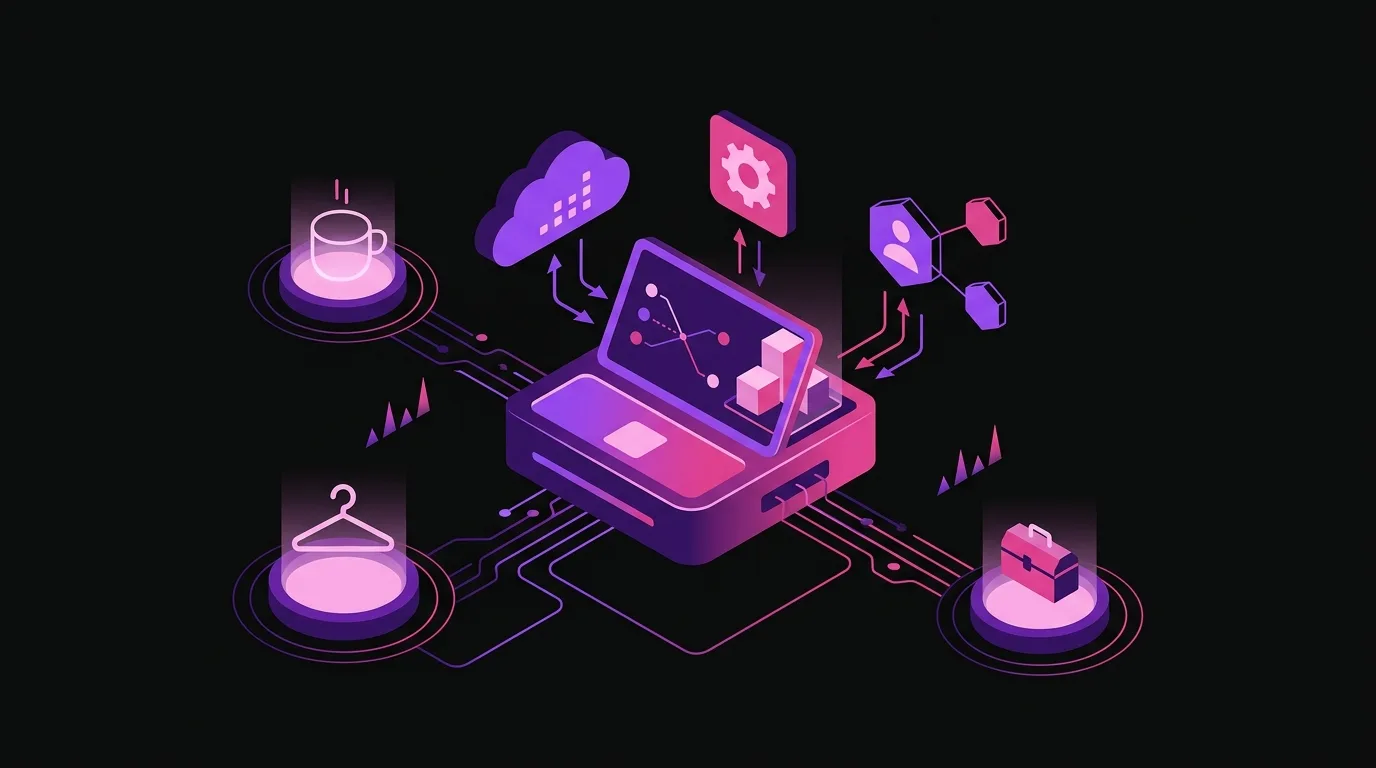
Before comparing, it's worth clarifying what's actually available. The free POS market isn't as extensive as it appears in advertisements.
Odoo One App Free is perhaps the most interesting option. Odoo allows you to use Point of Sale at no cost if it's the only active application on your account, according to their official plan. This makes sense for a business that only needs to charge and register sales, without integrating stock, accounting, or anything else.
Square offers free POS software, but charges for each card transaction. It's a valid model if sales volume is low, but the cost scales with sales. As the business grows, that transaction fee can be more expensive than a fixed monthly fee.
Loyverse and Hiopos Lite have free tiers with basic functions. Loyverse is especially popular in small hospitality businesses. The problem is that their free versions limit the number of employees, available reports, or inventory management. As soon as you need something more, they become paid.
In all cases, 'free' comes with an asterisk. It's worth reading the small print before choosing.
What does a free POS system do well and for whom does it make sense?
Not everything is negative. A free POS system serves its purpose in certain contexts, and to dismiss it outright would be a mistake.
For a newly opened business, the risk of over-implementing technology from day one is real. Investing in a complex system before understanding the real customer flow, the fastest-moving products, or how the team manages daily operations can be an unnecessary expense.
A free POS system allows you to validate the business model without committing budget. If the business works, there will be time to scale. If it doesn't work, you won't have wasted money on software.
It also makes sense for very small and stable businesses: a sole-trader hairdresser, a market stall, or a small workshop that sells directly. If the volume of operations is low and there are no immediate growth plans, the free solution can hold up well.
The key is to be honest with yourself about real needs, not theoretical ones.
The real limitations of free POS systems in Spain
When the business starts to grow, the limitations of free solutions become clear. And they usually all appear at once, which is the worst.
Tax compliance in Spain
Tax compliance is the first hindrance. In Spain, regulations are advancing and the requirements for till systems are becoming increasingly demanding.
VeriFactu is the invoice verification system that the AEAT is gradually implementing. Invoicing systems must be approved and guarantee the integrity of records. Not all free POS systems comply or will comply with this requirement within the deadlines set by the Invoicing Regulation approved by Royal Decree.
TicketBAI is mandatory in the Basque Country and Navarre for most economic activities. If you have a business in those communities and use a POS system that doesn't natively support it, you have a real, not theoretical, tax problem.
Odoo, through its Spanish localisation, works to cover these regulations. Before choosing any solution, free or paid, verify its compliance status with these regulations. It's not a minor detail.
Disconnected accounting
Most free POS systems do not have integrated accounting. That means every day, week, or month someone has to export data from the POS and import it into the accounting software. If you use an accounting service, someone manually sends them the files.
This manual process generates errors. It generates delays. And it generates hours of work that add no value. Over time, the cost of that time far exceeds what an integrated system would have cost from the outset.
Odoo integrates POS and accounting in the same system. Each sale at the till automatically updates the accounting. The AEAT forms (303, 390, 347) are generated with the real system data, without manual exports.
Stock and multi-store
If you have more than one point of sale or a warehouse, a free POS system without integrated stock management is a constant source of problems. Transfers between stores are done manually. Stock-outs are discovered when the customer is already present. Inventories don't balance.
Odoo POS manages stock in real-time. If you sell a unit in the Barcelona store, the Tarragona store's stock knows instantly. And replenishment can be automated according to minimum thresholds.
eCommerce without integration
Many businesses have an online store in addition to a physical store. With a free POS, online stock and physical stock are two separate worlds. This leads to selling online a product that no longer exists in the warehouse, resulting in returns and customer frustration.
Odoo unifies physical and online store stock into a single source of truth. When a sale is made through any channel, the stock is updated across all of them.
When to scale up to full Odoo POS?
There are specific signs that indicate you've outgrown the capacity of a free POS. Some are obvious. Others are more subtle but just as important.
The clear signs
- You need to issue formal invoices to business customers, not just sales receipts. Many B2B customers or sole traders ask you for an invoice with all the details. If your POS doesn't generate it correctly, you have a problem.
- You manage your accounting in another programme and data transfer takes up your time every month. If your accounting firm asks you for the data and you have to export, transform, and import it, you're already paying the cost of the disconnected system.
- You've opened a second store or an online channel and the stock levels don't reconcile. That's the clearest symptom that you need a unified platform.
- Your team has grown and you need to control permissions, shifts, and performance per employee.
The less obvious signs
- You use three or four different tools to do what a single one should. POS, accounting programme, email marketing platform, spreadsheet for stock. Each tool has its cost and its learning curve.
- You take longer than is reasonable to prepare data for the quarterly VAT return. If Modelo 303 causes you stress every quarter, something is wrong with the system.
- Your customers shop online and in-store but you can't see each one's complete history. You lose customer loyalty opportunities.
- You want to launch email or SMS campaigns to customers who bought a specific product, but you don't have that information easily available.
When two or three of these signs appear simultaneously, the time to scale up has arrived. Usually, sooner than expected.
Why free can be expensive? The true total cost
The list price of a free POS is zero euros. The true cost is never zero.
You have to add up all the elements that a free POS doesn't cover and that you have to solve with other tools:
- Accounting programme or additional accounting firm to keep records and file taxes.
- eCommerce platform if you have an online store, with its monthly fee and commissions.
- Email marketing tool to communicate with customers.
- Stock management software if you manage multiple products or multiple warehouses.
- Connectors or integrations between all these tools, which either have a direct cost or consume the time of someone who maintains them.
- Team time spent on manual tasks that an integrated system would automate.
When you add all that up, the comparison changes. Odoo Standard, which integrates POS, accounting, stock, eCommerce, and CRM into a single platform, can turn out to be more economical than maintaining four or five patched-together tools. And much simpler to manage.
Opportunity cost also matters. Every hour someone spends reconciling data between systems is an hour not spent selling, serving customers, or improving the business.
How to make the migration gradually?
One of the most common obstacles to making the leap is the fear of losing data or having to start from scratch. It's an understandable fear but, in Odoo's case, ill-founded.
Odoo allows you to start with the One App Free plan using only Point of Sale. When the business requires it, additional applications – accounting, inventory, eCommerce, CRM – are activated within the same environment. The POS data is not lost. Customers, products, sales history – everything remains.
That scalability is a real advantage. You don't have to choose the definitive system from the start nor over-dimension it prematurely. You start where you are and grow when you need to.
The process of activating new functionalities can be done with assistance. Nextdoo, as an official Odoo Enterprise partner in Spain, supports this process so that the team learns to use the new tools without interrupting daily operations. Training, initial configuration, and adaptation to Spanish regulations are part of the service.
It's not a leap into the unknown. It's a planned transition.
Odoo POS and Spanish regulations in 2026
The regulatory context in Spain is changing and this directly affects till and invoicing systems.
VeriFactu, regulated by Royal Decree 1007/2023, establishes technical requirements for invoicing IT systems. Systems must guarantee the integrity, preservation, accessibility, legibility, traceability, and inalterability of invoicing records. Software manufacturers must certify compliance. Not all free POS systems on the market will meet this requirement.
TicketBAI, in the Basque and Navarrese regional scope, is already mandatory for most activities. If your business operates in these communities, the regulations do not allow exceptions for being small.
The quarterly VAT settlement plan 303 and the annual summary 390 require precise and well-organised data. An integrated system generates them reliably. A patched-together system with manual exports is a source of errors that can lead to penalties.
Odoo continuously works on Spanish localisation. Before implementing any solution, it is advisable to verify the updated status of regulatory compliance with your accompanying partner, because regulations evolve and deadlines change.
Frequently asked questions
Is Odoo One App Free really free with no hidden conditions?
Yes, according to Odoo's official plan, you can use Point of Sale at no cost if it is the only active application in your account. There are no transaction fees or monthly charges at that level. The limitation is clear: you can only use one Odoo application. As soon as you activate a second one, accounting, inventory, or any other, you move to the Standard plan, which has a monthly cost per user. It's a functional limitation, not a trick. It's advisable to know this before choosing.
Does a free POS comply with VeriFactu?
It depends on the software and when you read this. VeriFactu is in a phased implementation process according to the deadlines set by the AEAT and Royal Decree 1007/2023. Not all free POS systems on the market are certified or have a clear certification plan. Before choosing a solution, demand documentation from any provider regarding its compliance status with VeriFactu. If they cannot provide it, that's already an answer.
Can I migrate my data from the current POS to Odoo without losing it?
In most cases, yes. Customer, product, and historical transaction data can be imported into Odoo from standard export formats (CSV, Excel, XML). The level of detail retained depends on what the source system allows to be exported. Nextdoo analyses each migration case by case and defines which data is worth transferring and how to do it with guarantees. It is not a standard operation that is done the same way in all businesses.
How long does it take for Odoo POS to be operational after deciding to switch?
It depends on the complexity of the business. A business with a single shop, a limited product catalogue, and without complex integrations can be operational in a short timeframe. A business with multiple shops, active eCommerce, and elaborate warehouse processes requires more setup and training time. Nextdoo performs a prior assessment to give you a realistic timeframe based on your specific case. We do not provide generic timeframes because they don't exist.
What happens if I have TicketBAI and use a non-compliant free POS?
You have a tax non-compliance. TicketBAI in Euskadi and Navarre is mandatory, and the regional tax authorities have established penalties for those who do not comply. A non-compliant POS is not a legal option in those communities for most economic activities. If you operate in those areas, TicketBAI compatibility is not a bonus, it's a minimum requirement. Before choosing any system, confirm in writing that the provider has certified and updated TicketBAI.
Does Odoo POS work without an internet connection?
Yes. Odoo Point of Sale has an offline mode that allows continued operation when the connection drops. Sales are recorded locally and synchronise with the central system when the connection is restored. This is especially relevant for businesses in areas with unstable coverage or for situations of occasional network failure. It's a functionality that many free POS systems do not offer or limit in their free version at no cost.
Conclusion: choose according to your business stage, not the list price
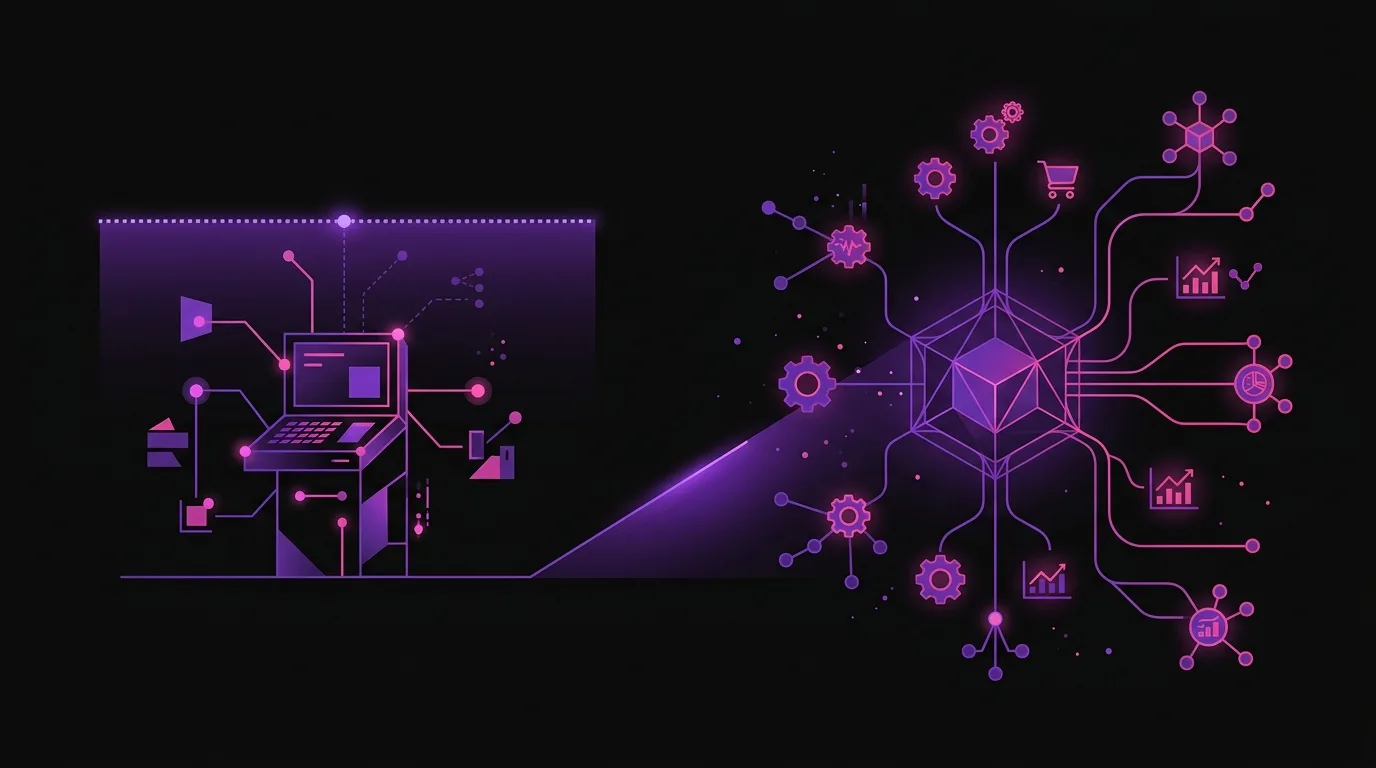
There isn't a single answer to the question of when to switch from a free POS to full Odoo POS. It depends on the size of the business, the number of shops, the complexity of the catalogue, the sales channels, and the tax requirements.
What is certain is that the decision must be made before problems force it upon you. Waiting for the current system to become an active hindrance is waiting too long.
If you are at that turning point, the most useful thing is to conduct an honest analysis: add up the tools you use, calculate their real cost (including time), evaluate whether they comply with current tax regulations and project what you will need in the coming months. With that information on the table, the decision is much clearer.
Nextdoo supports this analysis without obligation. As an official Odoo Enterprise partner in Spain, it knows the retail and hospitality market in depth and can help you determine if Odoo makes sense for your business or if it's not the right time yet. Honesty is also part of the service.
Guidance information. Actual timeframes, costs, and scopes are confirmed after a personalised analysis. JLM Business Solutions SL · B16842831.
Frequently asked questions
Is Odoo One App Free really free with no hidden conditions?
Yes, according to Odoo's official plan, you can use Point of Sale at no cost if it's the only active application in your account. There are no transaction fees. The limitation is functional: as soon as you activate a second application (accounting, inventory, or another), you move to the Standard plan with a monthly cost per user. It's a clear restriction, not a trick. It's advisable to know this before choosing, to avoid surprises as your business grows.
Does a free POS comply with VeriFactu in Spain?
It depends on the software and the timing. VeriFactu is in the process of implementation according to the deadlines set by the AEAT and Royal Decree 1007/2023. Not all free POS systems are certified or have a clear certification plan. Before choosing any solution, demand documentation on its compliance status with VeriFactu. If the provider cannot give it to you in writing, that already tells you something important about the product's reliability.
Can I migrate my data from the current POS to Odoo without losing it?
In most cases, yes. Customer, product, and historical transaction data can be imported into Odoo from standard export formats such as CSV or Excel. The level of detail retained depends on what the source system allows to be exported. Nextdoo analyses each migration individually to define which data is worth transferring and how to do it with guarantees. It's not an operation that works the same way in all businesses.
What happens if I operate in the Basque Country or Navarre with a POS not compliant with TicketBAI?
You have a tax non-compliance. TicketBAI is mandatory in Euskadi and Navarre for most economic activities, and the regional tax authorities have established penalties for those who do not comply. TicketBAI compatibility is not a bonus in those communities; it is a minimum legal requirement. Before choosing any POS, confirm in writing that the provider has certified and updated TicketBAI for your specific activity.
Does Odoo POS work if the internet goes down in the shop?
Yes. Odoo Point of Sale has an offline mode that allows you to continue taking payments and registering sales when there's no connection. The data synchronises with the central system as soon as the network is restored. It's a relevant functionality for businesses in areas with unstable coverage or in case of occasional failures. Many free POS systems do not offer this capability in their free version at no cost, which can be a real operational problem during peak times.
When does it make sense to stick with a free POS and not switch to Odoo?
It makes sense when the business is very small, the volume of operations is low, and there are no immediate growth plans. Also, when validating the business model before committing investment in software. If you don't need integrated accounting, advanced stock, multi-shop, or eCommerce, and tax compliance is covered, the free solution can hold up well. The key is to be honest about the business's real needs, not the theoretical ones.