
The Equivalence Surcharge (Recargo de Equivalencia) is one of those tax topics that causes a real headache for many businesses: who applies it, how it's invoiced, and above all, how to set it up correctly so that invoices are accurate without a constant struggle with taxes. If your business is under this scheme or you buy from suppliers who pass it on to you, Odoo manages it without headaches. This guide explains what it is, who it applies to, and how to configure it in Odoo. As always, it's advisable to confirm the specifics of your situation with your tax advisor.
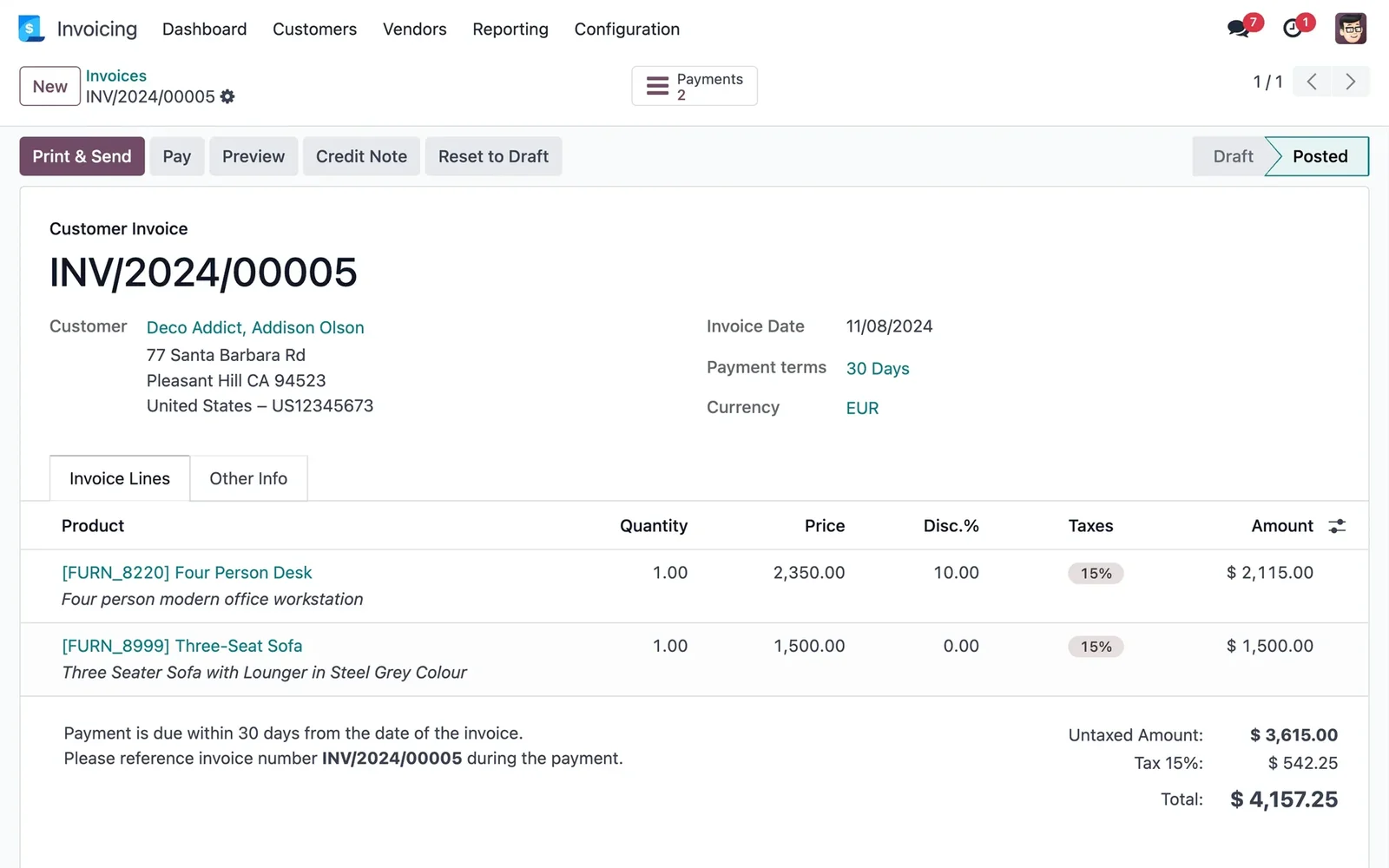
En 30 segundos. What is the equivalence surcharge, which businesses it applies to, and how to configure and invoice it in Odoo without errors. Practical guide from an official Odoo partner.
What the Equivalence Surcharge is
The Equivalence Surcharge is a special VAT scheme designed for small retail businesses. Its mechanism is unique: instead of the retailer managing the VAT on their sales like everyone else, the supplier charges an additional surcharge on top of VAT when selling goods to them, and in return, the retailer is exempt from declaring VAT on those sales to the end consumer. Essentially, it's a way to simplify the tax obligations of small retailers, transferring part of the management to the supplier. The specific conditions and rates are set by regulation, so it's advisable to consult them on the website of the Tax Agency or with your tax advisor.
Who it applies to
Broadly speaking, the Equivalence Surcharge applies to retail traders who are individuals (self-employed) and certain entities, and who sell to end consumers without transforming the product. It does not apply to wholesalers, generally to companies, or to sales to other businesses. If you're unsure whether your business is under this scheme, it's precisely the kind of thing your tax advisor should confirm, as it depends on your legal structure and activity. What is certain is that if you are under it, your purchases and invoices must reflect it correctly.
How it works day-to-day
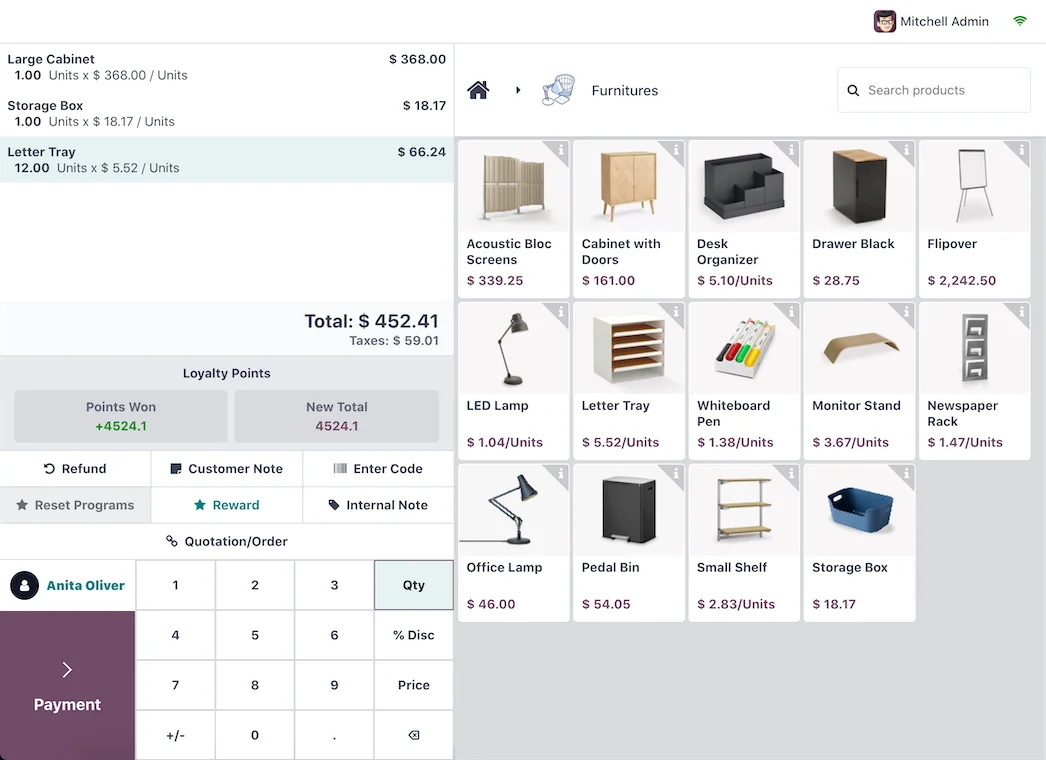
In practice, the Equivalence Surcharge is mainly noticed in two places: in the invoices from your suppliers, who pass on VAT plus the surcharge when they sell to you; and in your invoicing and accounting, where this scheme must be properly reflected. For the end customer in your shop, the surcharge is invisible: they pay their price with VAT as in any other retailer. The complexity lies behind the scenes, and that's precisely where a well-configured system saves you errors.
How to set up the Equivalence Surcharge in Odoo step-by-step
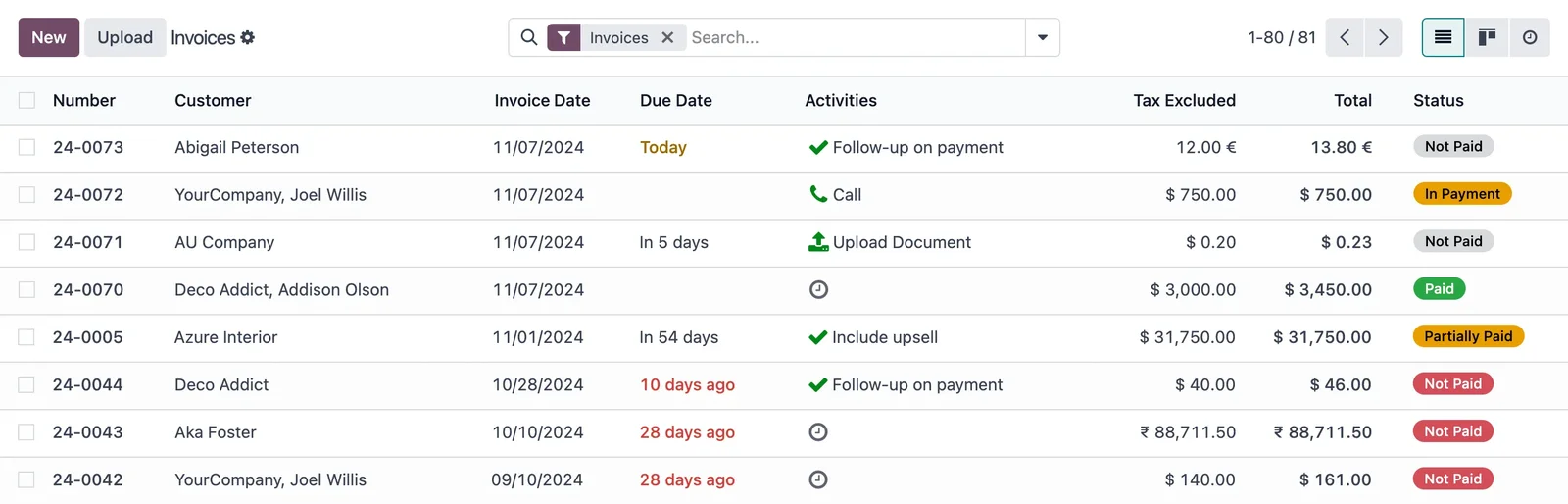
Step 1 · Activate the Spanish localisation
Odoo is configured with the Spanish fiscal localisation, which includes the country's taxes and schemes. Deliverable: prepared tax base.
Step 2 · Configure taxes with surcharge
The taxes that combine VAT and the Equivalence Surcharge are set up, to apply them where appropriate. Deliverable: surcharge taxes ready.
Step 3 · Apply it to purchases
It is configured so that supplier invoices that pass on the surcharge reflect it correctly; the purchasing part is in Odoo Purchases. Deliverable: purchases with surcharge properly recorded.
Step 4 · Compliant Invoicing and POS
It is checked that invoicing and POS — if you sell in-store — are correct and compliant with VeriFactu; see Odoo Invoicing y Odoo POS. Deliverable: compliant sales.
Frequent errors with the Equivalence Surcharge
- Incorrectly configuring the tax, leading to invoices with incorrect amounts.
- Failing to apply the surcharge on supplier purchases when appropriate.
- Confusing the scheme and applying it to sales or customers to whom it doesn't apply.
- Failing to confirm with the tax advisor if the business is actually under this scheme.
All of these can be avoided with a well-executed setup from the outset, with a partner familiar with the Spanish localisation; it's advisable to choose wisely. The project framework is in Odoo implementation.
The surcharge on purchases from your suppliers
The Equivalence Surcharge is most noticeable day-to-day in the invoices you receive from your suppliers. When a wholesaler sells you goods and knows you're under this scheme, they pass on the VAT plus the corresponding surcharge. For your accounting to reflect this correctly, Odoo is configured so that these purchase invoices automatically apply the tax with the surcharge, without you having to calculate it manually or correct it invoice by invoice. This is important because an error here carries through: if purchases don't accurately reflect the surcharge, neither your accounting nor your margins will balance. Having the purchasing side properly configured from the outset, linked with invoicing and accounting, is what prevents those kinds of silent discrepancies that emerge months later.
Equivalence Surcharge and unusual sales
Although the Equivalence Surcharge is designed for in-store sales to the end consumer, in practice, situations may arise that should be properly addressed: an occasional sale to another business, a return, or online sales to customers in other areas. Each has its own tax treatment, and managing them manually is where errors occur. With Odoo properly configured, each type of operation automatically applies the correct tax, so you don't have to remember the rule for each sale. If your business combines a physical shop and online sales, or occasionally sells to businesses, it's especially worthwhile to get this setup properly tied down with a partner who understands retail tax regulations, so that the system decides the correct approach for you in each case.
Frequently Asked Questions
What is the Equivalence Surcharge?
It's a special VAT scheme for small retail businesses: the supplier charges the retailer an additional surcharge on top of VAT, and in return, the retailer simplifies their VAT obligations for those sales.
Who does the Equivalence Surcharge apply to?
Generally, it applies to individual retail traders and certain entities who sell to end consumers without transforming the product. It's advisable to confirm this with your tax advisor according to your specific situation.
Does Odoo manage the Equivalence Surcharge?
Yes. With the Spanish localisation, Odoo configures taxes that combine VAT and the surcharge, so that purchases and invoices show the correct amount without manual calculations.
Is the surcharge applied to purchases or sales?
The retailer bears it on purchases from their suppliers; for the end customer in the shop, the surcharge is invisible, and they pay their price with normal VAT.
How does it affect my shop's POS?
The POS must be configured so that sales accurately reflect the tax implications; with Odoo, the POS is configured in compliance with the scheme and VeriFactu.
Is it compatible with VeriFactu?
Yes. The Equivalence Surcharge is a VAT scheme, and VeriFactu is the invoicing registration system; Odoo covers both simultaneously without conflict.
Can I find out if my business is under this scheme?
It depends on your legal structure and activity; it's a question for your tax advisor, who will confirm if it applies to you and under what conditions.
What happens if I configure it incorrectly?
Invoices may show incorrect amounts and lead to tax problems. That's why it's advisable to set it up properly from the start with a partner familiar with the Spanish localisation.
Can the Equivalence Surcharge be managed with the shop's POS?
Yes. Odoo's POS is configured in compliance with the scheme, so that in-store sales show the correct tax treatment without the shop assistant having to think about it with each payment.
Is your business under the Equivalence Surcharge scheme and do you want Odoo to manage it without errors?
At Nextdoo, an official Odoo partner, we ensure your taxes, purchases, and invoicing are compliant from the outset. Start by Odoo Invoicing or request a diagnostic of your business.
Sources: website of the Tax Agency and Odoo documentation. This information is for guidance only, not tax advice; confirm your scheme and rates with your tax advisor.
Sources
Official sources consulted: official Odoo documentation y website of the Tax Agency (VeriFactu). Cost and timeline figures are indicative and non-binding, subject to variations depending on the project.