
A shop faces challenges that a service company doesn't: a speedy till, stock that changes every hour, sizes and colours, physical and online shops that must reconcile, and a till that truly has to balance at the end of the day. Implementing Odoo in retail properly connects all of that —POS, inventory, e-commerce, and accounting— in a single system. This guide explains, step by step and without jargon, how to bring Odoo to your retail business, how long it takes, how much it costs as a guide, and which mistakes to avoid.
En 30 segundos. Implement Odoo in your shop step-by-step: POS, inventory, e-commerce & accounting. Practical guide covering timelines, cost & Odoo partner.
Why does retail need its own implementation?
In retail, the system must respond at the counter with a customer waiting. This requires attention to things that are secondary in other sectors: the POS speed, real-time stock control, product variants (size, colour), and ensuring that what is sold online deducts from the same warehouse as the physical shop. That's why a retail implementation isn't copied from a generic one: it's designed for the counter. You have the complete decision-making framework in our Odoo for retail guide.
How to implement Odoo in retail step by step
Step 1 · Shop diagnosis and objectives
What challenges do you face today: queues at the till? Stockouts? Don't know which product gives you margin? The scope of the first phase is defined, and the edition is decided (Enterprise covers Spanish tax obligations), and whether the shop is a single outlet or has multiple points of sale. Deliverable: project scope.
Step 2 · Catalogue and master data
The heart of retail. The catalogue is prepared with size and colour variants, barcodes, and prices, and data is cleaned before migration. An organised catalogue makes the rest of the project fly. Practical detail in size and colour variants in Odoo POS. Deliverable: catalogue ready and verified.
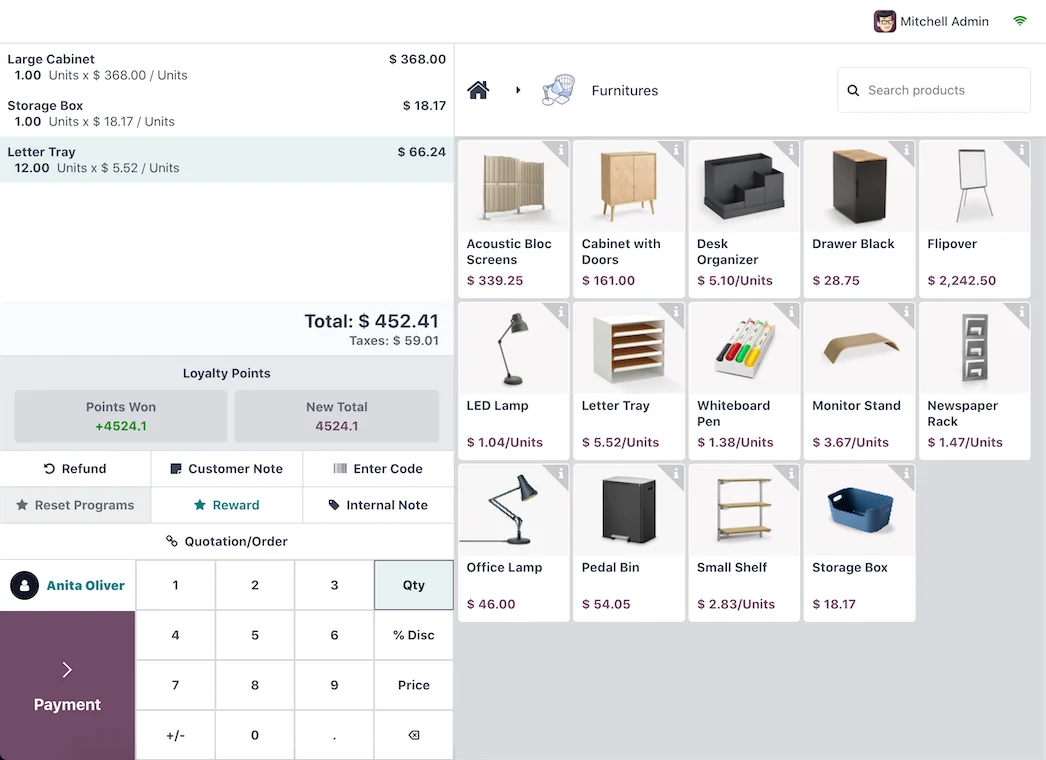
Step 3 · Configure the POS (Odoo POS) and hardware
The point of sale is configured: payment methods, receipts, discounts, and till users. And hardware is connected —cash drawer, receipt printer, barcode scanner, card machine—. Choosing approved hardware avoids 90% of startup problems; we cover it in approved hardware for Odoo POS. You can see the approach in Odoo POS for retail. Deliverable: till operational.
Step 4 · Inventory and warehouse
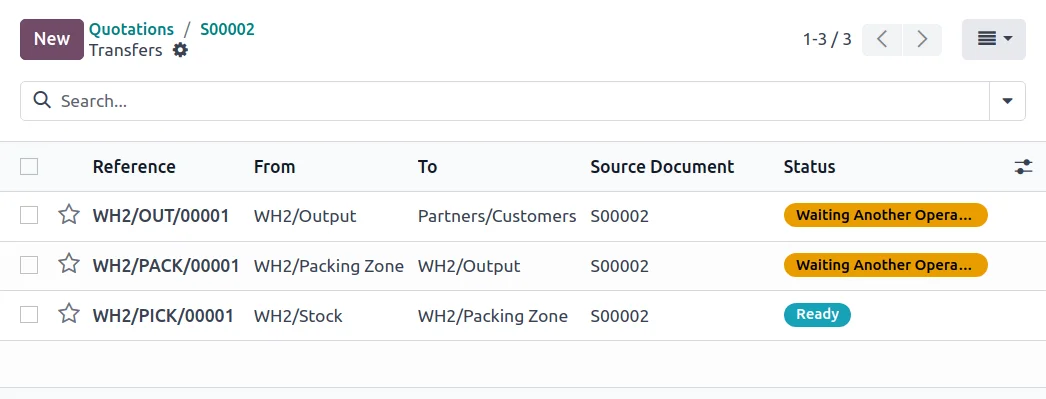
Stock is defined by shop and warehouse, with batches or serial numbers if your product requires it, and a counting method that keeps inventory reliable without stopping the shop. Deliverable: real-time and reliable inventory.
Step 5 · Uniting physical and online stores (omnichannel)
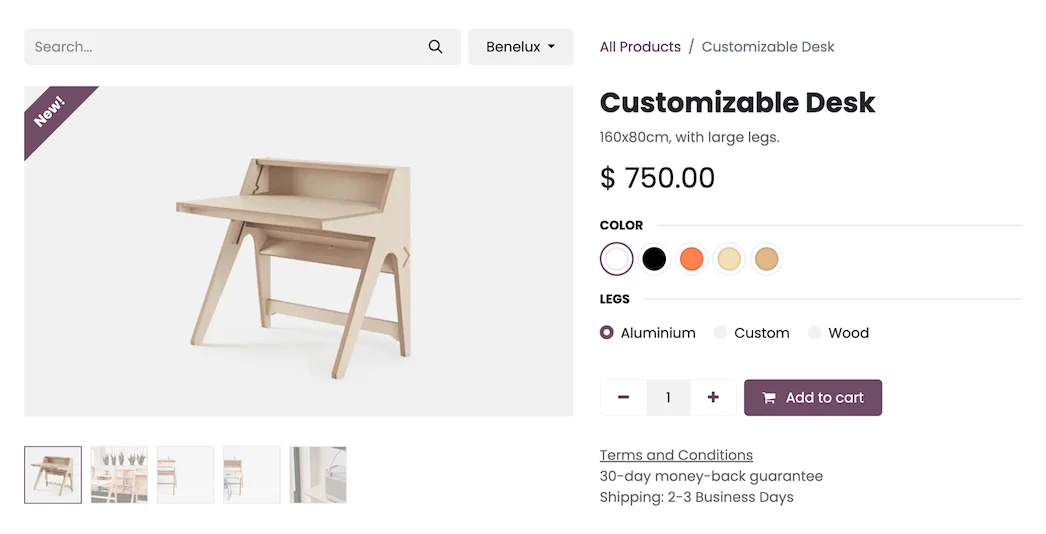
Here lies the competitive advantage. E-commerce is connected to share catalogue and stock with the shop, and flows such as click & collect are activated. This way, a single sale deducts from the same warehouse, no matter where you sell. Framework in Odoo retail omnichannel and practical guide to click & collect in Odoo. Deliverable: physical and online synchronised.
Step 6 · Invoicing, VAT, and VeriFactu
Billing is kept up to date: VAT rates, equivalent surcharge (flat-rate VAT scheme) if applicable, and compliance with VeriFactu, mandatory in Spain in 2026. In retail, getting this sorted properly from the start avoids unpleasant surprises from the tax authorities. Deliverable: billing compliant with regulations.
Step 7 · Store team training
Till staff need to be quick and confident. They are trained on the real POS, with the store's products and promotions, so that on launch day no one gets stuck with a customer in front of them. Deliverable: self-sufficient till team.
Step 8 · Go-live and support
The launch commences, ideally on a day with less footfall, with on-site support during the first few days and a support plan. From there, modules (loyalty, marketing, advanced purchasing) are added as the business grows. Deliverable: store operating on Odoo.
How much does it cost and how long does it take to implement Odoo in retail?
As an indicative and non-binding reference, for a retail SME, a simple implementation —POS, inventory, and invoicing— usually takes between 4 and 8 weeks, and the cost starts from a few thousand euros depending on the number of stores, till users, and if you add e-commerce. The reliable figure comes from a diagnosis. To calculate the return with real data from your store, see Odoo ROI in retail.
Common mistakes when implementing Odoo in retail
- Migrating the unclean catalogue (duplicate references, no barcodes).
- Buying non-compliant hardware and discovering it on launch day.
- Not reconciling stock between physical and online stores from the start.
- Leaving VeriFactu until the end.
- Training the till team on the same day as go-live.
If you're coming from another system, avoid the typical pitfalls with 10 mistakes when migrating from Sage to Odoo in retail.
Odoo versus a traditional POS
Many shops operate with a POS that only knows how to process payments. It sells well, but it doesn't communicate with the warehouse, nor with accounting, nor with the online shop, so at the end of the month, everything has to be reconciled manually, and nobody knows which product is profitable. The difference with implementing Odoo is that the POS is just one piece: the same sale you process at the till deducts stock, generates the accounting entry, and, if you have a website, updates the online shop. You don't change software as you grow; you add modules. That's why a shop looking to scale usually prefers a complete system over a standalone POS.
What you need before starting in your shop
Before the first technical meeting, having this ready accelerates the project by weeks:
- Cleaned-up catalogue: non-duplicated references, with prices and, if you sell fashion or footwear, their
size and colour variations.
- Barcodes for your products (or the criteria for generating them).
- Real inventory per shop, to launch with reliable stock levels.
- Correct tax data: VAT rates and equivalent surcharge (flat-rate VAT scheme) if applicable.
- A shop manager who can validate decisions without having to consult everything.
Example shop calendar
This is how a simple retail implementation is structured. This is indicative: your pace depends on the state of the catalogue and whether you're also launching with e-commerce.
| Week | Phase | What happens |
|---|---|---|
| 1 | Diagnosis | Objectives, number of shops, and scope |
| 2 – 3 | Catalogue and POS | Products, variants, till configuration, and hardware |
| 3 – 4 | Inventory | Stock per shop and counting method |
| 4 – 5 | Training | The till team practises with the real shop |
| 5 – 6 | Go-live | Go-live on a quieter day |
To calculate the return using your shop's data, use the guide from Odoo ROI in retail.
What hardware your shop needs
Odoo's POS runs on standard equipment, but choosing the right hardware prevents almost all initial hiccups. The basic components of a point of sale system usually include a till terminal or tablet, a receipt printer, a cash drawer, a barcode scanner, and a card machine for card payments. If you have several tills or multiple shops, the setup is replicated, and everything shares the same catalogue and stock.
The practical recommendation is simple: use approved and compatible equipment rather than just using whatever is lying around the shop. Incompatible scanners or printers are almost always discovered on the worst possible day — launch day, with customers waiting. That's why hardware selection is finalised during the POS configuration phase, not on the fly. When the equipment arrives tested and configured, the till works from the very first minute, and staff training focuses on selling, not on wrestling with the kit.
Frequently asked questions
Is Odoo suitable for a small shop?
Yes. You can start with just POS, inventory and invoicing, and expand when you need to. Starting with the essentials is precisely what makes the project profitable for a small shop.
What do I need for Odoo's POS?
A catalogue with prices and barcodes, and approved hardware: compatible cash drawer, receipt printer, scanner, and card machine. With that, the till works from day one.
Can I link my physical shop and my online shop with Odoo?
Yes. They share a catalogue and stock, so that a sale — whether at the till or on the website — is deducted from the same warehouse. Additionally, you can enable 'collect in store'.
Does Odoo comply with VeriFactu for retail?
The Enterprise edition covers Spanish invoicing obligations, including VeriFactu, which is mandatory in 2026. It's advisable to configure it from the outset of the project.
How long does it take to implement Odoo in a shop?
A straightforward implementation usually takes between 4 and 8 weeks. The timeframe depends on the number of shops, the status of the catalogue, and whether you include e-commerce from the start.
Do you want to set up Odoo in your shop without slowing down sales?
At Nextdoo, an official Odoo partner specialising in retail, we implement it in phases, with the catalogue verified and your till team trained. Start with the Odoo for retail guide or request a diagnosis for your shop.
Sources: official Odoo documentation and the Tax Agency's e-office (VeriFactu). Cost and timeframe figures are indicative and non-binding, subject to variations depending on the project.
Sources
Official sources consulted: official Odoo documentation and Tax Agency's e-office (VeriFactu). Cost and timeframe figures are indicative and non-binding, subject to variations depending on the project.