
In summary. Odoo resolves the complete cycle of a Spanish stationery shop: counter POS with quick receipt and B2B invoice, a catalogue with thousands of references, automatic stock replenishment, VeriFactu 2026 compliance and the usual AEAT models. Implementation adapts to the business size and can be combined with the Kit Digital through an external digitising agent. All in a single system without manual synchronisations.
If you own a stationery shop and every September you survive the back-to-school period with Excel spreadsheets and stress, this article is for you. We will look at how Odoo resolves the real pain points of a Spanish stationery shop: an extensive catalogue, mixed sales (counter and business), 2026 tax obligations and the possibility of taking advantage of the Kit Digital.
Odoo centralises sales, stock and invoicing for Spanish stationery shops, integrating POS, VeriFactu compliance and access to the Kit Digital without unnecessary complexity.
Why does a stationery shop need more than a supermarket POS?
A stationery shop is not a local supermarket. It has a catalogue that can exceed five thousand references, with brands, formats, colour variants and price per unit or per box. Furthermore, it sells to two very different types of customer: the end consumer who pays in cash and the school or consultancy that requests an invoice on thirty-day terms.
That duality breaks any simple POS system. Most systems designed for hospitality or clothing shops are not prepared to manage B2B pricing, recurring orders or the VeriFactu obligation on every receipt.
Odoo starts with a clear advantage: it is a single platform where the counter receipt, the invoice to the business customer, the order to the supplier and the quarterly VAT return live in the same place and share the same data. There are no synchronisations, no manual exports, no double entry.
That doesn't mean it's a complex system to start up. The key is to begin with what your business needs today and add layers when it makes sense.
How to organise thousands of references in an extensive catalogue without losing your way?
The first challenge for any stationery shop is the catalogue. School supplies, office supplies, fine arts, crafts, textbooks, gifts, bazaar items, basic technology. Categories that mix, different suppliers for each product family and references that come and go depending on the season.
Odoo allows you to structure the catalogue with unlimited categories and subcategories. A usual structure for a stationery shop would be to organise by main families (School Supplies, Office, Fine Arts, Gifts) and within each, finer subcategories (Notebooks, Pencil Cases, Backpacks within School Supplies).
Each product carries its EAN-13 barcode, which is already printed by the manufacturer. Odoo works directly with it, so you don't need re-labelling. If a supplier doesn't provide an EAN, you can assign an internal code without a problem.
For simple variants, such as the colour of a folder or the format of a notebook, Odoo allows you to activate product attributes. For a standard stationery shop with low variant complexity, it is often more practical to work with separate products. The decision is made in the initial analysis according to the actual volume of variants your shop handles.
Bulk product import is done from a spreadsheet. If you already have the catalogue in Excel or in the old system, the initial loading process is part of the implementation project, not your manual work.
Counter POS: quick receipt, B2B invoice and returns
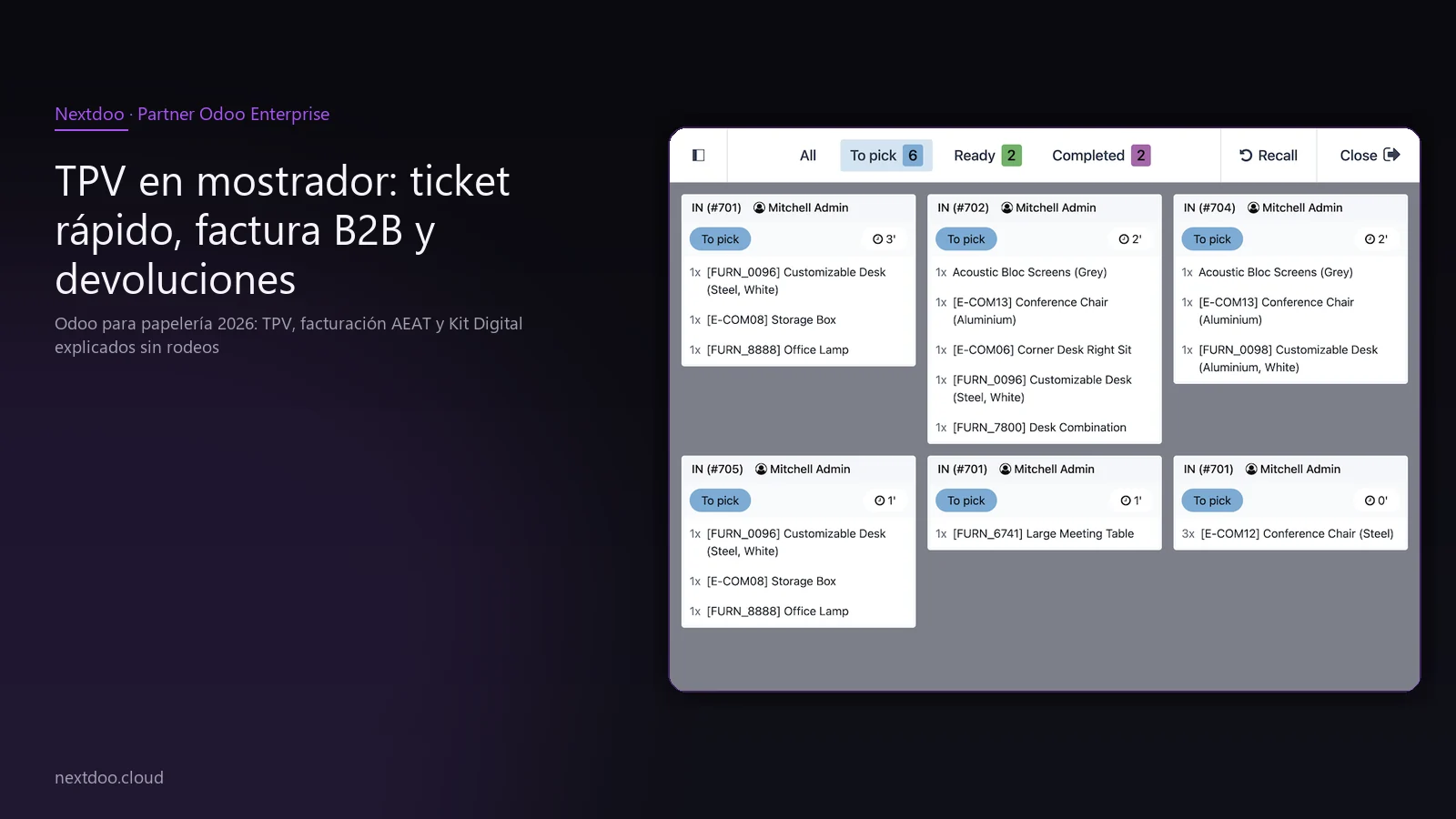
Odoo's POS is designed to operate smoothly at a counter with a queue. The basic flow is: scan the barcode, choose the payment method, print the receipt. With a connected scanner, that process takes seconds.
But a stationery shop has three flows, not one:
- Sale to the end consumer: simple receipt, cash or card payment, quick close.
- Sale with invoice: the customer provides their CIF and wants an invoice. Odoo issues it directly from the POS, associated with the customer and their tax details, without switching to another program.
- Return or exchange: the customer returns with a product. Odoo locates the original receipt, processes the refund and allows registering the new sale at the same time.
The usual hardware for a stationery shop does not require special equipment or mandatory brands. A compatible receipt printer, a standard USB scanner, a cash drawer and an approved payment terminal (Stripe Terminal, Adyen or similar) are sufficient. The integration with the payment terminal allows the receipt amount to pass directly to the terminal, without manual input.
Odoo's POS also works in offline mode. If the internet goes down at a specific moment, the system continues to operate locally and synchronises when the connection is restored.
How to manage B2B sales to schools, consultancies and businesses that buy in bulk?
B2B sales are where many stationery shops lose time. A school calls requesting a quote, someone does it manually or in Excel, it's sent by email, the order arrives disorganised, the invoice is issued late and collection is tracked informally.
Odoo organises this process from start to finish:
- Each B2B customer has their record with CIF, tax address, payment terms and default applied discount.
- Price lists allow you to assign different rates per customer type without affecting the product's base price.
- The customer portal allows the school or consultancy to check their order history and download their invoices without calling you.
- For customers who order the same thing every month, the cycle can be automated so that the order is generated periodically without manual intervention.
IRPF withholding, when applicable on invoices to certain professional clients, is configured once per client and Odoo applies it automatically on each invoice.
This block is especially valuable in September, when the pressure of school orders coincides with the counter peak. Having B2B orders in the system reduces errors and management time at the busiest moment.
What tax obligations does VeriFactu impose before the AEAT in 2026?
This point is not optional. From 2026, Royal Decree 1007/2023 obliges invoicing computer systems to generate a record with a digital footprint of each invoice or ticket issued and send it to the AEAT. That is VeriFactu.
Odoo complies with this automatically through the Spanish localisation. Every time you close a ticket at the POS or issue an invoice, the system generates that record and sends it. You don't need to do anything additional.
Beyond VeriFactu, the usual obligations of a stationery shop with Odoo are covered:
- Modelo 303: quarterly VAT declaration, generated directly from the accounting with the period's data.
- Modelo 390: annual VAT summary.
- Modelo 347: annual declaration of operations with third parties exceeding the legal threshold. Relevant for stationery shops that regularly buy from distributors such as Adveo, Carlin or other wholesalers.
The Spanish localisation of Odoo includes the PYMES General Accounting Plan already configured. You don't have to create the chart of accounts from scratch or manually adjust VAT rates.
Which Kit Digital categories apply and how does it work with Odoo?
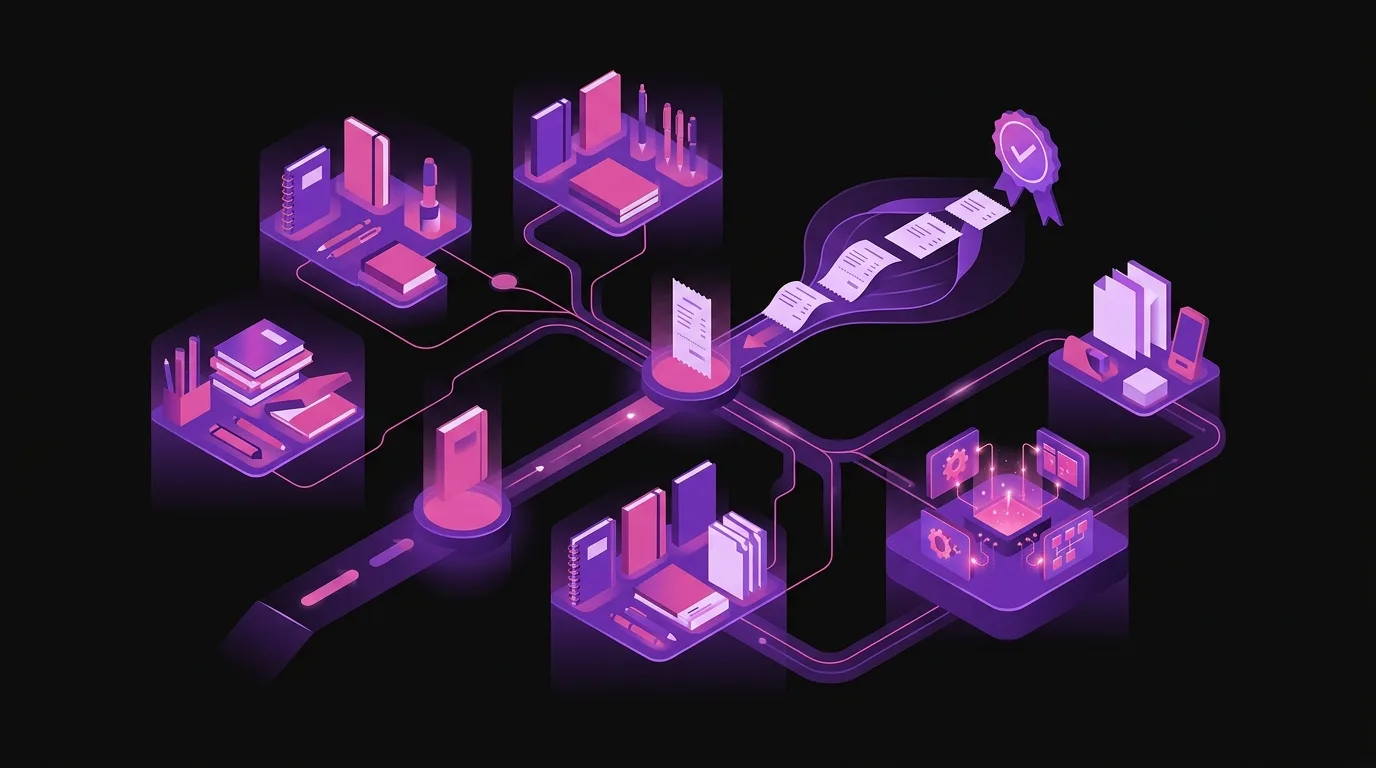
Red.es's Kit Digital programme subsidises the digitisation of SMEs and self-employed individuals. Odoo fits several of the solution categories in the official Acelera Pyme catalogue:
- Process Management: covers sales, purchases, inventory and accounting.
- Electronic Invoicing: covers the issuance of electronic invoices and VeriFactu compliance.
- Customer Management: covers B2B customer management and tracking of commercial relationships.
- E-commerce: covers the online shop integrated with physical inventory.
The procedure requires working with a digitising agent registered with Red.es. Nextdoo does not act as a digitising agent, but collaborates with agents who do process the subsidy. Nextdoo handles the technical implementation; the agent manages the administrative processing of the voucher.
You can consult the subsidy amounts and company segments (micro-company, small company) directly on the official Acelera Pyme portal, as the calls for applications are updated periodically and the current figures may have varied since the publication of this article.
If you are self-employed with a stationery shop or have fewer than ten employees, it is worth checking if you are still within the deadline to apply for the voucher before starting the project.
Online shop: sell school supplies beyond the counter
Odoo's eCommerce shares the same catalogue and stock as the physical POS. When you sell a notebook online, the shop's inventory is deducted. When you sell it at the counter, the website reflects it. There is no mismatch.
For a stationery shop, the most practical functionalities are:
- School supply list by school: upload the official list from the centre and allow parents to buy everything their child needs at once.
- Click and Collect: the customer buys online and collects from the shop, with no shipping cost.
- Home delivery: with integrations to usual carriers such as Correos, SEUR or MRW.
- Online payment: card, transfer or Bizum according to the chosen configuration.
The online channel is not mandatory from day one. Many stationery shops start with POS + invoicing + inventory and add the online shop in a second phase when the team has mastered the basic operations.
How does automatic replenishment work so you don't run out of stock during the back-to-school period?
Running out of squared notepads in August is an avoidable problem. Odoo allows you to configure a minimum stock level per product and, when that minimum is reached, it automatically generates a purchase order to the preferred supplier.
For a stationery shop with several distributors, the system allows you to assign a primary and an alternative supplier per product. If the primary does not have stock, the order is redirected to the alternative.
The receiving process is also integrated. When the order from the distributor arrives, you scan or enter the quantities received and the stock is updated instantly. If there are differences between what was ordered and what was received, the system records them to claim from the supplier.
This automation reduces the time spent on purchasing management and eliminates urgent orders at a higher price because someone didn't check the stock on time.
What to expect from the implementation process and how to size it?
An Odoo implementation for a stationery shop is not the same for all cases. The scope depends on how many shops you have, if you want eCommerce from the beginning, how many products need to be loaded and if you already have structured data in a previous system.
As a guide, a standard project for a stationery shop with a single premises, physical POS, invoicing, inventory and localised accounting has a scope that can be completed within a reasonable timeframe without halting the shop's daily activity.
The usual phases are:
- Initial analysis: understand how your business operates today and what you need from Odoo.
- Catalogue setup and data loading: products, B2B customers, suppliers.
- POS setup with peripherals and payment methods.
- Accounting and tax compliance setup.
- Testing with the team before go-live.
- Training for counter staff and the management lead.
- Go-live and initial support.
If you add eCommerce or have multiple shops, the scope grows proportionally. The final quotation is provided in writing after a personalised analysis of your specific case.
FAQ
Is Odoo too complex for a stationery shop with just one employee?
No. Odoo scales down as well as up. For a small stationery shop, the minimum viable configuration covers POS, basic inventory, and invoicing. The counter employee only sees the POS screen, which is designed to be simple. The system's complexity lies in the management part, which is handled by the lead or the accountant, not the person serving the customer.
What happens if I already have a POS and want to migrate to Odoo?
Migration starts by analysing what data you have in the current system and what is worth transferring. Typically, product catalogues, B2B customers, and inventory history are migrated. Old transactions are rarely migrated; they are kept in the previous system as an archive. The process is planned so that the shop does not stop operating.
Can I use Odoo without contracting the eCommerce module from day one?
Yes. Odoo is modular. You can start with just POS, inventory, and accounting and add eCommerce when you need it. There is no penalty for starting with a reduced scope. The architecture is the same, and expansion does not mean starting from scratch.
Does VeriFactu also affect counter tickets, not just invoices?
Yes. Royal Decree 1007/2023 affects all invoicing records, including simplified POS tickets. Each sales close generates a record with its digital footprint. Odoo manages this automatically without the counter employee having to do anything additional.
Does Nextdoo manage the Kit Digital subsidy?
Nextdoo does not act as a digitising agent in the Kit Digital programme. What we do is the technical implementation of Odoo. If you want to take advantage of the subsidy, you need a digitising agent registered with Red.es to process the voucher. We can coordinate with the agent you choose so that the technical and administrative parts are aligned.
Does Odoo comply with TicketBAI if my stationery shop is in the Basque Country or Navarre?
Yes. The Spanish localisation of Odoo includes support for TicketBAI, the verified invoicing system mandatory in the Provincial Treasuries of the Basque Country and Navarre. If your shop operates in these territories, the specific configuration is considered in the initial project analysis.
Conclusion: the concrete next step
If your stationery shop still uses the bank's POS, Excel for school orders, and your Modelo 303 is done by the administrative agency based on your paper invoices, you are leaving time and money on the table every month.
Odoo is not the cheapest solution on the market, but it is the one that grows most with you. You can start with the essentials and add layers when your business justifies it. And in 2026, with VeriFactu being mandatory, having a system that manages it automatically is not a competitive advantage: it's an obligation.
The first step is a no-obligation analysis call. In that call, the actual scope of your project is defined, doubts about the Kit Digital are clarified, and a quotation tailored to your situation is prepared.
Indicative information. Actual timelines, costs, and scopes are confirmed after a personalised analysis. JLM Business Solutions SL · B16842831.
Frequently asked questions
Is Odoo too complex for a stationery shop with just one employee?
No. Odoo scales down as well as up. For a small stationery shop, the minimum viable configuration covers POS, basic inventory, and invoicing. The counter employee only sees the POS screen, designed to be simple. The management part is handled by the lead or the accountant, not the person serving the customer.
What happens if I already have a POS and want to migrate to Odoo?
Migration starts by analysing what data you have in the current system and what is worth transferring. Typically, product catalogues, B2B customers, and inventory history are migrated. Old transactions are rarely migrated; they are kept in the previous system as an archive. The process is planned so that the shop does not stop operating at any time.
Does VeriFactu also affect counter tickets, not just invoices?
Yes. Royal Decree 1007/2023 affects all invoicing records, including simplified POS tickets. Each sales close generates a record with its digital footprint that is sent to the AEAT. Odoo manages this automatically without the counter employee having to intervene.
Does Nextdoo manage the Kit Digital subsidy?
Nextdoo does not act as a digitising agent in the Kit Digital programme. We carry out the technical implementation of Odoo. If you want to take advantage of the subsidy, you need a digitising agent registered with Red.es to process the voucher. We can coordinate with the agent you choose so that the technical and administrative parts are aligned from the outset.
Can I add the online shop later and not from day one?
Yes. Odoo is modular. You can start with just POS, inventory, and accounting and add eCommerce when your business justifies it. The architecture is the same, and expansion does not involve reconfiguring what is already running. It is one of the advantages of working with a platform integrated from the origin.
Does Odoo comply with TicketBAI if my stationery shop is in the Basque Country or Navarre?
Yes. The Spanish localisation of Odoo includes support for TicketBAI, the verified invoicing system mandatory in the Provincial Treasuries of the Basque Country and Navarre. If your shop operates in these territories, the specific configuration is considered and planned in the initial project analysis.