
Microsoft Dynamics 365 Business Central (the former Navision) is a powerful ERP, but for many SMEs, it ends up being expensive and over-engineered: per-user licences that rise quickly, dependence on the Microsoft ecosystem, and a partner needed for almost any adjustment. Migrating from Dynamics 365 to Odoo gives you a complete, more flexible system at a much lower cost, without losing data or stopping business operations. This guide explains how to do it, step by step.
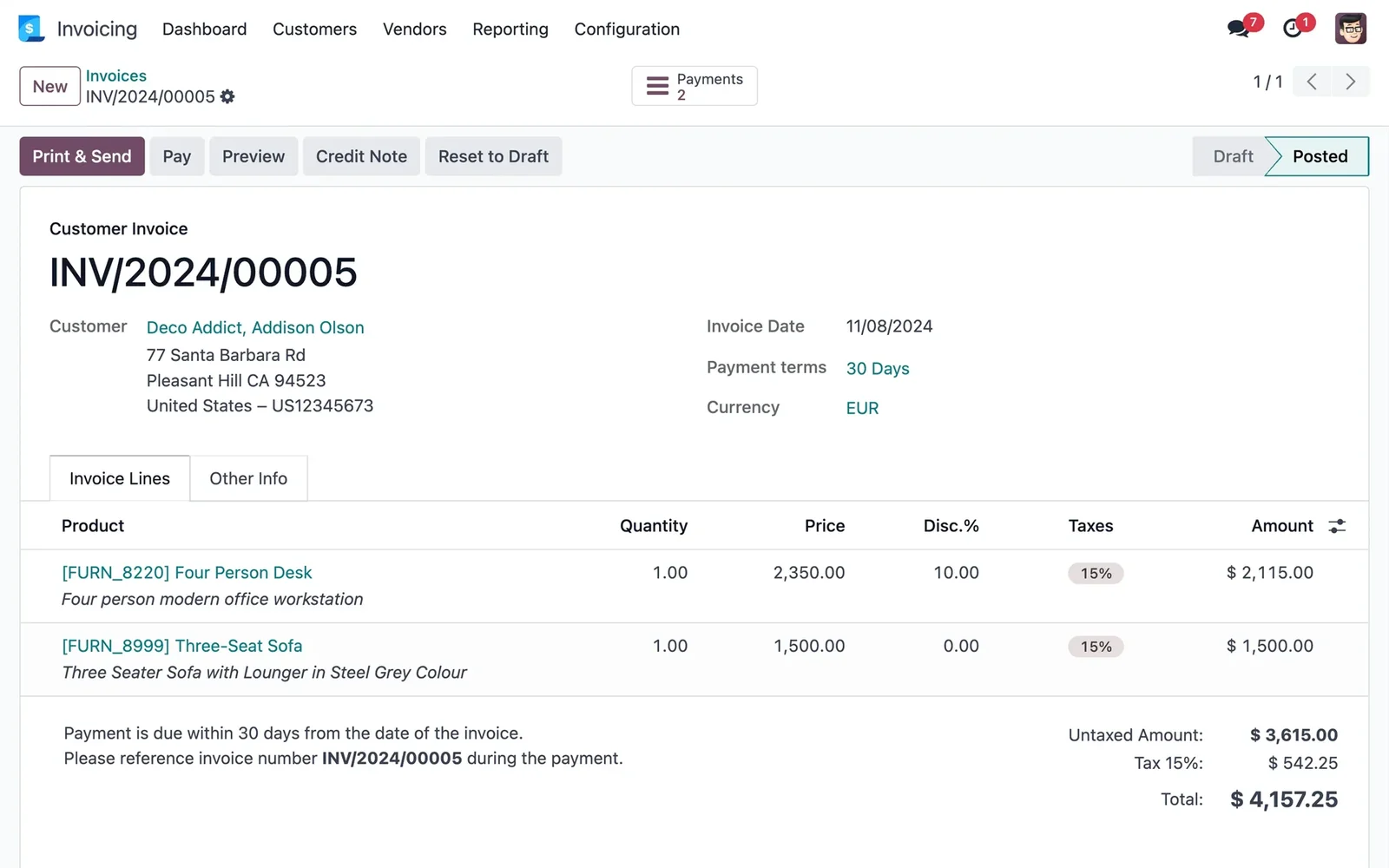
En 30 segundos. Seamlessly migrate from Dynamics 365 Business Central (Navision) to Odoo. Avoid data loss: learn migration steps, what to transfer & common errors. Partner guide.
Why migrate from Dynamics 365 to Odoo
The main reason is usually the total cost. Dynamics 365 bills per user and per module, and on top of that comes the cost of partners and customisations, which are not cheap in this ecosystem. Furthermore, it's a system designed for large enterprises: many SMEs end up using a fraction of what they pay. Odoo changes the equation: modular, much more economical, with a modern interface and up-to-date Spanish fiscal localisation —VeriFactu included—. For an SME that doesn't need the power of Dynamics, it's like stopping paying for a tailored suit that's too big.
What can be migrated from Dynamics 365 to Odoo
- Customers and suppliers, with their fiscal data.
- Product catalogue, with references and prices.
- Inventory and stock by warehouse.
- Invoices and delivery notes, with their history.
- Chart of accounts and accounting balances.
- Open orders and quotes.
Dynamics' customisations and developments are replicated in Odoo only where they add value; the migration is an opportunity to simplify what had become overly complicated.
How to migrate from Dynamics 365 to Odoo step by step
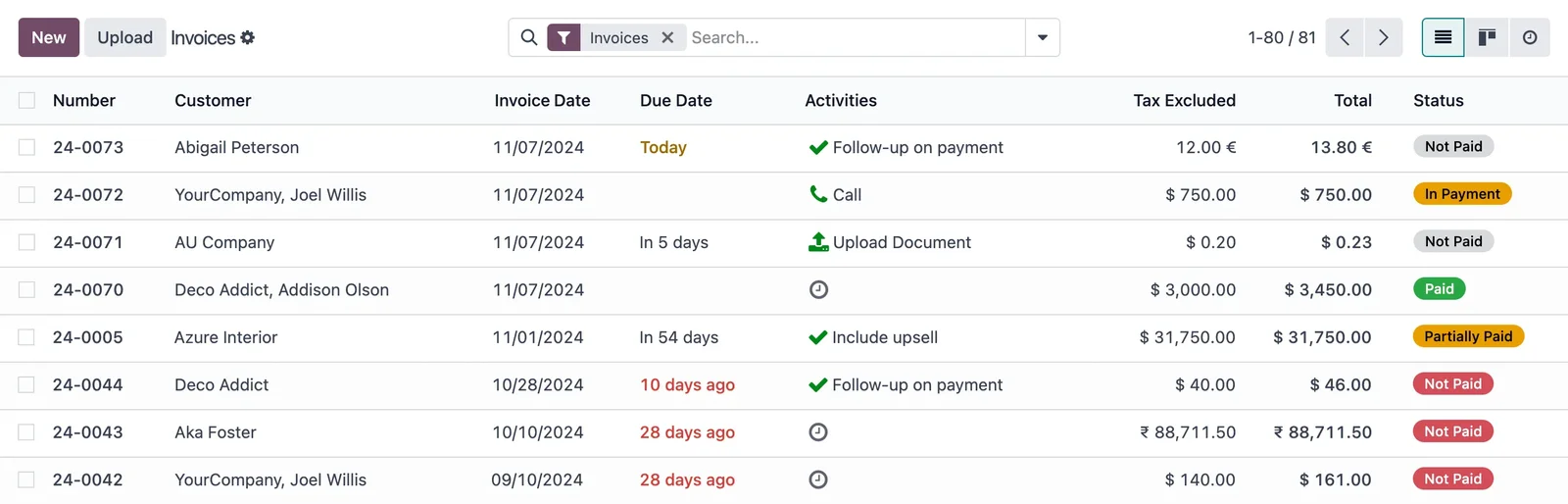
Step 1 · Data Audit
It is reviewed what data exists in Dynamics, in what state, and which are worth migrating. Deliverable: inventory of data to be migrated.
Step 2 · Mapping to Odoo
It is defined how each Dynamics data item translates to its equivalent in Odoo (fields, accounts, categories). Deliverable: correspondence map.
Step 3 · Extraction and Cleaning
Data is extracted from Dynamics and duplicates and obsolete records are purged. Cleaning before importing saves problems. Deliverable: purged data.
Step 4 · Import into Odoo
Master data, balances and movements are loaded in the correct order and Odoo is configured for your operations. Deliverable: data within Odoo.
Step 5 · Validation against Dynamics
It is checked that the migrated data matches Dynamics: the same balances, the same stock, the same invoices. Nothing goes live without this reconciliation. Deliverable: verified data.
Step 6 · Go-live and support
Operations start in Odoo, with support during the first few days and Dynamics available as a backup until confirmed. Deliverable: business operating in Odoo.
What you shouldn't lose in the migration
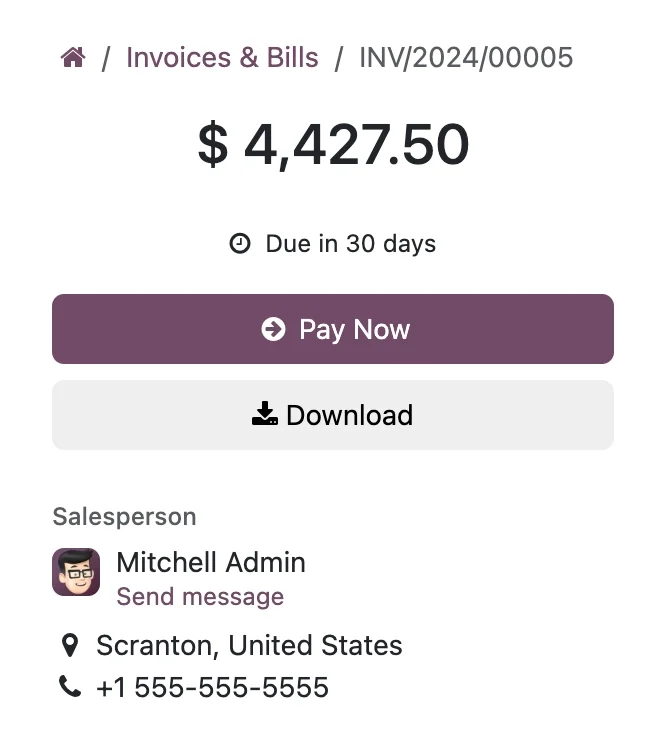
A good project protects the history of invoices and movements (legal obligation and for consultation), the correct fiscal numbering to avoid breaking the sequence with Hacienda, and the accounting and stock balances, which must reconcile with Dynamics on the cut-off date. A discrepancy is not a minor detail: it's a problem with Hacienda or with your inventory. That's why prior reconciliation before go-live is non-negotiable.
From per-user cost to cost for what you use
The fundamental change, beyond the data, is the cost model. In Dynamics you pay for each user and each module, regardless of what you use, and you add partners and developments. In Odoo you pay for what you activate and expand in phases, so the system grows with you without costs spiralling. For an SME, that difference —multiplied by users and by year— is usually the argument that tips the balance, because the recurring savings pay for a good part of the migration project.
Common mistakes when migrating from Dynamics 365 to Odoo
- Migrating dirty data «to clean it inside»: they are carried over.
- Replicating every Dynamics customisation without asking if it's still needed.
- Not validating balances and stock against Dynamics before go-live.
- Neglecting the fiscal numbering of invoices.
You have the general framework in the Odoo migration checklist; if you come from another ERP, the approach is similar to that of migrating from Sage to Odoo.
How much does it cost and how long does it take?
| Scope | Indicative timescale | Example |
|---|---|---|
| Basic | 6 – 10 weeks | Master data, balances and go-live |
| Medium | 2 – 4 months | Extensive history, several areas and adjustments |
| Advanced | 4 months or more | Multi-company, integrations and developments |
Indicative and non-binding timescales and costs; they depend on the volume and state of your data. Details in how much Odoo costs and framework in Odoo implementation.
What you gain by making the change well
Well-executed migration from Dynamics to Odoo is not just about making it cheaper: it's about ending up with a system you can adapt without depending on a third party for every change, with Spanish taxation —VeriFactu included— up to date, and that doesn't charge you per user or per module you don't use. Less recurring cost, more autonomy and a single view of the business.
The autonomy regained by leaving Dynamics
One of the most appreciated changes when moving from Dynamics to Odoo, and one that doesn't appear on the invoice, is autonomy. In the Dynamics ecosystem, almost any adjustment —a new report, a field, a different workflow— goes through the partner and their hours, turning minor changes into budgeted projects. Odoo is much more open: a good part of the configuration is within reach of an advanced user on your team, and what requires a partner is simpler and cheaper to touch. That means the system adapts to the pace of the business, not the other way around, and you stop being blocked waiting for an external person to have availability. For an SME that felt tied down by Dynamics, recovering that ability to manage its own system is, often, as valuable as the savings on licences.
Frequently Asked Questions
Is Odoo as powerful as Dynamics 365?
For most SMEs, Odoo more than covers what they need, with more flexibility and a much lower cost. Dynamics makes sense for large companies; for the rest, it's usually more system than is worthwhile.
Can all data be migrated from Dynamics to Odoo?
Yes: customers, suppliers, products, inventory, invoices, chart of accounts and balances. Customisations are replicated only if they add value.
Will I lose my history?
No, if the project is done well. The history is migrated due to legal obligation and so it can be consulted.
Do I stop paying per user?
In Odoo, the model is different: you pay for what you activate and expand in phases, instead of per user and module as in Dynamics.
Does Odoo comply with Spanish tax regulations like Dynamics?
Yes. The Enterprise edition includes Spanish localisation and VeriFactu, mandatory in 2026, so invoicing complies from the outset.
Do I have to stop my business to migrate?
No. It is planned to minimise the impact, with Dynamics available as a backup until Odoo is validated.
How long does it take to migrate from Dynamics to Odoo?
Master data and balances are usually ready in a few weeks; with extensive history and several areas, 2 to 4 months. It's determined by the volume and status of your data.
Can I do it myself?
Extracting data from Dynamics and tax reconciliation are delicate; with an official partner, you reduce the risk of costly errors. Typically, the partner leads and your team validates.
Can I keep my integrations with other tools when leaving Dynamics?
Yes. Odoo connects via API with other applications, so the integrations you need are recreated on the new system, taking the opportunity to simplify those that no longer provided real value.
Do you want to leave Dynamics 365 for Odoo and lower costs without losing data?
At Nextdoo, an official Odoo partner, we plan the migration with verified data and your history intact. Start by the Odoo migration checklist or request a diagnosis of your case.
Source: official Odoo documentation (Accounting). Indicative and non-binding figures.
Sources
Official sources consulted: official Odoo documentation and Spanish Tax Agency e-headquarters (VeriFactu). Indicative and non-binding cost and timeframe figures, subject to variations depending on the project.