
Contasol (and its companion Factusol) is common in Spanish SMEs and consultancies for accounting and invoicing, and it serves that purpose. The problem arises when the business grows: it's a local program, very focused on accounting, which doesn't connect with sales, the warehouse, or the shop, and which ties your data to a computer. Migrating from Contasol to Odoo takes you to a cloud-based system that unifies accounting and operations, without losing fiscal strictness. This guide explains how to do it.
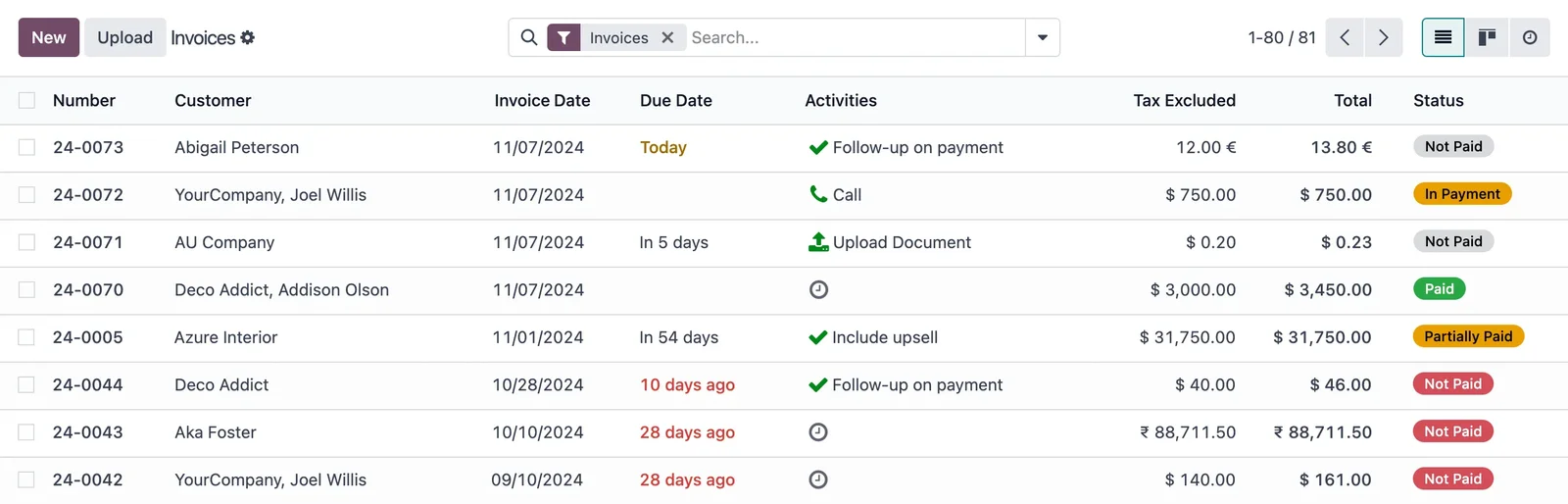
En 30 segundos. Migrate from Contasol (and Factusol) to Odoo without data loss. Learn what migrates, key steps, and how to transition from local accounting software to a cloud system.
Why migrate from Contasol to Odoo
Contasol handles accounting well, but it has three limitations that become significant as a business grows. It is local: the data lives on a single computer, with backups and remote access being a problem. It is only accounting and invoicing: sales, the warehouse, or the shop are handled externally, in Excel or another program, without communicating. And it is single-user in practice, which complicates teamwork. Odoo changes this approach: it is cloud-based, multi-user, and accounting coexists with sales, purchases, and inventory in the same system, with Spanish localisation and VeriFactu kept up to date.
What can be migrated from Contasol to Odoo
- Chart of accounts and accounting structure.
- Customers and suppliers, with their fiscal data.
- Issued and received invoices, with their history.
- Accounting balances and reconciliation.
- Items and invoicing data (from Factusol).
- Journal entries and movements for the financial year.
What changes is the scope: in Odoo, in addition to accounting, operations (sales, purchases, warehouse) are activated, which were external in Contasol.
How to migrate from Contasol to Odoo step by step
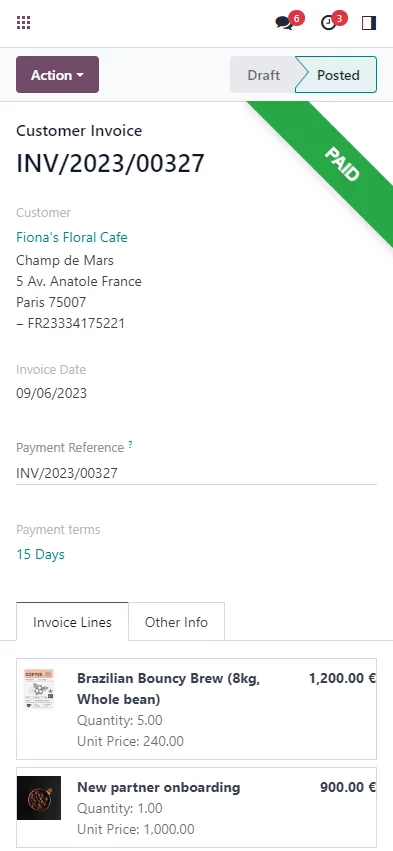
Step 1 · Data audit
What is in Contasol and Factusol (accounting, invoicing, master data) is reviewed, and what is worth migrating. Deliverable: inventory of data to migrate.
Step 2 · Accounting mapping to Odoo
The chart of accounts and tax structure from Contasol are translated to Odoo, respecting Spanish regulations. This is the most delicate step in an accounting migration. Deliverable: chart of accounts.
Step 3 · Extraction and cleaning
Data is extracted from Contasol and duplicates and errors are purged. Cleaning before importing prevents discrepancies. Deliverable: cleansed data.
Step 4 · Import to Odoo
Master data, balances, and movements are loaded in the correct order, and Spanish accounting is configured in the cloud. Deliverable: data within Odoo.
Step 5 · Validation against Contasol
Balances, reconciliations, and invoices are checked to match Contasol to the cent. Nothing goes live without this accounting reconciliation. Deliverable: verified accounts.
Step 6 · Go-live and support
Operations start in Odoo, ideally at the beginning of a financial year or quarter, with Contasol as a backup until confirmed. Deliverable: business operating in Odoo.
What you should not lose in the migration
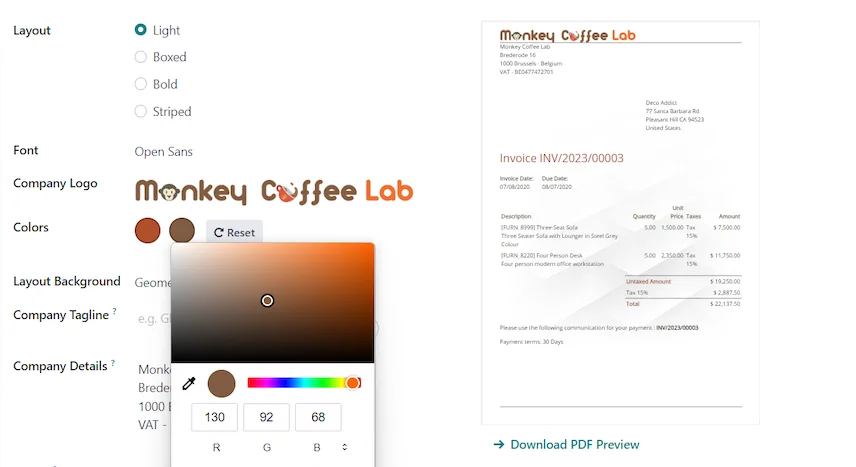
In a migration from Contasol, accounting rules apply: the history of invoices and journal entries must be preserved, the correct tax numbering must be maintained, and balances must be guaranteed to match Contasol on the cut-off date. An accounting discrepancy is a problem with the tax authorities, so prior reconciliation is non-negotiable.
From a local program to a cloud-based system
The most visible leap when leaving Contasol is no longer depending on a single computer. Cloud data means you work from wherever you want, backups are no longer your problem, and multiple people can work simultaneously without passing files around. For an accounting firm, that means being able to serve clients without being tied to one machine; for an SME, it means sales, warehouse, and administration see the same information in real time. It's not just changing software: it's changing the way you work.
Frequent errors when migrating from Contasol to Odoo
- Migrating without careful mapping of the chart of accounts.
- Going live mid-quarter and splitting declarations.
- Not reconciling balances and reconciliations against Contasol before the cut-off.
- Viewing the migration only as «changing accountants» and not taking the opportunity to integrate sales and inventory.
You have the general framework in the Odoo migration checklist; the approach is similar to migrating from Sage to Odoo, another classic SME accounting solution.
How much does it cost and how long does it take?
| Scope | Indicative timeframe | Example |
|---|---|---|
| Basic | 4 – 8 weeks | Chart of accounts, balances, and invoicing |
| Medium | 2 – 3 months | Extensive history + integrate sales and inventory |
| Advanced | 3 months or more | Multi-company, analytics, and integrations |
Indicative and non-binding timeframes and costs; they depend on the volume and state of your data. Details in how much Odoo costs and framework in Odoo implementation.
What you gain by making the change well
A well-executed migration from Contasol to Odoo isn't just moving accounting to the cloud: it's about no longer having the business split across a local programme and several Excel spreadsheets. The accounting remains rigorous and compliant with VeriFactu, but now a sale generates its invoice and its entry without re-encoding, and inventory and treasury reflect reality. For an SME or an accountancy firm, that single, accessible-from-anywhere picture is the leap in value.
What a consultancy gains by making the leap
For an accountancy or advisory firm, leaving Contasol for Odoo changes how clients are served. Instead of a programme tied to an office computer, you have a cloud system you access from wherever you are, and where several people from the practice work simultaneously without getting in each other's way. Fee invoicing can be automated, due dates provide automatic notifications, and each client can have their own portal to consult their documents without calling. And if a client needs, in addition to accounting, to control sales or inventory, everything lives in the same place instead of being spread across Contasol, Factusol and several spreadsheets. It's not just modernising the tool: it's being able to grow in client numbers and services without the practice's operations becoming a bottleneck.
Frequently asked questions
Can Contasol accounting be migrated to Odoo?
Yes: chart of accounts, balances, entries, and invoices with their history. Accounting mapping is the most delicate step and where an experienced partner makes all the difference.
What about Factusol data?
Also. Factusol items, clients, and invoicing are migrated along with Contasol accounting, unifying everything in Odoo.
Do I keep the history and invoice numbering?
Yes. The history is migrated due to legal obligation and fiscal numbering is kept correct to avoid breaking the sequence with the Tax Agency.
Does Odoo comply with Spanish tax regulations like Contasol?
Yes. The Enterprise edition includes Spanish localisation and VeriFactu, mandatory in 2026, with the same accounting rigour.
Can I work from multiple locations and with multiple people?
Yes. Being cloud-based and multi-user means no more relying on a single computer and passing files around; several people can work simultaneously from wherever they are.
Can I integrate sales and inventory that I managed separately in Contasol?
Yes, and it's one of the biggest advantages: in Odoo, accounting coexists with sales, purchases, and inventory within the same system.
When is it best to make the change?
Ideally, at the start of a financial year or quarter, to avoid splitting declarations and to simplify accounting reconciliation.
How long does it take to migrate from Contasol to Odoo?
Chart of accounts, balances, and invoicing are usually ready within a few weeks; with extensive history and sales and inventory integration, it takes 2 to 3 months.
Do you want to switch from Contasol to a cloud system without losing accounting rigour?
At Nextdoo, official Odoo partner, we plan the migration with balanced accounts and your history intact. Start by the Odoo migration checklist or request a diagnosis of your case.
Source: official Odoo documentation (Accounting). Indicative and non-binding figures.
Sources
Official sources consulted: official Odoo documentation and Tax Agency's e-office (VeriFactu). Cost and deadline figures are indicative and non-binding, subject to variations depending on the project.