
Implementing Odoo isn't just installing a piece of software: it's about streamlining how your company operates within a single tool. When done methodically, within a few weeks you'll have sales, inventory, invoicing, and accounting all communicating with each other. Done haphazardly, it turns into an endless project that nobody uses. This guide covers, in plain language, the seven phases of a successful Odoo implementation, the timelines you can expect, an indicative cost, and the most expensive mistakes.
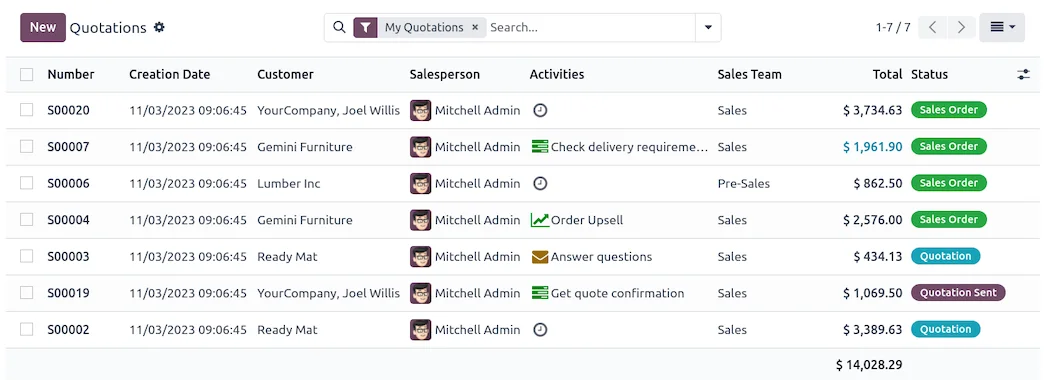
En 30 segundos. Odoo implementation guide: step-by-step. Covers 7 phases, real timelines, estimated costs & errors to avoid. From an official Odoo partner in Spain.
What does implementing Odoo mean?
Implementing Odoo is the complete process of integrating the ERP into your real-world daily operations. It includes deciding which modules you need (sales, PoS, inventory, purchasing, invoicing, accounting, projects…), configuring them to reflect your way of working, transferring your current data, and ensuring your team uses it fluently. The difference with 'installing software' is precisely that: here, how the business operates is gradually redesigned.
Odoo can be used in two editions —Community (free, basic functionality) and Enterprise (paid, with more features, support, and covering Spanish tax obligations—. The choice between the two dictates everything else, so it's advisable to make it at the outset and with careful consideration.
What do you need before starting?
Before you start, three things make the difference between a successful project and one that gets stuck:
- Clear objectives. What specific problem do you want to solve: stock mismanagement, slow invoicing
slow, not knowing your real margin, having data in five different places. Without an objective, any configuration seems good, and none truly are.
- Your data in order. Customers, products, inventory, and accounting balances. The quality of what
goes in determines the quality of what comes out. Cleaning up your catalogue before migrating saves weeks.
- An internal lead with decision-making authority. Someone on your team who knows the business and
can validate decisions. The partner provides Odoo expertise; you provide business expertise.
How to implement Odoo step-by-step: the 7 phases
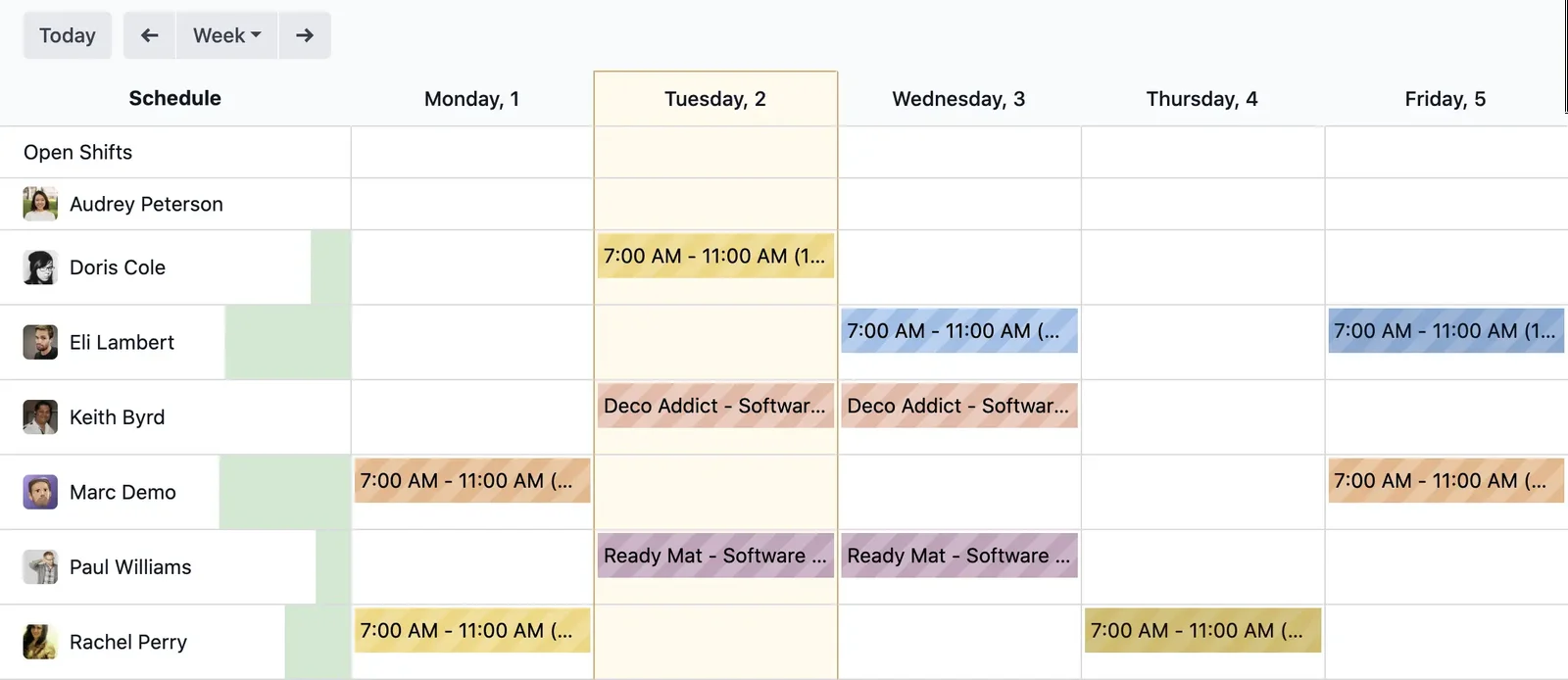
This is the sequence we follow in a well-planned implementation project. Each phase has a clear deliverable, so you always know where the project stands.
Phase 1 · Preliminary analysis and objectives
We map out how you work today and where you want to get to. Processes are listed, the most critical ones are prioritised, and the scope of the initial go-live is defined. Here, it's also decided whether to use Community or Enterprise, and if the system will be cloud-based or self-hosted. Deliverable: scope and objectives document.
Phase 2 · Project team and partner
The internal lead and key users for each area are appointed, and the implementation partner is chosen. Working with an official Odoo partner reduces the risk of data errors and tax compliance issues. If you're unsure how to choose one, we have a dedicated guide on how to choose an Odoo partner. Deliverable: team and work plan.
Phase 3 · Design and configuration (standard first)
Odoo is configured as close to the standard as possible: company, users, catalogue, taxes, sales, and purchasing workflows. The temptation to customise everything from day one is the project's most expensive mistake. First, the standard; customisation only where it genuinely adds value. Deliverable: configured environment ready for testing.
Phase 4 · Data Migration
Customers, products, inventory, invoices, and balances are imported from your previous system. This is one of the most delicate phases: a poor data import can lead to errors for months. If you are migrating from another system, you might be interested in our guide on how to migrate from Sage to Odoo without losing data. Deliverable: verified data within Odoo.
Phase 5 · Team Training
There's no point in having a perfect ERP that no one knows how to use. Each area is trained in what they need, using real-life examples from your company. A well-trained team is what separates a project that gets adopted from one that is abandoned by the third week. Deliverable: autonomous users in their part of the system.
Phase 6 · Testing and Validation
Before going live, the system is tested end-to-end: placing an order, invoicing it, collecting payment, deducting from stock, reconciling the accounts. Any issues that arise are corrected and validated with key users. This is the safety net that prevents unforeseen problems on the go-live day. Deliverable: validated system.
Phase 7 · Go-Live and Support
The system goes live in production, with accompaniment during the first few days — which tend to generate the most queries — and a continuous support and improvement plan. From this point on, the system grows with you in phases. Deliverable: Odoo in live use and a support plan.
How long does it take to implement Odoo?
It depends on the scope, but these are indicative references for a Spanish SME:
| Project Type | Estimated Timescale | Example |
|---|---|---|
| Simple Implementation | 4 – 8 weeks | Sales + Invoicing + Basic Inventory |
| Medium Project | 2 – 4 months | Multiple areas, some customisation, migration |
| Complex / Multi-Company Project | 4 – 6 months or more | Manufacturing, multi-warehouse, integrations |
Indicative and non-binding timescales; the actual duration depends on the number of modules, the quality of source data, and the availability of the internal team.
How much does it cost to implement Odoo?
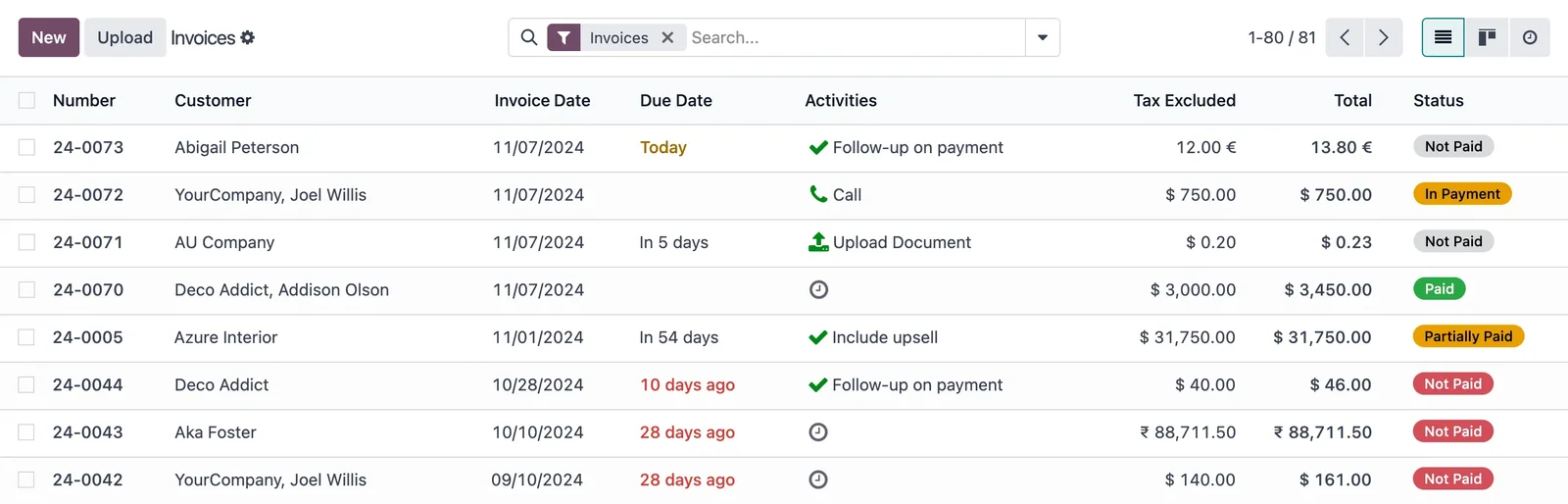
The cost of an implementation has three blocks: licences (if you choose Enterprise, per user), implementation service (analysis, configuration, migration, and training), and subsequent support. As an indicative and non-binding reference, for an SME, the go-live typically starts from a few thousand euros and increases with the number of modules, users, and customisation. The only reliable figure is one derived from a diagnosis of your specific case.
We have broken it down thoroughly, without made-up figures, in our guide on how much Odoo costs and in the details of Odoo 2026 pricing.
Implement Odoo yourself or with a partner?
To test Odoo and tinker around, self-service is perfect. For production in a company with invoicing, inventory, and tax obligations, things change. From 2026, invoicing in Spain must comply with VeriFactu, and a tax configuration error can result in a penalty. In such cases, the cost of getting it wrong often outweighs the cost of doing it right first time with an official partner. The most common approach: self-service for evaluation, a partner for serious implementation. You can see how we handle the implementation from start to finish.
Implementing Odoo in phases: the methodology that avoids cost overruns
The biggest reason for failed projects is wanting to do everything at once. Phased implementation prioritises critical areas, starts with the minimum that already adds value, and adds modules once the team masters the previous ones. Advantages: staggered investment, results from the first month, and less resistance to change. A typical order: first sales, inventory, and invoicing; then purchases and full accounting; later e-commerce, POS, or manufacturing, depending on your business.
Common errors when implementing Odoo
- Customising before having used the standard.
- Migrating dirty data without cleaning it first.
- Not appointing an internal lead with decision-making power.
- Training too little and too late.
- Open all modules at once instead of going in phases.
We detail them, along with how to avoid them, in the mistakes when implementing Odoo.
Odoo implementation by sector
A shop is not the same as a factory. The configuration changes significantly depending on the sector, and that's where a specialised approach makes all the difference:
- Retail and commerce: POS, per-store inventory and omnichannel sales. Dedicated guide:
- Manufacturing: production orders, bills of material and planning.
View Odoo for Manufacturing.
- E-commerce and B2B: online catalogue, customer portal and warehouse synchronisation.
Nextdoo's methodology for implementing Odoo
Not all implementations are alike, but those that succeed share a common method. Ours is based on three simple principles. The first, standard before customisation: every euro spent on customising something that hasn't been used yet is a euro at risk, so first we work with Odoo as it comes and only adapt what the business proves it needs. The second, verified data: nothing goes into production unless the migrated data matches that of the previous system, because an incorrectly transferred balance or stock pollutes months of work. And the third, the team rules: the implementation is considered complete when people use the system fluently, not when the software is configured. That is the nuance that separates a project that is adopted from one that is abandoned.
Example implementation timeline
To give you an idea of the pace, this is how a simple SME launch is structured. This is an indicative example, not a promise: your timeline depends on your data and your availability.
| Week | Phase | What happens |
|---|---|---|
| 1 | Analysis | Process map, objectives and scope of the first phase |
| 2 – 3 | Configuration | Company, users, catalogue, taxes and standard workflows |
| 3 – 4 | Migration | Transfer and verification of customers, products and balances |
| 4 – 5 | Training | The team practises with real company data |
| 5 – 6 | Testing | End-to-end testing and detail correction |
| 6 | Go-Live | Go-live with accompaniment during the first few days |
If you need to refine the timeframe for your case, we detail it in the guide on how long it takes to implement Odoo.
Which modules to activate first (and which can wait)
One of the most expensive mistakes is opening fifteen modules on day one. The sound logic is to start with the core that makes the business run and add the rest once the team is up and running. For most SMEs, that core comprises Sales, Inventory, and Invoicing: as soon as these are functional, the company operates within Odoo. Afterwards, Purchases and full Accounting are introduced, which provide you with the real margin. And only then, depending on your activity, are POS, E-commerce, Manufacturing, or Projects activated. You'll see it in more detail in implementing Odoo in phases. Modules such as marketing, HR or digital signature are almost always part of a later phase: they add value, but they shouldn't slow down the launch of the essentials.
Frequently Asked Questions
What is Odoo implementation?
It's the process of launching the ERP: analysing processes, configuring modules, migrating data, training the team and going live. It's not installing a programme; it's structuring how the business works within a single tool.
What do I need to implement Odoo?
Clear objectives, your organised data (customers, products, inventory, balances) and an internal decision-maker. Licences, hosting and configuration are provided by the partner.
How much does it cost to implement Odoo?
It depends on the scope. As a guide and non-binding reference, for an SME it starts from a few thousand euros and increases with modules, users, and customisation. The actual cost is determined after a diagnosis.
How long does it take to implement Odoo?
A simple setup, between 4 and 8 weeks; a medium project, between 2 and 4 months; a complex one, longer. This is determined by the modules, data quality, and team availability.
Can I implement Odoo myself?
For testing, yes. For production with invoicing and inventory and with mandatory VeriFactu, the risk of errors often ends up being more expensive than doing it with an official partner.
Where do I start implementing Odoo?
Start with a diagnosis of your processes and define the scope of the first phase. With that clear, the seven phases will flow smoothly, and you'll avoid the mistake of opening all modules at once.
Do you want to implement Odoo without any nasty surprises?
At Nextdoo, an official Odoo partner, we'll support you with a phased plan, verified data, and a trained team. Start with a diagnosis of your case at implementation.
Sources: official Odoo documentation and the electronic headquarters of the Tax Agency (VeriFactu). Cost and timeline figures are indicative and non-binding, subject to variations depending on the project.
Sources
Official sources consulted: official Odoo documentation and electronic headquarters of the Tax Agency (VeriFactu). Cost and timeline figures are indicative and non-binding, subject to variations depending on the project.