
A hardware store faces a challenge few businesses can match: thousands of small references, many almost identical, which need to be sold quickly at the counter and replenished without running short or accumulating slow-moving stock. And on top of that, it serves two audiences at once: the private individual repairing something at home and the professional who buys daily with their agreed price. Implementing Odoo in a hardware store organises this chaos of references, prices and suppliers into a single system. This guide explains how to set it up, step by step.
En 30 segundos. Implement Odoo in a hardware store: POS, thousands of items with variants, suppliers, professional prices, and VeriFactu. A partner's guide.
Why a hardware store needs its own approach
The classic hardware store problem is not selling, it's finding and controlling. With thousands of items —fasteners, tools, plumbing, electrical— the system has to locate any reference in seconds, know how many are left and warn before the most requested items run out. At the same time, it has to charge quickly at the counter and apply the correct price according to who is buying. That mix of agile commerce and fine inventory control is why a generic approach falls short; the counter base is the same as a retail POS, but the catalogue and pricing require more care.
How to implement Odoo in a hardware store step by step
Step 1 · Catalogue with variants and barcodes
The catalogue is structured by grouping references that are variants of the same item (sizes, finishes) and barcodes are assigned. A well-organised catalogue is what allows for quick finding and charging, and is 80% of the project's success. Deliverable: organised and verified catalogue.
Step 2 · Counter POS
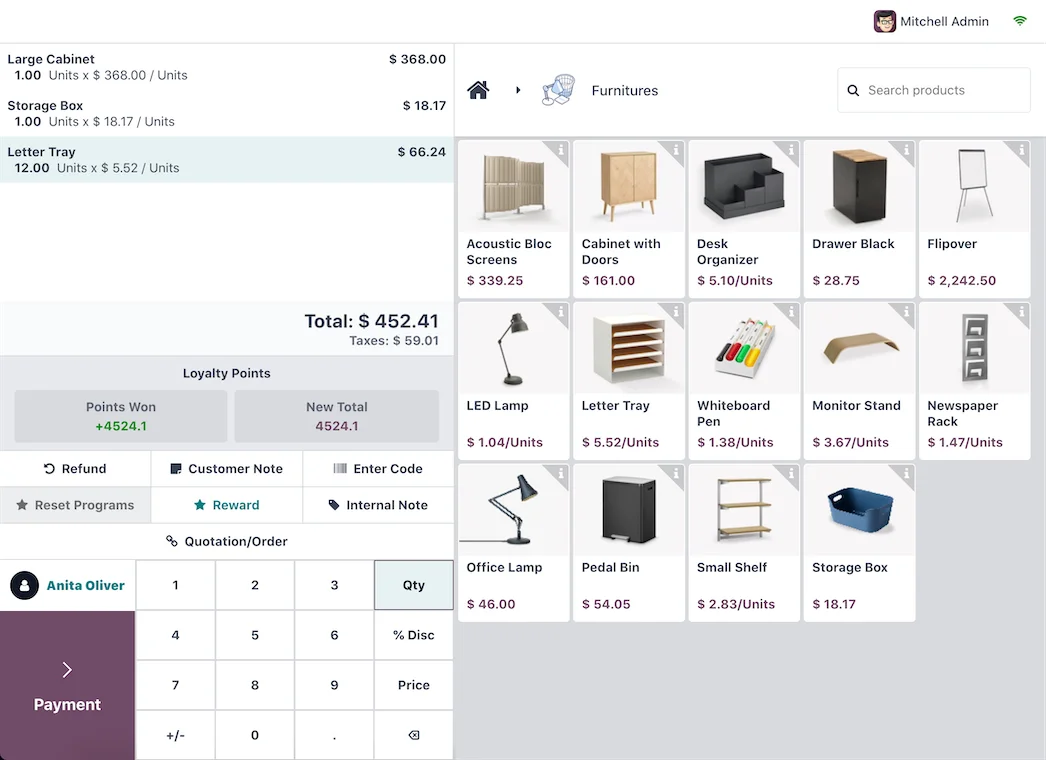
The point of sale is configured so that charging is a matter of seconds, with barcode reader, payment methods and receipts. The objective is for the queue to move forward even if the customer has twenty small items. Deliverable: operational counter.
Step 3 · Stock, locations and replenishment
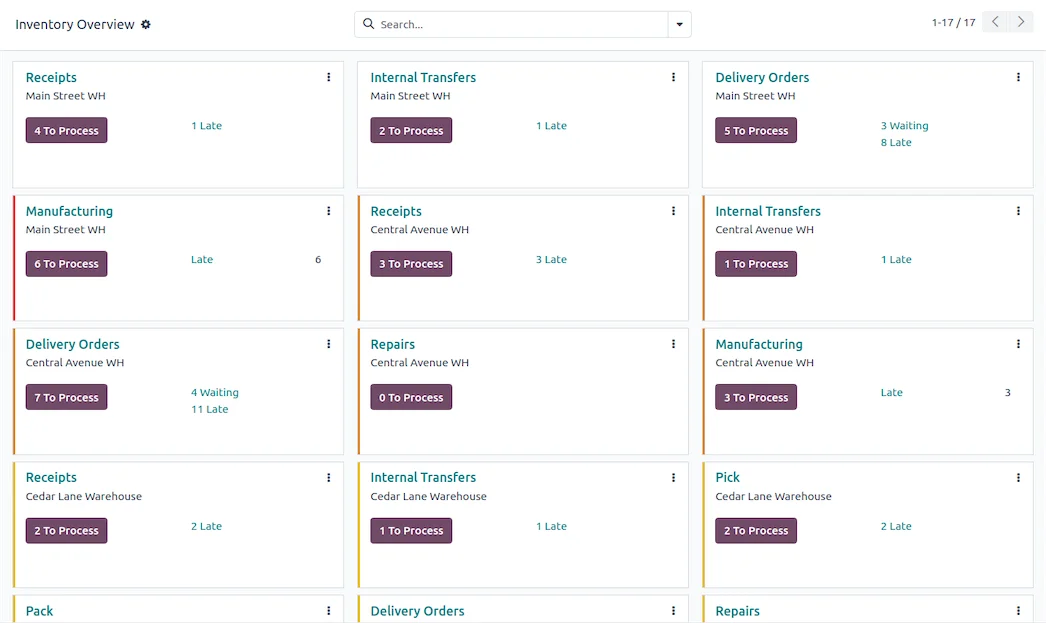
Inventory is controlled by locations (aisles, drawers) and reordering rules are activated so that Odoo alerts or purchases when an item falls below the minimum. This way you stop running out of your best-selling items. Deliverable: reliable stock and automatic replenishment.
Step 4 · Suppliers and Purchases
Regular suppliers and their prices are linked, so that replenishment is quick and you know the real cost of each item. Deliverable: agile purchases and controlled costs.
Step 5 · Prices for Individuals and Professionals
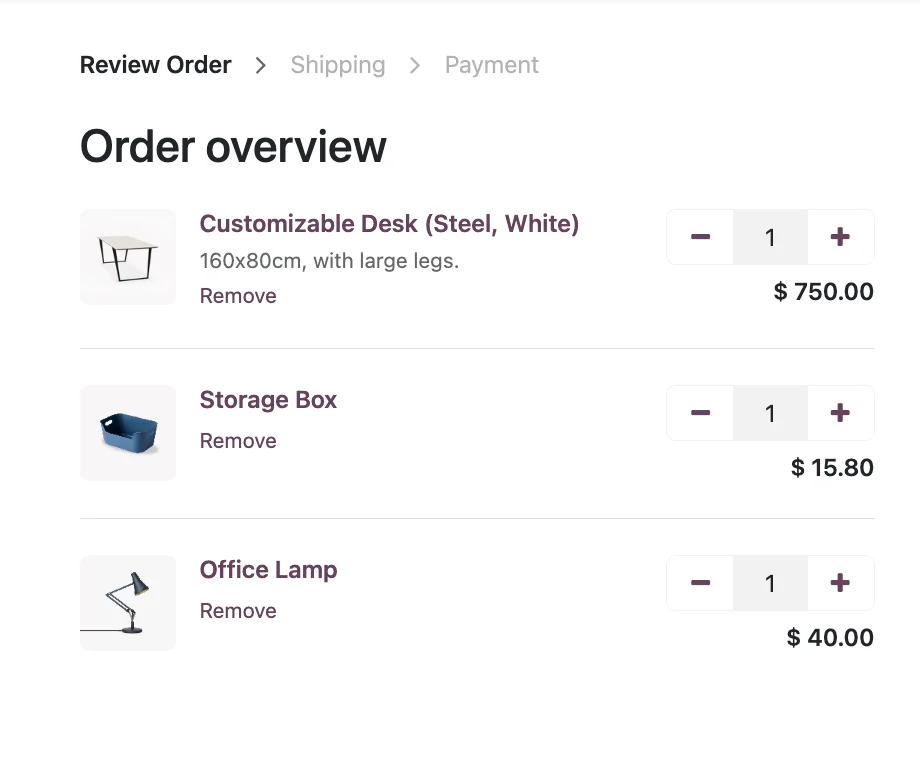
Price lists are set up so that individuals pay their price and professionals pay theirs, with volume or account discounts. Deliverable: price lists by customer type.
Step 6 · Invoicing and VeriFactu
Invoicing is made compliant with VeriFactu, mandatory in Spain in 2026, for both individual receipts and professional invoices. Deliverable: compliant invoicing.
What a hardware store gains with Odoo
- Find any reference instantly, without wandering around the warehouse.
- Don't run out of your best-selling items, with automatic replenishment.
- Always the correct price, whether for an individual or a professional.
- Know which product families make a margin and which only take up shelf space.
What can be automated in a hardware store
Much of the repetitive work can be eliminated. Replenishment is automated with minimum stock, so that the system alerts or generates the purchase without anyone monitoring each drawer. Supplier price lists are updated centrally, without recoding prices item by item. The monthly invoicing of professional customers who buy daily is grouped and generated automatically, instead of adding delivery notes manually. And alerts for slow-moving items or product families with decreasing turnover help decide what to stop buying. The result is a team that serves and sells, instead of wasting hours in the warehouse and with a calculator.
What you need before you start
It helps to have the catalogue as refined as possible —this is the biggest job in a hardware store—, the supplier list with their prices, and clearly who is a professional and under what conditions. It is also advisable to decide how to organise the warehouse by locations and to have a responsible person to validate. Nothing has to be perfect: helping to refine that enormous catalogue is part of the partner's initial work.
Common mistakes when implementing Odoo in a hardware store
- Uploading the catalogue without grouping variants or adding barcodes.
- Leaving replenishment to guesswork and running out of best-selling items.
- Not separating prices for individuals and professionals from the start.
- Opening purchases, price lists, and invoicing all at once instead of in phases.
With an experienced partner, these points are anticipated; it's advisable to choose carefully who you implement with. You have the general framework in Odoo implementation and the cost in how much does Odoo cost.
How much does it cost and how long does it take?
| Scope | Estimated timeframe | Example |
|---|---|---|
| Basic | 4 – 8 weeks | Catalogue, POS, inventory and invoicing |
| Medium | 2 – 4 months | Professional rates, replenishment and suppliers |
| Advanced | 4 months or more | Multi-store, ecommerce and automations |
Estimated and non-binding timeframes and costs; they depend on the size of the catalogue and the state of your data. The cost breakdown, without invented figures, in how much does Odoo cost.
From counter to e-commerce with the same stock
More and more hardware stores are also selling online, and that's where having everything in one system makes a difference. With Odoo, the physical and online stores share the same catalogue and the same stock: what is sold at the counter deducts from the same inventory as the website, and vice versa. No more discrepancies like «I had it on the website but not in the store» or selling online something that is no longer available. Professional customers can also order from their portal with their agreed price and view their history, and collect in store if it suits them better. There's no need to set up the website on the first day: it's activated in a later phase, once the counter and inventory are already working, and connects without rebuilding anything because it shares the same database.
Reliable inventory, the heart of the business
In a hardware store, inventory is not an administrative detail: it's the business. Out-of-balance stock means lost sales when what's requested is missing, and idle money when there's an excess of slow-moving items. Odoo maintains real-time inventory with every sale and every receipt, and cyclical counts —counting a few locations each week instead of stopping the store for an annual inventory— keep it reliable without slowing down activity. With real turnover data, you can decide which product families to strengthen, which to reduce, and which supplier suits you best for each type of item. That control is what turns a warehouse full of references into a profitable business instead of a chaos with immobilised money.
Frequently asked questions
Is Odoo suitable for a small hardware store?
Yes. You can start with catalogue, POS and inventory, and add professional rates or ecommerce when you need them. Starting small is what makes it viable for a local business.
Does Odoo handle thousands of references well?
Yes. With a catalogue well-structured by variants and barcodes, locating and charging for any item is a matter of seconds, no matter how many references you have.
Can I have different prices for individuals and professionals?
Yes. Price lists allow applying different rates per customer type, with volume or account discounts, without manual calculations at the counter.
Does Odoo notify when an item runs out?
Yes. With minimum stock rules, Odoo notifies or generates the purchase when an item falls below the threshold, so you don't run out of what sells most.
Does Odoo comply with VeriFactu in a hardware store?
The Enterprise edition covers Spanish invoicing obligations, including VeriFactu, mandatory in 2026, for both tickets and invoices to professionals.
Can I also sell online?
Yes. Odoo integrates e-commerce with the same catalogue and till stock, so that the online and physical stores share inventory. It is usually activated at a later stage.
How long does it take to implement Odoo in a hardware store?
A start-up with catalogue, POS and inventory is usually ready in a few weeks. The timescale depends mainly on the size of the catalogue and how refined it is at the start.
Do you want your hardware store running on Odoo, with the catalogue under control?
At Nextdoo, an official Odoo partner, we implement it in phases, starting with the till and inventory, with the verified catalogue. Start by Odoo POS for retail or request a diagnosis of your store.
Source: official Odoo documentation (Point of sale). Indicative and non-binding figures.
Sources
Official sources consulted: official Odoo documentation and electronic headquarters of the Tax Agency (VeriFactu). Cost and timescale figures are indicative and non-binding, subject to variations depending on the project.