
In summary. To manage size and colour variants in Odoo POS, you need to create the attributes (Size, Colour), add their values, assign both attributes to the parent product and let Odoo generate the combinations automatically. Each variant has its own stock, price, barcode and photo. At the till, the shop assistant selects the combination visually or scans the label to identify the exact variant in a single step.
Managing size and colour variants at the point of sale is one of the most frequent pain points in Spanish retail. Many businesses end up with parallel spreadsheets, stock errors or tills that take twice as long. Odoo solves this at its root, seamlessly connecting the product master data with the POS.
Managing size and colour variants in Odoo POS requires configuring attributes, values and automatic combinations to control independent stock and prices.
Why product variants matter more than they seem?
A clothing, footwear or accessories shop can easily manage thousands of active references. If each size and each colour is registered as a separate product, the catalogue quickly becomes unmanageable. Sales reports mix items that are actually the same model, supplier orders are chaotic and till staff waste time searching for the exact reference.
Odoo proposes a different solution: a single parent product from which all possible combinations hang. The parent product groups name, description, main photo and base price. Each specific combination, the one that has its own physical existence in the warehouse, is a variant with its SKU, its barcode and its real stock.
This architecture is not just about order. It has direct practical consequences: inventory matches what's in the shop, reports show sales by model and by variant simultaneously, and the sales process at the till is faster because the system guides the shop assistant to the exact reference without ambiguity.
For Spanish retail, where VeriFactu regulations require each receipt line to correctly reflect the item sold, having well-defined variants is not a matter of choice: it is an operational requirement.
Step 1: create the attributes in Odoo
The first step is to define which dimensions characterise the product. In fashion, these are almost always Size and Colour, although others such as Material or Cut can be added depending on the business.
From the inventory configuration section, you access the attributes section. A new one is created, given the name "Size" and you choose how it will be displayed: as radio buttons, as a drop-down list or as a grid. For sizes, radio buttons or the grid are the most visual option in the POS.
The most important field at this moment is the variant type. There are three options:
- Always a variant: Odoo generates an independent SKU for each combination. This is the correct option for items with differentiated physical stock.
- Never (no variants): all combinations share the same reference. Useful for products where the attribute is informative but does not imply separate stock.
- Dynamic: variants are created only when a sale or stock movement is recorded. This reduces the initial load but can cause gaps in reports.
For sizes and colours in retail, the "Always a variant" option ensures clean inventory.
The process is repeated for the Colour attribute. In Colour, in addition to the name of each value, an HTML colour code can be assigned. This means that in the online shop, the selector displays a real colour swatch instead of just the text.
Step 2: add the values to each attribute
Once the attribute is created, its values must be populated. For Size, typical values in adult fashion are XS, S, M, L, XL and XXL. For footwear, they would be the numbers within the range the shop works with.
Each value is independent and reusable: the same Size attribute with the same values serves for all products in the shop. It is not necessary to create a Size attribute for each product category.
For Colour, typical values could be:
- Black
- White
- Navy blue
- Charcoal grey
- Bottle green
- Camel
The key is to be consistent with names. If one supplier calls «azul marino» what another calls «navy», it's advisable to unify the criterion before importing the catalogue. Sales reports by colour are only useful if the names are consistent.
Step 3: create the parent product and assign the attributes
With the attributes ready, the product is created. The product name is the commercial name of the model: «Camiseta básica algodón», «Zapatilla urbana piel», whatever applies.
Within the product sheet, there is a specific tab for attributes and variants. The Talla attribute is added there, and the values that apply to this specific product are selected. If the model is not manufactured in XS, that value is not checked. Afterwards, the Color attribute is added with its corresponding values.
Odoo calculates at that moment how many variants it will generate. Four sizes by four colours produce sixteen variants. Six sizes by six colours produce thirty-six. The number can grow quickly, which is why it's advisable to select only the values that actually exist in the supplier's catalogue.
Before saving, it's a good time to set the base price of the parent product. That price will be the starting point for all variants.
Step 4: verify and adjust the generated variants
When saving the product, Odoo automatically generates all combinations. From the same product sheet, you can see the complete list of created variants.
On this screen it is possible to:
- Assign a barcode to each variant (EAN-13 or any format the store uses).
- Upload a specific photo for that combination, so that when the colour is changed in the POS or on the web, the image also changes.
- Check the current stock of each one.
- Deactivate variants that are not marketed without deleting the parent product.
The step of assigning barcodes is critical for checkout operations. When the shop assistant scans the barcode on a garment's label, Odoo directly identifies the exact variant and adds it to the till receipt without needing to manually select size and colour. This reduces transaction time and eliminates errors.
How are prices and extras defined by variant?
In most fashion products, all sizes have the same price. But there are exceptions: in some markets, the extra-large size has an additional cost, or certain special colours cost more because the dyeing process is different.
Odoo manages this with the additional price field in the attribute value. If the XXL size has an additional cost compared to the base price, that increment is entered in the value «XXL» of the Talla attribute. The system automatically adds that extra to the base price for all variants that include that size.
The result is that there's no need to adjust prices variant by variant: the rule is defined once and applied across the entire catalogue. If the additional cost changes, it is modified in the attribute, and the change propagates.
In addition to the price, each variant can have:
- Its own cost price.
- A different supplier and supplier reference.
- A distinct accounting category if required by accounting.
- Independent minimum stock alerts.
How does the shop assistant see the variants in the POS?
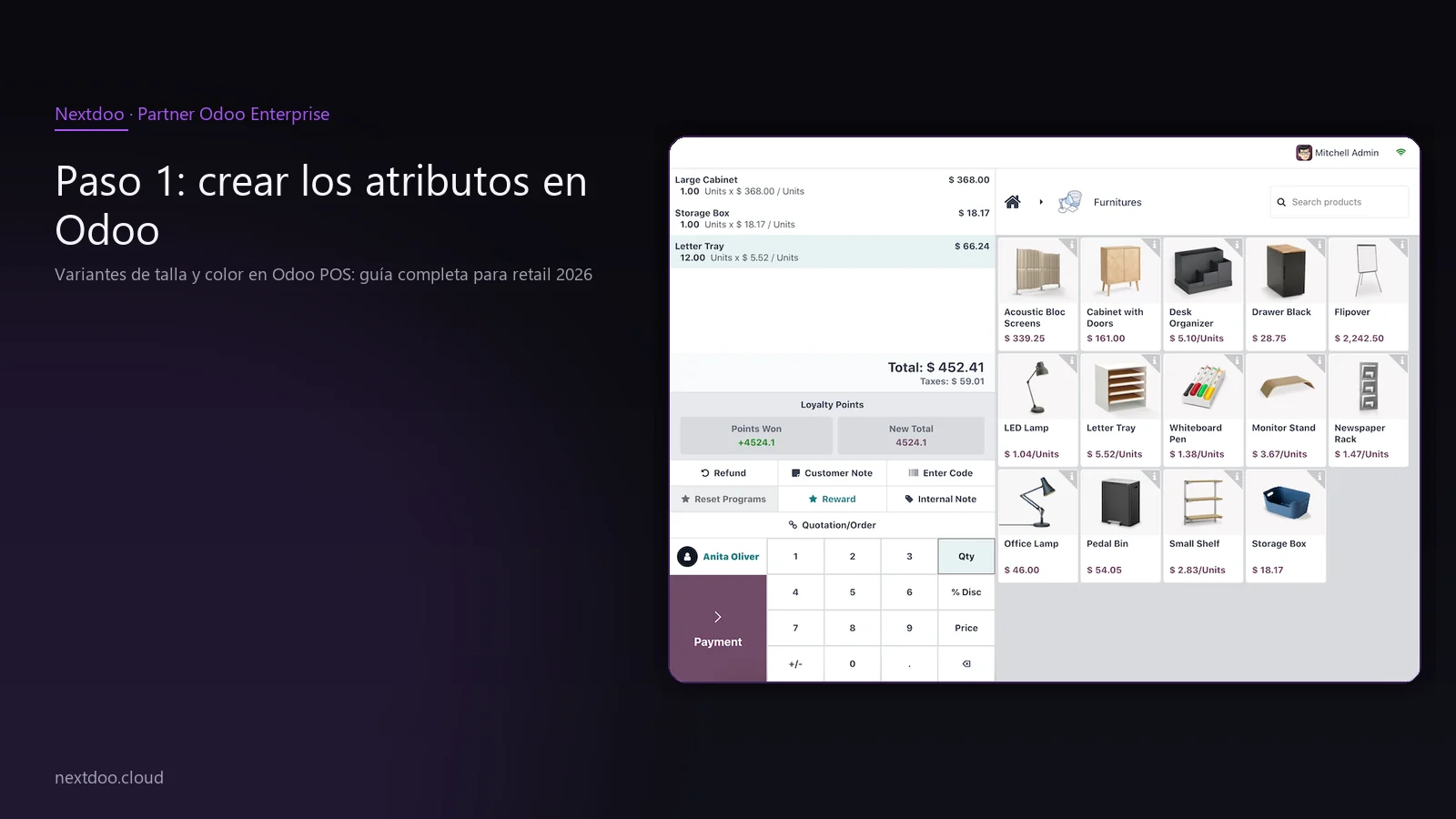
All the previous work has a single objective: to make checkout operations fast and error-free. In Odoo's point of sale, when the shop assistant looks for a product with variants, the system displays a visual selector with the defined attributes.
If the customer wants a T-shirt in size M and colour Azul marino, the shop assistant clicks on the model name, chooses M in the size row, and Azul marino in the colour row. The system adds the exact variant to the till receipt with its correct price.
If the store works with barcode labels on each garment, the flow is even cleaner: scan, add. No intermediate steps.
The POS also displays the available stock of the selected variant. If there is one unit in-store and none in the warehouse, the shop assistant knows this before confirming the sale. This avoids the common situation of selling something that is not physically available.
For businesses with active VeriFactu, each line of the issued till receipt reflects the exact variant with its reference. The till receipt is traceable to the physical unit sold, which is what the invoicing software regulations in force in 2026 require.
What changes in variant stock management compared to other systems?
This is one of the most relevant differences compared to more basic solutions. In a system without correctly configured variants, the stock of a T-shirt model is a single number: «20 units remain». In Odoo, that number is broken down: 3 in S-Negro, 2 in S-Blanco, 4 in M-Negro, 1 in M-Azul marino, et cetera.
This granularity transforms several processes:
- Replenishment: the system generates purchase orders to the supplier by variant, not by model. The order reflects exactly which sizes and colours are missing.
- Physical Inventory: in-store counting is done by variant, with the mobile inventory application scanning labels.
- Rotation Reports: you can analyse which combinations sell more and adjust the buying mix for the next season.
- Inter-store Transfers: if there are multiple locations, stock movements specify the exact variant being moved.
For a Spanish retail SME with one or more stores, this level of control is what makes the difference between managing stock well and losing margin due to out-of-stocks or excessive immobilised inventory.
What are the common errors when configuring variants and how to avoid them?
Configuring variants in Odoo is straightforward, but there are some recurring errors that it is advisable to know before starting.
Creating too many variants from the outset. If all values of all attributes are checked, the number of combinations can skyrocket. It is reasonable to create only the variants that will actually be marketed. Those that do not exist in the supplier's catalogue should not be in the system.
Not assigning barcodes. Configuring variants without assigning an EAN to each one forces the shop assistant to select manually at the till. The time investment in labelling the catalogue correctly quickly pays off in till efficiency.
Mixing value names between products. If one product uses «Azul marino» and another uses «Navy» for the same colour, the reports by colour don't make sense. The nomenclature must be corporate and consistent from day one.
Do not review the attribute variant type. If the attribute is configured as 'Never' instead of 'Always a variant', there will be no differentiated stock by combination. This is the most difficult error to correct retrospectively as it requires redoing the attribute configuration.
Importing the catalogue without preparing the attributes. When migrating from another system, bulk product import should be done with attributes already defined. Attempting to create them during import often generates duplicates and incorrect combinations.
What needs to be done before migrating from another system?
Many businesses arriving at Odoo come from solutions where variants did not exist as a concept or were poorly implemented. Each size was an independent product with its own reference, and the sales history does not have the structure that Odoo expects.
Before migration, it is advisable to carry out a cleaning and mapping exercise:
- Group current products by model to identify which will be the parent product.
- Decide which attributes will be used and unify the nomenclature.
- Review which variants have real stock and which have had no movement for months.
- Assign or verify barcode numbers per variant.
This preliminary work, well executed, ensures that the Odoo implementation starts with a clean catalogue. A dirty catalogue imported into a powerful tool remains a dirty catalogue.
From Nextdoo we support this process in retail implementations, with a methodology that reviews the catalogue before moving any data. The result is a clean start, without the need for subsequent corrections that generate confusion among the store team.
FAQ
Can I add a new attribute after creating the variants?
Yes, Odoo allows it without deleting existing variants. When adding a new attribute with its values to the parent product, the system automatically generates new combinations. Existing variants remain intact, with their stock and history. What needs to be done is to check that the newly generated combinations have the corresponding barcode numbers assigned before putting them up for sale at the till.
Can variants have completely different prices from each other, not just an extra over the base price?
Yes. Although the most common mechanism is to define a base price for the parent product and add extras per attribute value, it is also possible to set a specific price directly for each variant. This is useful when price differences between combinations do not follow attribute logic but rather specific market or supplier conditions. Each variant can also have its own cost price, which allows for calculating the real margin per combination.
How do I manage variants that the supplier has delisted but I still have in stock?
The correct option is to deactivate that variant, not delete it. When a variant is deactivated, it disappears from the active POS catalogue and the order portal, but the recorded stock is maintained and the sales history remains intact. If it is reactivated at some point because the supplier starts manufacturing it again, it is simply reactivated, and the system resumes stock control from where it left off.
Is there a practical limit to the number of variants per product?
There is no rigid technical limit, but experience in retail implementations indicates that above one hundred and fifty variants per product, usability at the POS begins to degrade if the team does not work with barcode numbers. If the checkout flow is based on label scanning, the number of variants has less impact on daily operations. For very extensive catalogues, it is advisable to review the catalogue structure with an implementer before massively generating variants.
How does variant configuration affect tickets issued under VeriFactu?
VeriFactu requires each ticket line to accurately reflect the item sold. With correctly configured variants in Odoo, each line includes the exact variant reference, not just the parent product name. This guarantees the traceability required by invoicing software regulations in force from 2026. Without well-configured variants, a ticket might reflect 'Basic cotton T-shirt' without identifying the size or colour, which does not comply with the level of detail expected by the AEAT.
If I have two physical shops, is variant stock independent by location?
Yes. Odoo manages stock by variant and by location simultaneously. Each shop has its own inventory for each combination. Transfers between shops are made by specifying the exact variant and quantity. Reports can show the global stock of the model or the detail per shop and per variant, depending on what the purchasing manager or general manager needs.
Conclusion: well-configured variants, retail under control

Correctly configuring size and colour variants in Odoo is not a technical detail: it is the foundation upon which all stock management, till operations, supplier orders, and tax compliance are based. A well-structured catalogue from the outset saves daily work and avoids problems that arise when inventory does not match the physical reality of the shop.
If you have a fashion, footwear, or accessories business and are considering implementing Odoo or improving your current configuration, the starting point is to review the current catalogue and define a coherent attribute structure before touching anything. That preliminary work makes the difference between an implementation that works from day one and one that requires continuous corrections.
At Nextdoo, we work with Spanish retail and have direct experience in this type of implementation. Consult us to see how we can help you structure your catalogue and get your POS up and running with correctly configured variants.
Indicative information. Actual timescales, costs, and scopes are confirmed after a personalised analysis. JLM Business Solutions SL · B16842831.
Frequently Asked Questions
Can I add a new attribute after creating the variants?
Yes, Odoo allows it without deleting existing variants. When adding a new attribute with its values to the parent product, the system automatically generates new combinations. Existing variants remain intact, with their stock and history. What needs to be done is to check that the newly generated combinations have the corresponding barcode numbers assigned before putting them up for sale at the till.
Can variants have completely different prices from each other, not just an extra over the base price?
Yes. Although the most common mechanism is to define a base price for the parent product and add extras per attribute value, it is also possible to set a specific price directly for each variant. This is useful when price differences between combinations do not follow attribute logic but rather specific market or supplier conditions. Each variant can also have its own cost price, which allows for calculating the real margin per combination.
How do I manage variants that the supplier has delisted but I still have in stock?
The correct option is to deactivate that variant, not delete it. When a variant is deactivated, it disappears from the active POS catalogue and the order portal, but the recorded stock is maintained and the sales history remains intact. If it is reactivated at some point because the supplier starts manufacturing it again, it is simply reactivated, and the system resumes stock control from where it left off.
Is there a practical limit to the number of variants per product?
There is no rigid technical limit, but experience in retail implementations indicates that above one hundred and fifty variants per product, usability at the POS begins to degrade if the team does not work with barcode numbers. If the checkout flow is based on label scanning, the number of variants has less impact on daily operations. For very extensive catalogues, it is advisable to review the catalogue structure with an implementer before massively generating variants.
How does variant configuration affect tickets issued under VeriFactu?
VeriFactu requires each ticket line to accurately reflect the item sold. With correctly configured variants in Odoo, each line includes the exact variant reference, not just the parent product name. This guarantees the traceability required by invoicing software regulations in force from 2026. Without well-configured variants, a ticket might only reflect the model name without identifying size or colour, which does not comply with the level of detail expected by the AEAT.
If I have two physical shops, is variant stock independent by location?
Yes. Odoo manages stock by variant and by location simultaneously. Each shop has its own inventory for each combination. Transfers between shops are made by specifying the exact variant and quantity. Reports can show the global stock of the model or the detail per shop and per variant, depending on what the purchasing manager or general manager needs.