
Zoho is a good entry point, but many SMEs end up encountering the same issue: to have everything connected you have to add app after app (and subscription after subscription), the integration between them is not always fluid and the Spanish tax functionality falls short. Migrating from Zoho to Odoo unifies CRM, sales, invoicing and inventory in a single system, with up-to-date Spanish accounting. This guide explains how to do it, step-by-step and without losing data.
En 30 segundos. Migrate Zoho to Odoo without losing data. Covers CRM, contacts, invoices, key steps, what to keep, & errors to avoid. An official partner guide.
Why migrate from Zoho to Odoo
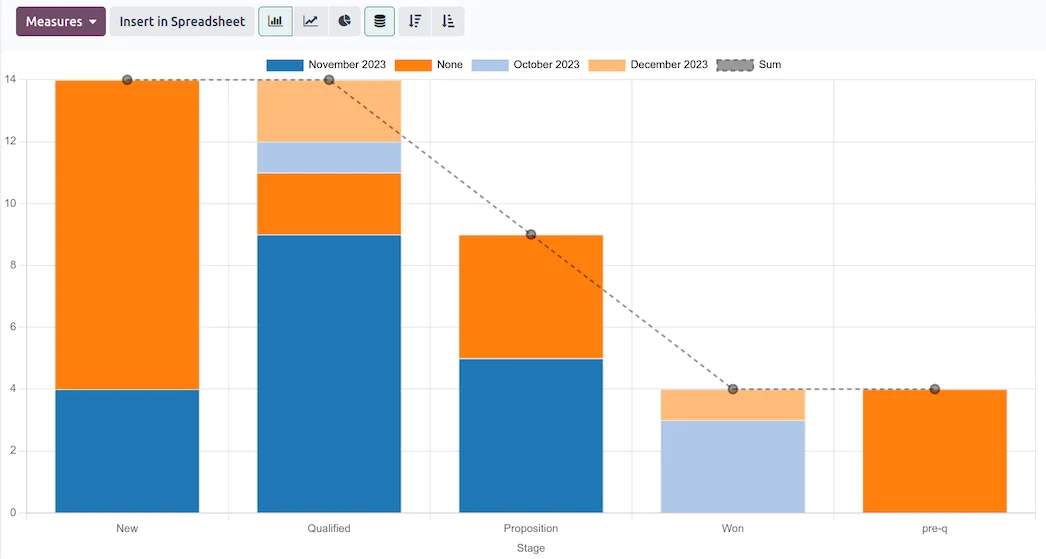
The usual pattern with Zoho is the «app drip»: you start with CRM, then add Books, then Inventory, then Desk… and each one adds cost and another point of friction between them. Odoo starts from the opposite idea: a single system where CRM, sales, invoicing, inventory and accounting already communicate with each other, without integrations to maintain. To this is added the Spanish tax localisation —including VeriFactu— which in Zoho usually falls short for the day-to-day operations of an SME in Spain. For many businesses, unifying is cheaper and simpler.
What can be migrated from Zoho to Odoo
- Contacts of customers and suppliers (Zoho CRM).
- Opportunities and sales funnel.
- Products and catalogue, with prices.
- Invoices and quotes (Zoho Books), with their history.
- Inventory and stock (Zoho Inventory).
- Accounting balances if you managed accounting in Zoho.
Zoho workflows and automations are recreated in Odoo only where they add value, taking advantage of the change to simplify what had become overly complicated.
How to migrate from Zoho to Odoo step-by-step
Step 1 · Data audit
Review what you have in each Zoho app, its status, and what is worth migrating. Deliverable: inventory of data to be migrated.
Step 2 · Mapping to Odoo
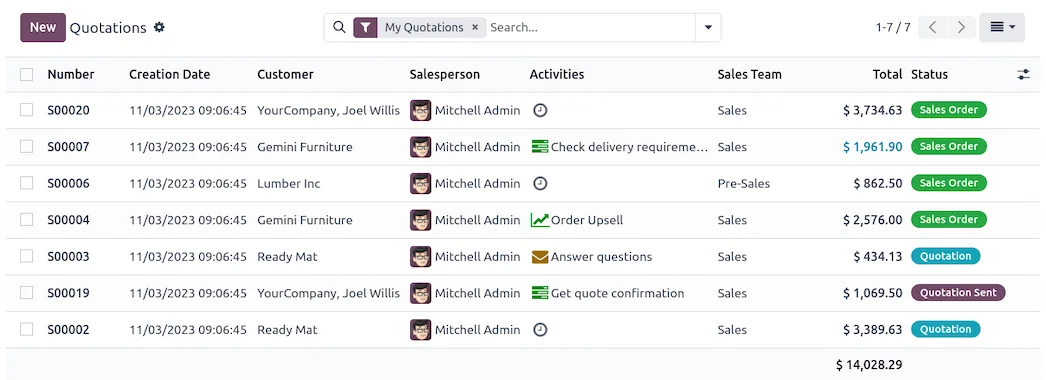
Define how each piece of Zoho data translates to its equivalent in Odoo (contacts, opportunities, invoices, accounts). Deliverable: map of correspondences.
Step 3 · Extraction and cleaning
Zoho data is exported and purged: duplicates, dead contacts, obsolete records. Cleaning before importing saves problems later. Deliverable: purged data.
Step 4 · Import to Odoo
Data is loaded in the correct order (master data first, transactional data afterwards) and Odoo is configured for your operations. Deliverable: data within Odoo.
Step 5 · Validation
It is checked that the migrated data matches Zoho: same contacts, same invoices, same balances. Nothing goes live without this reconciliation. Deliverable: verified data.
Step 6 · Go-live and support
Go-live in Odoo, with support during the first few days and Zoho available as a backup until everything is confirmed to be correct. Deliverable: business operating in Odoo.
What you should not lose in the migration
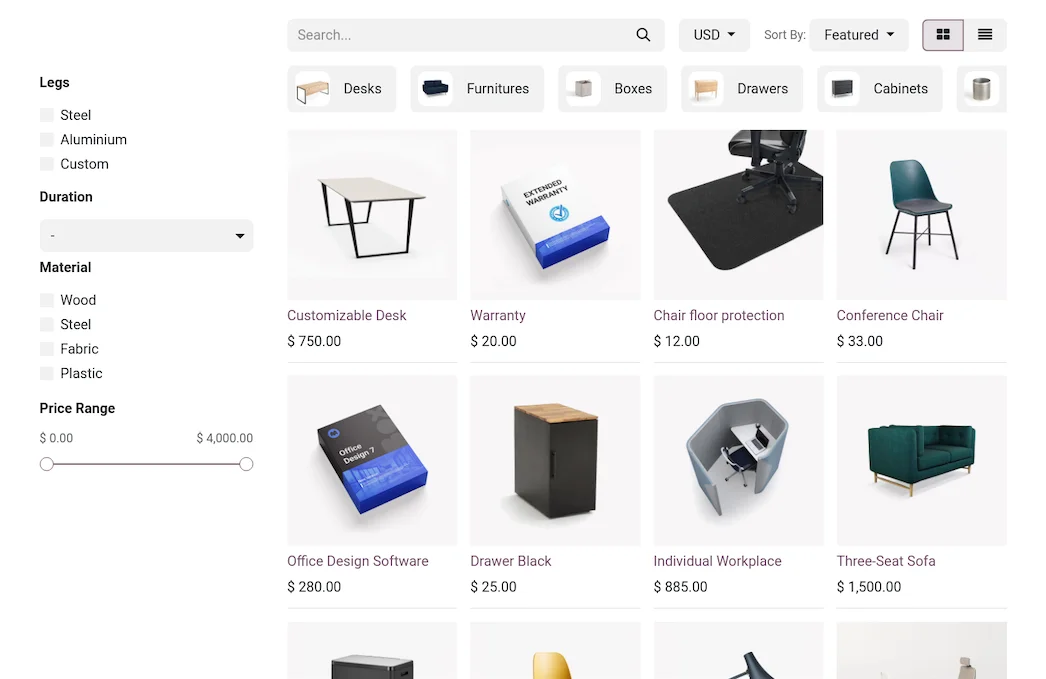
A good project protects three things: the invoice and CRM history (conversations and customer follow-up have commercial value), the correct fiscal numbering to avoid breaking the sequence with the tax authority, and the accounting and stock balances, which must reconcile with Zoho on the cut-over date. Losing CRM history is, for many businesses, the biggest risk: that's where the relationship with each customer lies.
Parallel migration or clean cut
In simple businesses, a clean cut-over —closing Zoho and starting in Odoo— is quick and sufficient. If the CRM is the heart of the business and you cannot afford any gap, parallel migration for a few days provides more security. The partner recommends the approach according to your case.
Common mistakes when migrating from Zoho to Odoo
- Exporting the CRM without purging and dragging along thousands of dead contacts.
- Losing the history of conversations and follow-up for each opportunity.
- Not validating balances and invoices against Zoho before going live.
- Trying to replicate every Zoho automation instead of simplifying.
You have the general framework in the Odoo migration checklist; if you come from another management tool, the approach is similar to that of migrating from Holded to Odoo.
How much does it cost and how long does it take?
| Scope | Indicative timeframe | Example |
|---|---|---|
| Basic | 3 – 6 weeks | Contacts, CRM, and invoicing |
| Medium | 2 – 3 months | Inventory, extensive history, and accounting |
| Advanced | 3 months or more | Multi-app Zoho, integrations, and automations |
Indicative and non-binding timeframes and costs; they depend on the volume of data and how many Zoho apps you used. Details in how much Odoo costs and framework in Odoo implementation.
What you gain by unifying in Odoo
The biggest change is not the savings on subscriptions; it's no longer having the business spread across apps that don't communicate well. With Odoo, a CRM opportunity becomes a quote, an order, and an invoice without copying anything, and stock and accounting update automatically. Furthermore, invoicing complies with VeriFactu from the outset —this is covered by VeriFactu and Odoo—. Fewer tools, less friction, and a single view of the business.
An example: from lead to invoice without copying anything
The best way to see why unifying pays off is to follow a sale. In a typical Zoho setup, a lead enters the CRM, when it progresses someone passes it to Books for invoicing, and the stock is adjusted in Inventory manually or with an integration that sometimes fails. Each jump is a data copy and a point where something goes out of sync. In Odoo that journey is continuous: the CRM opportunity becomes a quote with a click, the quote becomes an order, the order deducts stock and generates the invoice, and the accounting entry is created automatically. Nobody re-copies anything between apps because there are no separate apps. For a sales team, that means less administrative work and zero lost sales due to data left in another tool.
Frequently asked questions
Can the Zoho CRM be migrated to Odoo with its history?
Yes. Contacts, opportunities and the associated follow-up are migrated, so as not to lose the relationship with each customer, which is the most valuable part of the CRM.
And Zoho Books invoices?
Also. Invoices and their history are migrated, and the fiscal numbering is kept correct so as not to break the sequence with the Tax Agency.
Does Odoo replace several Zoho apps at once?
Yes. CRM, sales, invoicing, inventory and accounting are in the same system, so you usually go from several Zoho subscriptions to a single tool.
Does Odoo comply with Spanish tax regulations better than Zoho?
The Enterprise edition includes Spanish localisation and VeriFactu, mandatory in 2026, which in Zoho is often insufficient for the day-to-day of an SME in Spain.
Will I lose my Zoho automations?
Those that add value are rebuilt in Odoo; often the change is an opportunity to simplify automations that had become overly complicated.
Do I have to stop the business to migrate?
No. It is planned to minimise the impact, with Zoho as a backup until Odoo is validated.
How long does it take to migrate from Zoho to Odoo?
Contacts, CRM and invoicing are usually ready in a few weeks; with several Zoho apps and extensive history, from 2 to 3 months. It is determined by the volume and status of your data.
Can I migrate myself from Zoho?
Exporting is accessible, but fiscal reconciliation and CRM mapping are delicate; with an official partner you reduce the risk of losing data or history.
Do I keep the communication history with each client?
The interaction history associated with each contact is migrated so as not to lose the commercial context. Live messaging is reconfigured in Odoo, which includes its own integrated communication module.
Do you want to unify your Zoho in Odoo without losing your CRM?
At Nextdoo, an official Odoo partner, we plan the migration with verified data and your history intact. Start by the Odoo migration checklist or request a diagnosis of your case.
Source: official Odoo documentation (CRM). Indicative and non-binding figures.
Sources
Official sources consulted: official Odoo documentation and electronic office of the Tax Agency (VeriFactu). Cost and timeframe figures indicative and non-binding, subject to variations depending on the project.