
PrestaShop has been a solid option for setting up an online store for years, but many SMEs end up encountering the same problem: a store that goes one way and stock, invoicing, and accounting going another, plus module and update maintenance that eats up time and money. Migrating from PrestaShop to Odoo unites the store with the rest of the business in a single system, without losing the hard-earned SEO. This guide explains how to do it, step by step.
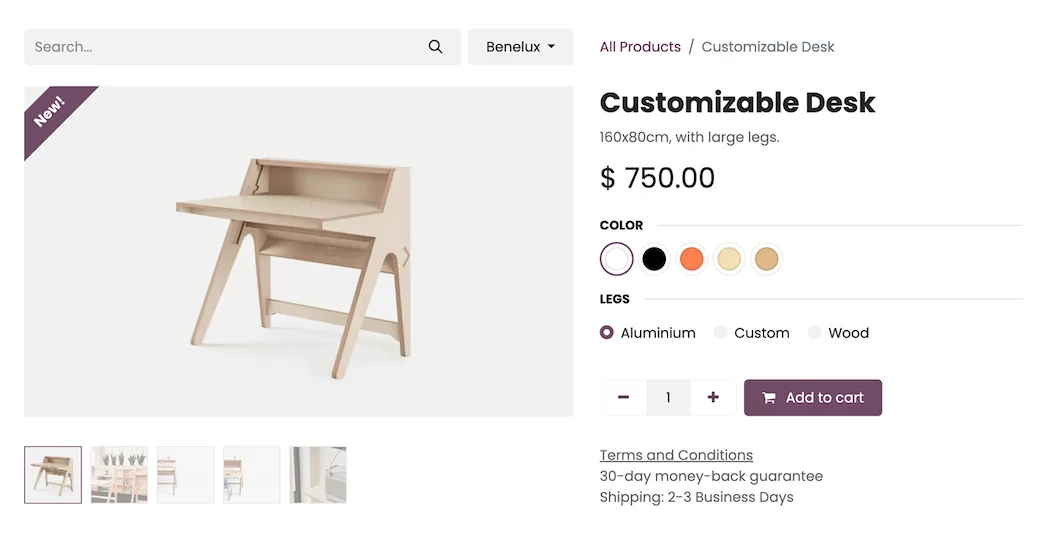
En 30 segundos. Migrate PrestaShop to Odoo without losing SEO or orders. Essential steps, 301 redirects, and errors to avoid. Your guide from an official Odoo partner.
Why migrate from PrestaShop to Odoo
The usual problem with PrestaShop is not the store itself; it's that it lives in isolation. The stock sold online does not deduct from the same warehouse as the physical store, orders are manually passed to invoicing, and each new feature implies one more module to maintain and update. Odoo starts from the opposite idea: the store shares catalogue, stock, customers, and accounting with the rest of the business, without integrations that break with every update. And invoicing complies with VeriFactu from the outset. For many SMEs, it's moving from maintaining a website to having a connected business.
What can be migrated from PrestaShop to Odoo
- Product catalogue, with variants, categories, images and prices.
- Customers and their data.
- Orders and sales history.
- Content (pages, blog) and URLs to preserve SEO.
- Stock and inventory.
- Coupons and pricing rules, where applicable.
What is reconsidered are the PrestaShop modules: in Odoo many features come as standard, so the migration is also an opportunity to stop paying for and maintaining extensions that are no longer needed.
How to migrate from PrestaShop to Odoo step by step
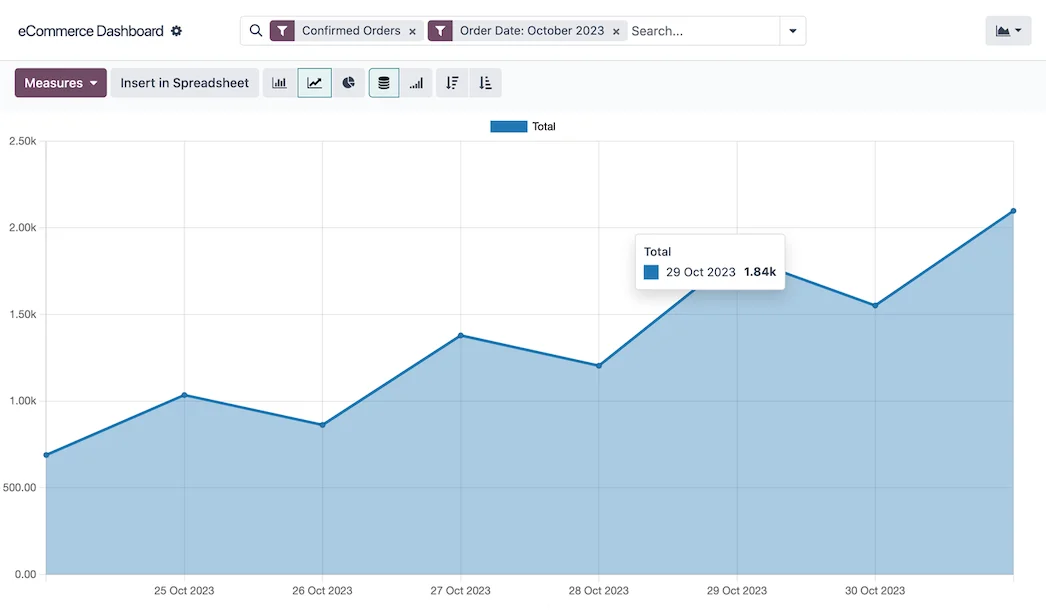
Step 1 · Catalogue and SEO audit
The catalogue, categories, and —very importantly— which URLs are ranked, are reviewed, in order not to lose traffic. Deliverable: product inventory and map of URLs to preserve.
Step 2 · Mapping to Odoo
It is defined how products, variants, categories, customers and orders are translated to Odoo. Deliverable: correspondence map.
Step 3 · Extraction and cleaning
Data is extracted from PrestaShop and purged (duplicate products, broken images, obsolete references). Deliverable: clean catalogue.
Step 4 · Store setup in Odoo
The catalogue is loaded and the store is set up in Odoo, with its design, categories and product pages. The focus is on Odoo ecommerce. Deliverable: store set up.
Step 5 · 301 redirects and SEO
301 redirects are created from the old PrestaShop URLs to the new Odoo ones, to preserve positioning. This step is what prevents losing traffic. Deliverable: SEO protected.
Step 6 · Validation and launch
The complete purchase process is tested, it is validated that nothing is missing, and it is launched, with the old store as a backup until confirmed. Deliverable: store operating in Odoo.
Migrate without losing SEO or orders
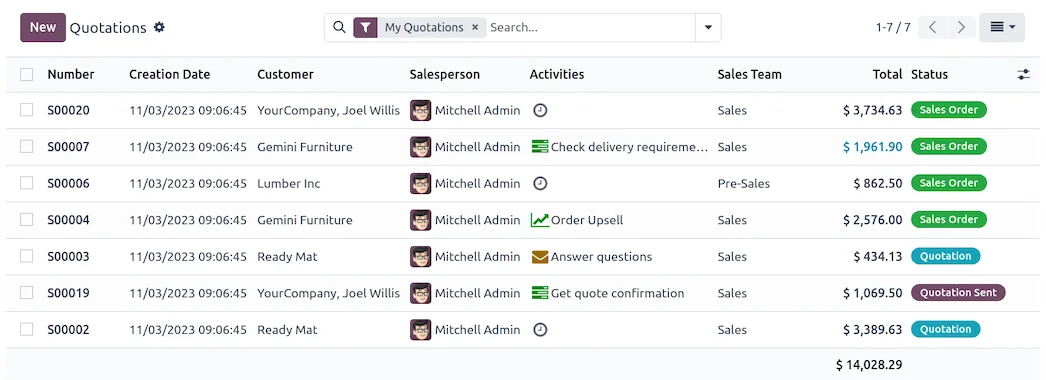
This is the critical point of an e-commerce migration. Losing SEO means disappearing from Google just when you change stores, and recovering it takes months. It is protected with three precautions: keeping the URLs or creating 301 redirects for each positioned page, maintaining the content that attracts visits (product pages, blog, categories) and making the change in a low-traffic window with the old store available until validated. Done this way, the customer does not notice the change and you do not lose a single visit or an order.
Common errors when migrating from PrestaShop to Odoo
- Changing stores without 301 redirects and losing the SEO gained.
- Migrating a dirty catalogue (broken images, duplicate products).
- Not synchronising stock with the rest of the business from the start.
- Making the change during a sales campaign instead of at a quiet time.
You have the general framework in the Odoo migration checklist and the store focus in Odoo ecommerce. Odoo ecommerce B2B.
How much does it cost and how long does it take?
| Scope | Indicative timeframe | Example |
|---|---|---|
| Basic | 4 – 8 weeks | Catalogue, store, payments and redirects |
| Medium | 2 – 3 months | Large catalogue, order history and B2B |
| Advanced | 3 months or more | Multi-language, integrations and customisation |
Indicative and non-binding timeframes and costs; they depend on the catalogue size and the state of your data. Details in how much Odoo costs and framework in Odoo implementation.
What you gain by uniting the store with the business
Migrating from PrestaShop to Odoo properly done is not just changing platform: it means no longer having the store as an island. Each online sale deducts from the same stock as the physical store, generates its invoice and entry without re-encoding, and the customer remains in the same record that handles sales and after-sales. Additionally, you stop maintaining PrestaShop modules and updates that broke each other. Less maintenance, more control and a single view of the business.
What you need before starting
For a quick and clean migration, it's best to arrive with a few things prepared. Firstly, the catalogue as refined as possible: no duplicate products, images in good condition and up-to-date prices, because this is what takes the most work in a shop. Secondly, a list of the URLs that bring traffic —the best-ranked product pages and categories—, to ensure that none are left without their 301 redirect. Thirdly, be clear about which payment gateway and which carriers you use, to reconfigure them in Odoo. And, if you have a physical shop, how you want them to share stock.
Nothing has to be perfect from the start: part of the partner's job is to help you organise your catalogue and URL map before touching anything. The better prepared you are, the less time is spent debugging on the fly and the less risk there is of leaving a loose end that could later cost traffic or orders. In a shop, that preparation is the difference between a migration of a few weeks and one that drags on due to avoidable surprises.
Frequently asked questions
Will I lose SEO when migrating from PrestaShop to Odoo?
No, not if it's planned. URLs are preserved or 301 redirects are created for each ranked page, so that your ranking is maintained and you don't disappear from Google.
Are orders and customers migrated?
Yes. Customers, orders, and sales history are migrated to preserve relationships and business data.
Does Odoo replace PrestaShop modules?
Largely, yes. Many features that were paid modules in PrestaShop come as standard in Odoo, so you usually reduce maintenance and extension costs.
Will the online shop share stock with my physical shop?
Yes. It's one of the biggest advantages: the website and physical shop share the same inventory, so a sale deducts from the same warehouse, no matter where you make it.
Is Odoo VeriFactu compliant for shop invoicing?
The Enterprise edition covers Spanish invoicing obligations, including VeriFactu, which becomes mandatory in 2026, for both online and in-shop sales.
Do I have to close the shop during migration?
No. It's planned not to interrupt sales, with the old shop as a backup until the new one is validated, and the switch is made during a low-traffic window.
How long does it take to migrate from PrestaShop to Odoo?
A shop with a catalogue, payments, and redirects is usually ready in a few weeks; with a large catalogue and extensive history, it takes 2 to 3 months. It's determined by the size of the catalogue and the state of your data.
Can I do it myself?
Exporting is accessible, but mapping the catalogue and —above all— the 301 redirects to avoid losing SEO are delicate; with an official partner, you reduce the risk of losing traffic or orders.
Do you want to connect your PrestaShop store with your business in Odoo, without losing SEO?
At Nextdoo, an official Odoo partner, we plan the migration with 301 redirects and a verified catalogue. Start by Odoo ecommerce or request a diagnosis of your store.
Source: official Odoo documentation (E-commerce). Indicative and non-binding figures.
Sources
Official sources consulted: official Odoo documentation and electronic headquarters of the Tax Agency (VeriFactu). Cost and deadline figures are indicative and non-binding, subject to variations depending on the project.