
In construction, each project is a small business with its own budget, deadlines, materials, and subcontractors. The classic problem is that when the project finishes, no one knows for certain how much margin it has made because costs were spread across delivery notes, spreadsheets, and the site manager's memory. Implementing Odoo in a construction company puts every euro and every hour into its project, so you know the real cost while you can still react. This guide explains how to set it up, step by step.
En 30 segundos. Implement Odoo in construction: manage projects, itemised budgets, subcontractors, and track real costs per job. Optimise your construction business with Nextdoo.
Why construction needs its own approach
A construction company does not mass-produce or sell over the counter: it executes unique projects, each with its own budget and pace. This requires controlling the cost per project —materials, labour, subcontractors, and machinery— and comparing it with what was budgeted before it's too late. It is a control closer to that of a project-based factory than that of a retail business; in fact, it shares logic with Odoo for manufacturing. The objective is simple: that no project goes over budget without you seeing it coming.
How to implement Odoo in construction step by step
Step 1 · Each project, a project
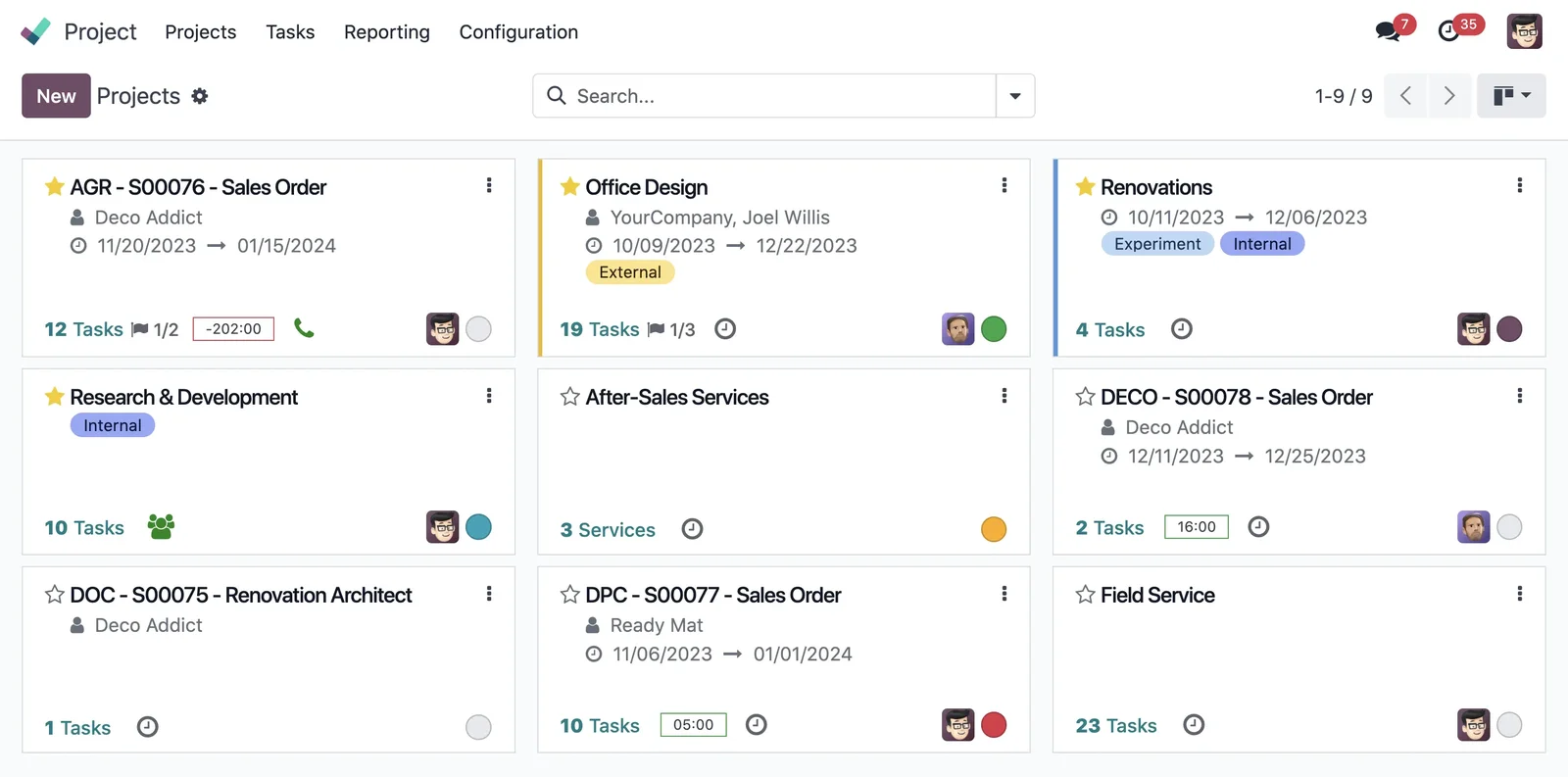
Each project is registered as a project with its client, budget, and dates, so that everything that occurs within it is attributed to a single place. Deliverable: projects structured as projects.
Step 2 · Budgeting by items
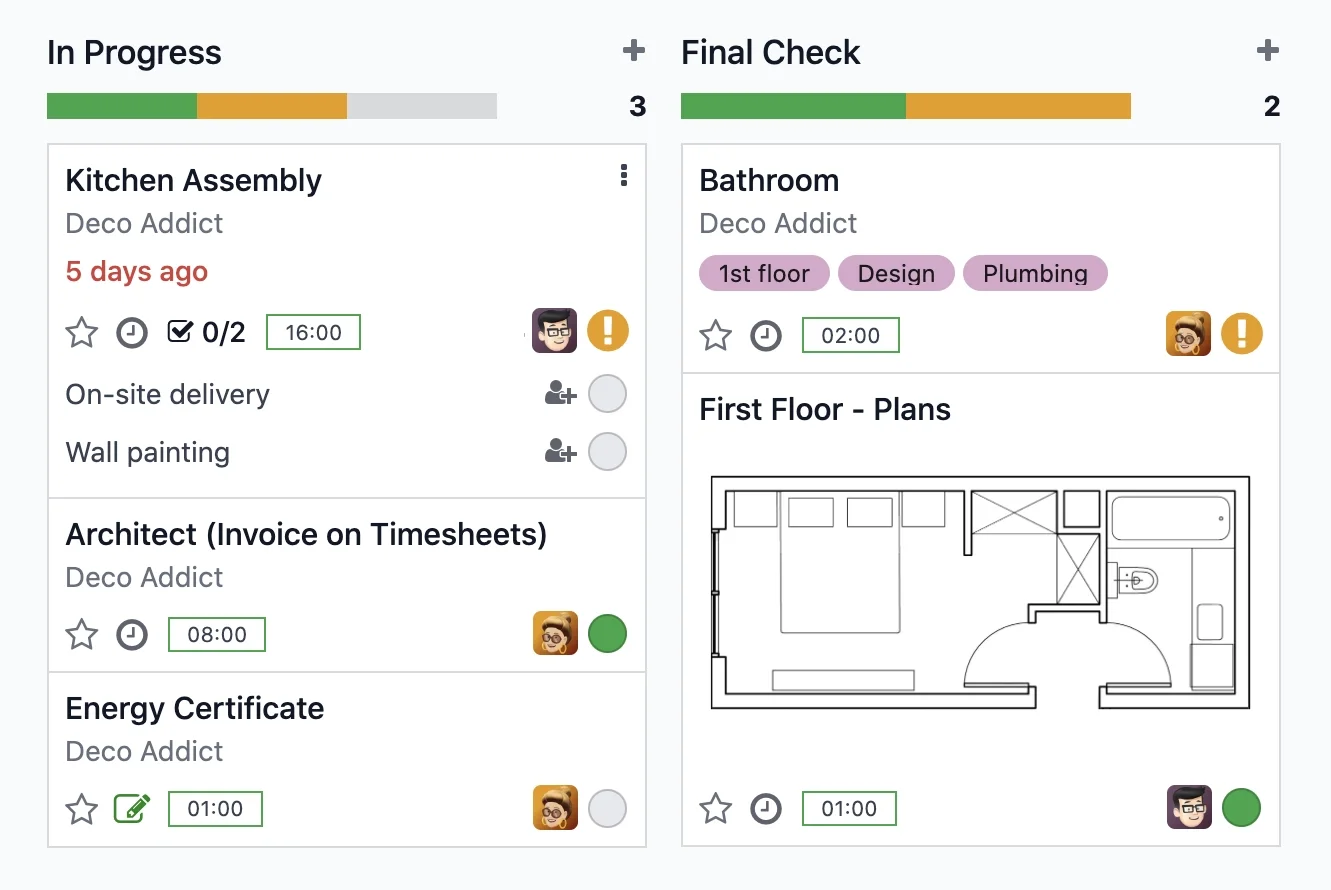
The budget broken down into items (chapters, work units) is loaded, which will serve as a reference to compare what was planned with what is real throughout the execution. Deliverable: project budget in the system.
Step 3 · Purchases, materials, and subcontractors per project
Material purchases and subcontractors are linked to their project, so that each expense is added where it belongs and not to a common pile. This is where the real cost begins to be seen. Deliverable: expenses attributed per project.
Step 4 · Timesheets and progress
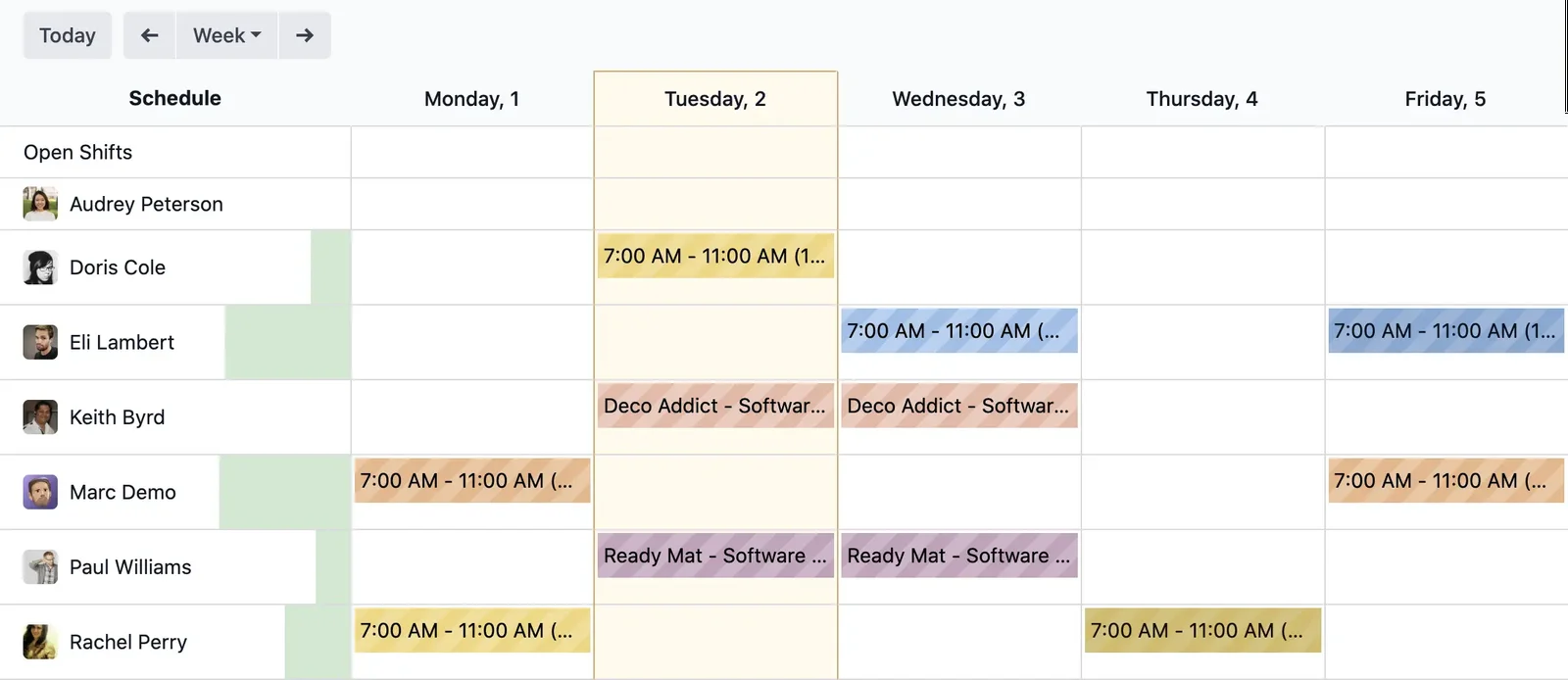
Team hours and project progress are recorded, so that labour is also accounted for and you know how each task is progressing against the plan. Deliverable: controlled labour and progress.
Step 5 · Certifications, invoicing and VeriFactu
Project certifications and invoices are generated in accordance with VeriFactu, mandatory in Spain in 2026. With everything allocated, the invoice is generated directly from the system without re-doing calculations. Deliverable: compliant certifications and invoicing.
What a construction company gains with Odoo
- Real cost and margin per project, not an end-of-year estimate.
- Timely deviations: you see if an item's cost is spiralling while you can still act.
- Organised subcontractors and purchases, each allocated to its project.
- Certifications and invoices that originate from the same place where costs are recorded.
What you need before you start
It helps to be clear about how you budget (which cost items you use), your usual list of suppliers and subcontractors, and an idea of how you currently allocate hours. It is also advisable to choose a pilot project to start —preferably one already underway, neither the largest nor the smallest— and to have a responsible person (site manager or administration) to validate. The partner helps to organise anything missing.
Frequent errors when implementing Odoo in construction
- Pooling costs instead of allocating them to each project.
- Budgeting without line items and then not being able to compare planned versus actual.
- Forgetting about labour and believing the margin is better than it actually is.
- Trying to include all projects at once instead of starting with a pilot project.
With an experienced partner these points are anticipated; it is advisable to choose wisely which partner you implement with. You can find the general framework in Odoo implementation and the cost in how much Odoo costs.
How much does it cost and how long does it take?
| Scope | Indicative timeframe | Example |
|---|---|---|
| Basic | 6 – 10 weeks | Projects as projects + cost per project + invoicing |
| Medium | 2 – 4 months | Budgeting by line items, subcontractors and certifications |
| Advanced | 4 months or more | Multiple simultaneous projects, machinery and integrations |
Indicative and non-binding timeframes and costs; they depend on the number of projects and the state of your data. The detailed cost, without invented figures, in how much Odoo costs.
Controlling deviation before it's too late
The real value of managing each project in Odoo is not having your paperwork tidy, it is being able to react in a timely manner. Since the budget is broken down into line items and each expense is allocated to its project, you can compare planned versus actual by chapter at any time. If the material for a line item is spiralling or a subcontractor has eaten into their margin, you see it while the project is still live and you can still adjust, renegotiate or pass on the cost. That is the difference between finding out about the problem while the project is underway or discovering it three months later, when there is nothing left to do. For a construction company, that early control is usually worth more than any nice-looking report at the end of the year.
What can be automated in a project
Some of the administrative work of a construction project can be taken off the site manager's plate. Recurring purchases of materials are linked to their project without re-coding each delivery note. Certifications are generated from the recorded progress, instead of redoing numbers on a spreadsheet. Alerts for line items approaching the budget limit arrive automatically, without having to check table by table. And invoicing comes out of the system itself, compliant with regulations, with the cost already allocated behind it. The objective is for the project team to dedicate their time to building, not to reconciling paperwork, and for the technical office to work with up-to-date data instead of what they are being told. As always, it is activated in phases, starting with what consumes the most time today.
Frequently asked questions
Is Odoo suitable for a small construction company?
Yes. You can start by treating each project as a separate job and allocating costs, and add budgets by line item or certifications when you need to. Starting with a pilot project is recommended.
Can I know the real margin of each project?
Yes. By allocating materials, subcontractors and hours to each project, Odoo shows the real cost and compares it with the budget, so you see the margin while the project is live.
Does Odoo manage subcontractors?
Yes. Subcontractor purchases are linked to their project like any other expense, so they count towards the cost of that project and not in a common pile.
Is Odoo compliant with VeriFactu in construction?
The Enterprise edition covers Spanish invoicing obligations, including VeriFactu, mandatory in 2026. Certifications and invoices are generated compliantly from the system itself.
Can I manage several projects at once?
Yes. Each project is an independent job with its own budget and costs, and you have an overall view of all of them to know how the company is performing, not just each individual project.
How long does it take to implement Odoo in a construction company?
A start-up with projects as jobs and cost per project usually takes between 6 and 10 weeks. The timeframe depends on the number of projects and how you budget.
Does Odoo replace my budgeting and measurement software?
It can take on the budget by line items and link it with the real cost of the project. For large-scale projects, it sometimes coexists with specialised measurement software, and the partner evaluates each case before deciding what goes into Odoo and what is integrated.
Can I control machinery and rentals per project?
Yes. Just like materials and subcontractors, the cost of owned or rented machinery is allocated to its project, so it counts towards the real margin of that job and not as a diffuse general expense.
Is it suitable for renovations and small-scale construction, not just large projects?
Yes. The same approach —each job as a project with its cost— applies to renovations and small-scale construction; in fact, there, controlling the margin per job often makes even more of a difference.
Do you want to know the real margin of each project without waiting until the end?
At Nextdoo, official Odoo partner, we implement project control by phases, starting with a pilot and with verified data. Start with the implementation of Odoo or request a diagnosis of your company.
Source: official Odoo documentation (Project). Indicative and non-binding figures.
Sources
Official sources consulted: official Odoo documentation and electronic headquarters of the Tax Agency (VeriFactu). Indicative and non-binding cost and timeframe figures, subject to variations depending on the project.